Photo Vault With No Account: What You Gain and What You Give Up
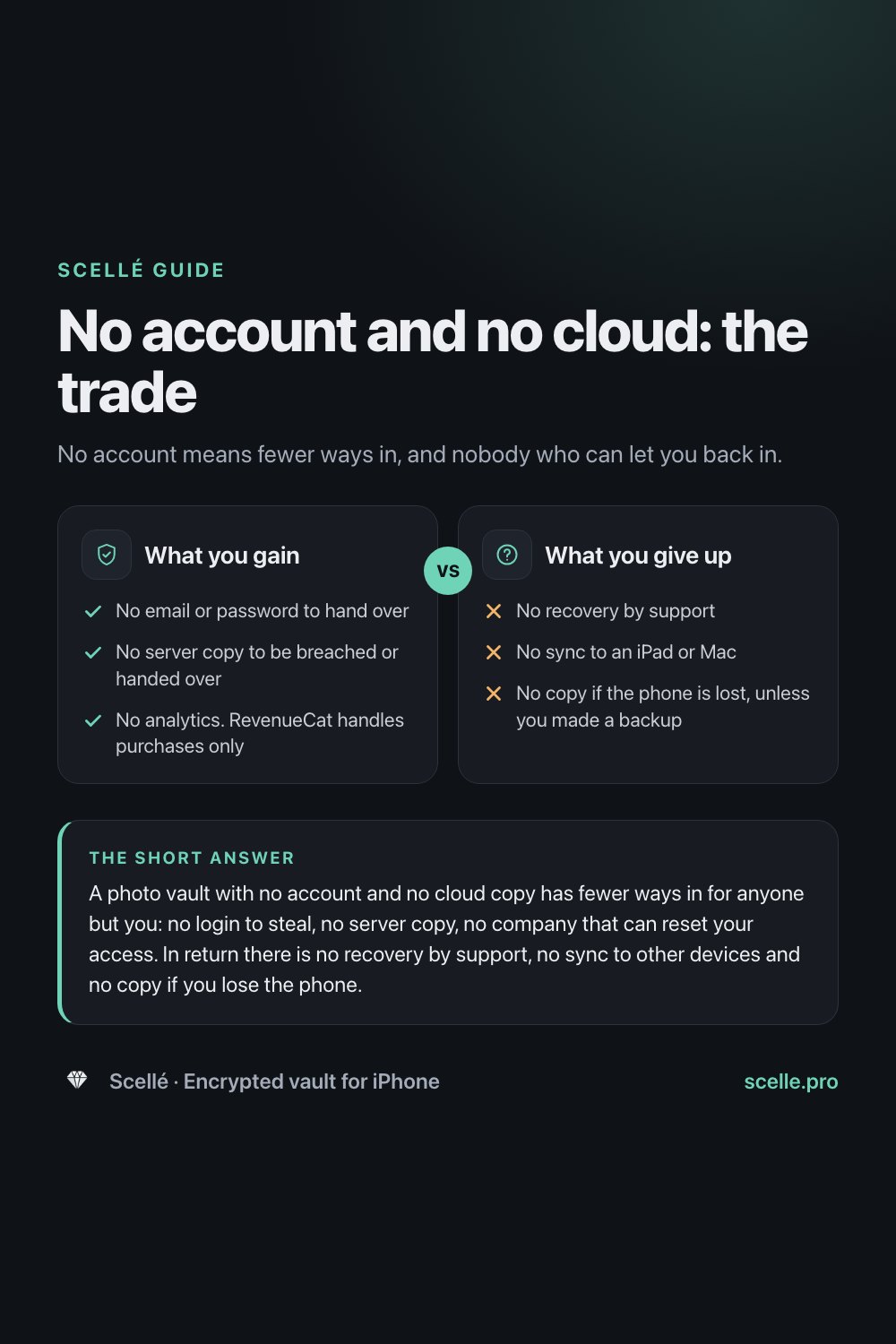
No account means fewer ways in, and nobody who can let you back in.
Published November 15, 2026

A photo vault with no account and no cloud copy has fewer ways in for anyone but you: no login to steal, no server copy, no company that can reset your access. In return there is no recovery by support, no sync to other devices and no copy if you lose the phone. It suits people who value privacy over convenience and will keep their own backup.
Why "no account" is worth a second look
Most apps start by asking for an email and a password. For a game, that is a minor detail. For an app that holds your ID scans, private photos and passwords, it changes who else is involved: a company that knows who you are, a server that may hold a copy of your files, and a reset process that can open your vault for whoever convinces it they are you.
A vault with no account removes all three. That sounds like pure gain, and it isn't. This page lays out what an account actually adds, what changes without one, who can still reach your files, what you lose, how to cover those gaps yourself, and who should pick something else.
What an account adds to a vault
An account is a second way to identify you, apart from your passphrase. That is what makes the convenient features possible:
- Recovery by email. If you forget your password, the company can confirm you and let you set a new one. That only works if the company, or its server, holds a way to open or replace your access.
- Sync and cloud backup. Your files can follow you to a new phone, a tablet or the web, because a copy sits on a server.
- A record of you. An email address, a sign-up date and usually some activity, stored in a company's database.
Apple shows the trade clearly in its own iCloud documentation. With standard data protection, the default, Apple keeps the encryption keys for things like Photos, iCloud Drive and iCloud Backup, so it can help you get your data back after a forgotten password. With Advanced Data Protection turned on, most of that data becomes end-to-end encrypted, Apple no longer holds the keys, and you must set up a recovery contact or recovery key because Apple can't help you in. More recovery options mean more parties with a way in. Fewer parties means you carry the responsibility.
How a vault with no account works in Scellé
Scellé takes the "fewer parties" side completely. Here is what happens to a file you add:
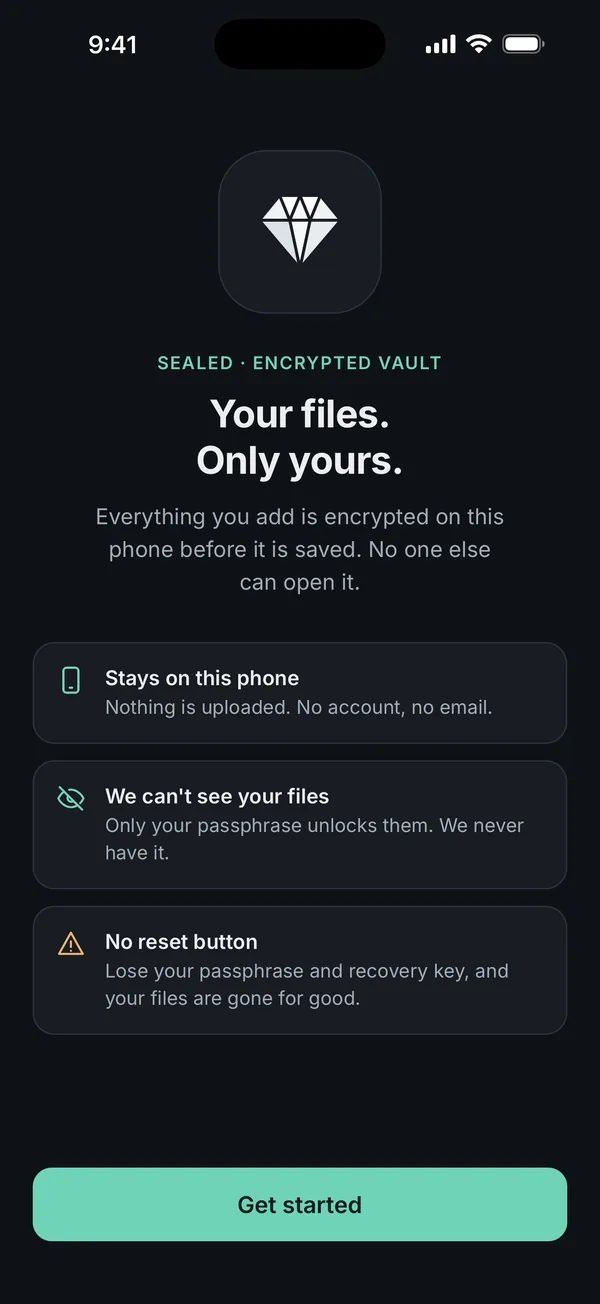
- It is encrypted on the iPhone before it is saved. Each file gets its own random key (XChaCha20-Poly1305), and its name, folder and dates are encrypted too.
- Only your passphrase unlocks those keys. The passphrase is hardened with Argon2id and combined with a secret kept in this iPhone's Keychain, so copied vault files can't be attacked on another device.
- Nothing is uploaded. There is no server and no account. Apple says iCloud Backup normally includes app data for the apps you download; Scellé marks its vault folder so it stays out of iCloud backups.
- Buying a plan doesn't identify you to Scellé. Apple handles the payment. The only outside service in the app is RevenueCat, which manages purchases under a random anonymous ID. The App Store privacy label lists purchase history only, not linked to you. There are no analytics or advertising SDKs.
The full design is on our encryption page, and encrypted on your phone, never uploaded explains what that phrase should mean in any app.
Who can still reach your files
No account doesn't mean no exposure. It moves the exposure from a server to the phone in your hand.
| Who or what | Can they get to your files in Scellé? | Why |
|---|---|---|
| Scellé's developer | No | Never has your files, your passphrase or your keys |
| Apple, through iCloud Backup | No | The vault folder is excluded from iCloud backups |
| The purchase service | No | Sees an anonymous purchase, nothing from the vault |
| Someone who knows your iPhone passcode | No | Scellé has its own passphrase. The passcode doesn't open it |
| A thief with your locked phone | Not without your passphrase | Wrong guesses add waits of up to an hour each |
| Someone you hand the phone to while Scellé is open | Yes, until it locks | Auto-lock runs immediately or after 1 or 5 minutes, as you choose |
| Someone who can hold the phone to your face | Yes, if you turned on Face ID for Scellé | It is off until you turn it on |
| Anyone you sent an exported copy to | That copy, yes | Exported files are ordinary files once they leave the vault |
What you give up
- Recovery by support. If you lose both your passphrase and your recovery key, nobody can get the files back. What happens if you forget your passphrase covers every way in that remains.
- Sync. Scellé runs on iPhone only. There is no iPad or Mac version and nothing syncs between devices.
- An automatic copy. If the phone is lost, broken or erased and you never made a backup file, the vault is gone with it.
- Price. An app with no ads, no tracking and no data business has to charge for the app itself. Scellé costs $1.49 per week or $49.99 once in the US, with your local price shown in the app. There is no free tier or trial. If a plan ends, your files stay readable and exportable; only adding new items needs a plan.
What you gain
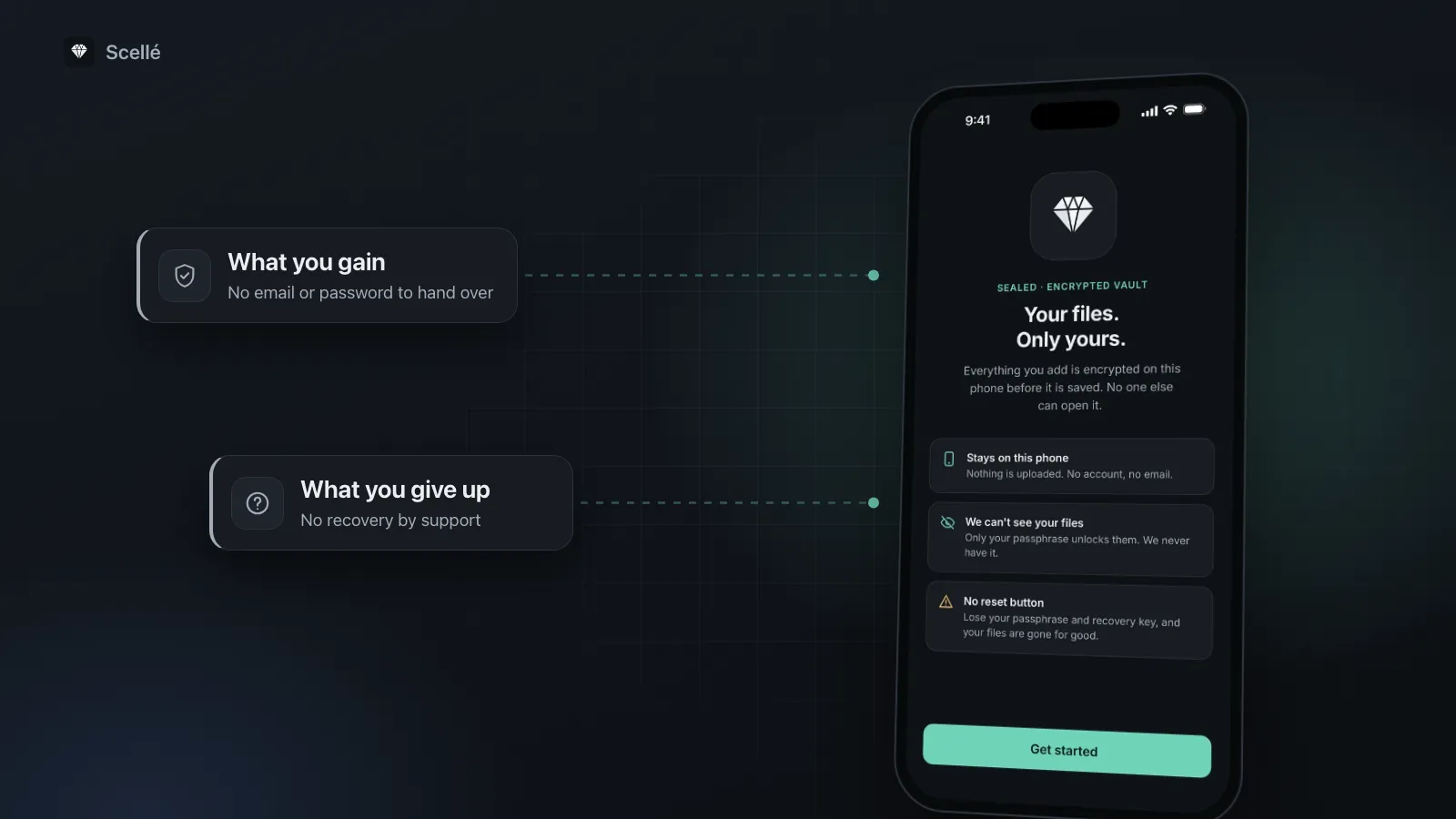
- Yes: No email or password to hand over
- Yes: No server copy to be breached or handed over
- Yes: No analytics. RevenueCat handles purchases only
What you give up
- No: No recovery by support
- No: No sync to an iPad or Mac
- No: No copy if the phone is lost, unless you made a backup
How to cover the gaps yourself
Each gap has a fix that keeps you in control. Do these once, then repeat the backup now and then.
- Pick a passphrase you will remember. Scellé asks for at least 12 characters and shows a strength meter. Four or five unrelated words work well.
- Save the recovery key. Scellé offers 24 words right after you create the vault. If you skipped it, go to Settings, Create recovery key. Print it or save it as a PDF and keep it away from the phone.
- Make a backup file. In Scellé, open Settings, Backup, choose a backup password of at least 12 characters, and tap Create backup file.
- Store the file somewhere you control. The share sheet lets you save it to Files, iCloud Drive, AirDrop it or send it to a computer. It stays encrypted wherever it goes.
- Keep the backup password apart from the file. On paper, or with the recovery key. Without it, the backup can never be opened.
- Repeat after big changes. A backup is a snapshot. Files you add later are not in it until you make a new one.
The same backup file is how you move the vault to a new phone, step by step in how to move a vault to a new iPhone.
When a no-account vault is the wrong choice
Be honest about how you use your files. A vault on one phone is a poor fit if:
- You want the same library on your iPhone, iPad and computer, updated everywhere.
- You know you won't keep a backup or a recovery key, and losing the files would be a disaster.
- You want someone to call when you forget a password.
- You only want a few photos out of the main grid. The built-in Hidden album does that at no cost, and is the Hidden album private? explains its limits.
If sync matters most, a cloud service with end-to-end encryption, such as iCloud with Advanced Data Protection, is a reasonable choice. If you are weighing cloud-based vault apps, our comparisons with Keepsafe and Private Photo Vault set out the differences fairly. A no-account vault suits people who keep IDs, documents and private photos, want them out of the cloud, and are willing to own the backup.
Frequently asked questions
Do I still need an Apple Account to use a vault with no account?
Yes, to download apps and pay through the App Store. That is Apple's account, not the vault's. Scellé itself never asks for a name, email or password, and Apple handles the payment. The purchase service Scellé uses gets a random anonymous ID, so nothing about you or your vault is sent to it.
What happens to my vault if I lose my iPhone?
The vault goes with the phone. Whoever has it still needs your Scellé passphrase, because the iPhone passcode doesn't open the vault, and wrong guesses add growing waits. Your files come back only from a backup file you saved elsewhere, restored into Scellé on another iPhone with its backup password.
Can I open the same vault on my iPad or Mac?
No. Scellé is iPhone only, and there is no sync between devices, because there is no server to sync through. To move the vault to another iPhone, make an encrypted backup file and restore it there. Files you need on a computer can be exported one at a time, as a selection or as a whole folder.
Is a no-account vault safer than iCloud with Advanced Data Protection?
They protect different things. Advanced Data Protection keeps most iCloud data end-to-end encrypted, so Apple can't read it, but the data still lives on Apple's servers and opens on any trusted device signed in to your Apple Account. A vault with no account keeps files on one phone, behind a passphrase separate from the passcode. You can use both.
If I stop paying for Scellé, do I lose my files?
No. If your plan ends, everything in the vault stays readable and you can still open and export it. Only adding new items needs an active plan. Prices are $1.49 per week or $49.99 once in the US, with your local price shown in the app. There is no free tier or trial.
Can the developer hand my files to someone who asks for them?
No. A company can only hand over what it holds, and Scellé's developer never has your files, your passphrase or your keys. There is no account record and no server copy. What exists is on your iPhone, encrypted, and opens only with your passphrase, Face ID if you turned it on, or your recovery key.
Summary
- No account means no login to steal, no server copy and no company that can reset your access.
- It also means no recovery by support, no sync and no automatic copy.
- Close those gaps yourself: a memorable passphrase, a printed recovery key and a backup file stored away from the phone.
- If you need sync across devices or someone to rescue a forgotten password, choose a cloud service instead.