Do Photo Vault Apps Actually Encrypt Your Photos? How to Check
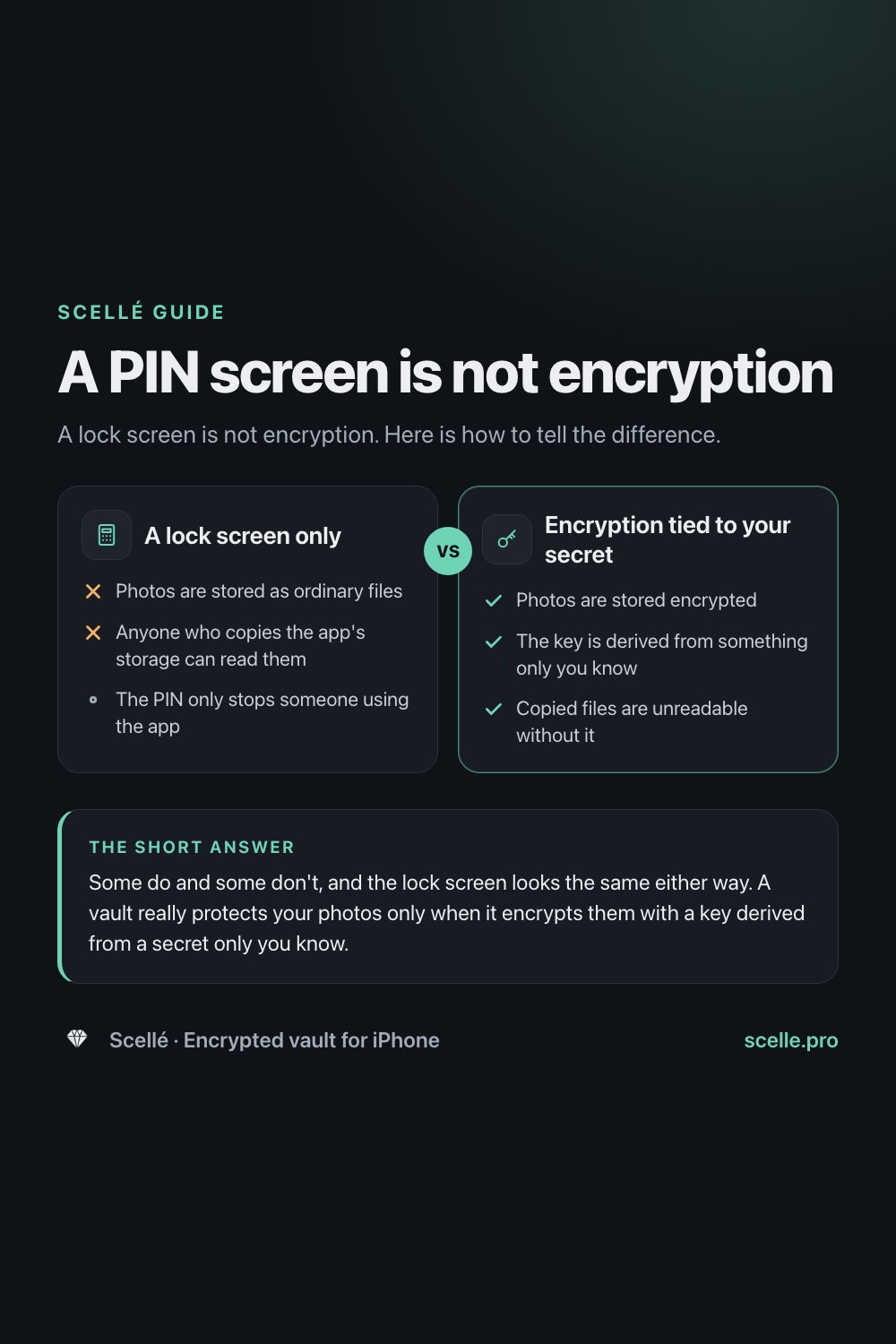
A lock screen is not encryption. Here is how to tell the difference.
Published November 9, 2026 · Updated November 12, 2026

Some do and some don't, and the lock screen looks the same either way. A vault really protects your photos only when it encrypts them with a key derived from a secret only you know. Check the developer's security page, the App Store privacy label, the account and cloud setup, and what happens when you tap Forgot PIN.
Why you can't tell from the lock screen
You moved some private photos into a vault app, it asked for a PIN, and now the photos only show up after you type it. That feels safe. But the lock screen tells you almost nothing about what happened to the files underneath. Two apps can look identical on the outside while one stores your photos as ordinary readable files and the other stores scrambled data that is useless without your secret.
This guide explains what "encrypted" should mean in a vault app, who can still reach your photos with each design, and six checks you can run on any vault in a few minutes. It ends with when Apple's own features are enough.
What "encrypted" should mean in a vault app
Start here: your iPhone already encrypts every app's files. Once you set a passcode, iOS uses Data Protection, which gives each file its own key and encrypts it as it is written to storage. Apple's security guide says third-party apps receive this protection automatically. So a vault app can truthfully say "your photos are encrypted" without doing anything itself.
The catch is who that layer answers to. Data Protection is tied to your iPhone passcode. Anyone who knows the passcode, or who gets hold of a backup that Apple can decrypt, is past it. A vault adds real protection only when it puts a second layer on top, with its own key, derived from a secret that is not your iPhone passcode.
So the question to ask is not "is it encrypted?" but "encrypted with whose key?" There are three common answers:
- A lock screen only. The app asks for a PIN, but the files sit in its storage as normal photos. The PIN stops someone using the app, nothing more.
- Encryption with a key the company can reach. Files are encrypted, but the key lives on the company's server or can be reset by email. That doesn't protect against the company, or anyone who takes over your account.
- Encryption with a key derived from your secret. The app turns your passphrase into a key on the phone, and nobody else ever holds it. This is the design that keeps a copied file unreadable.
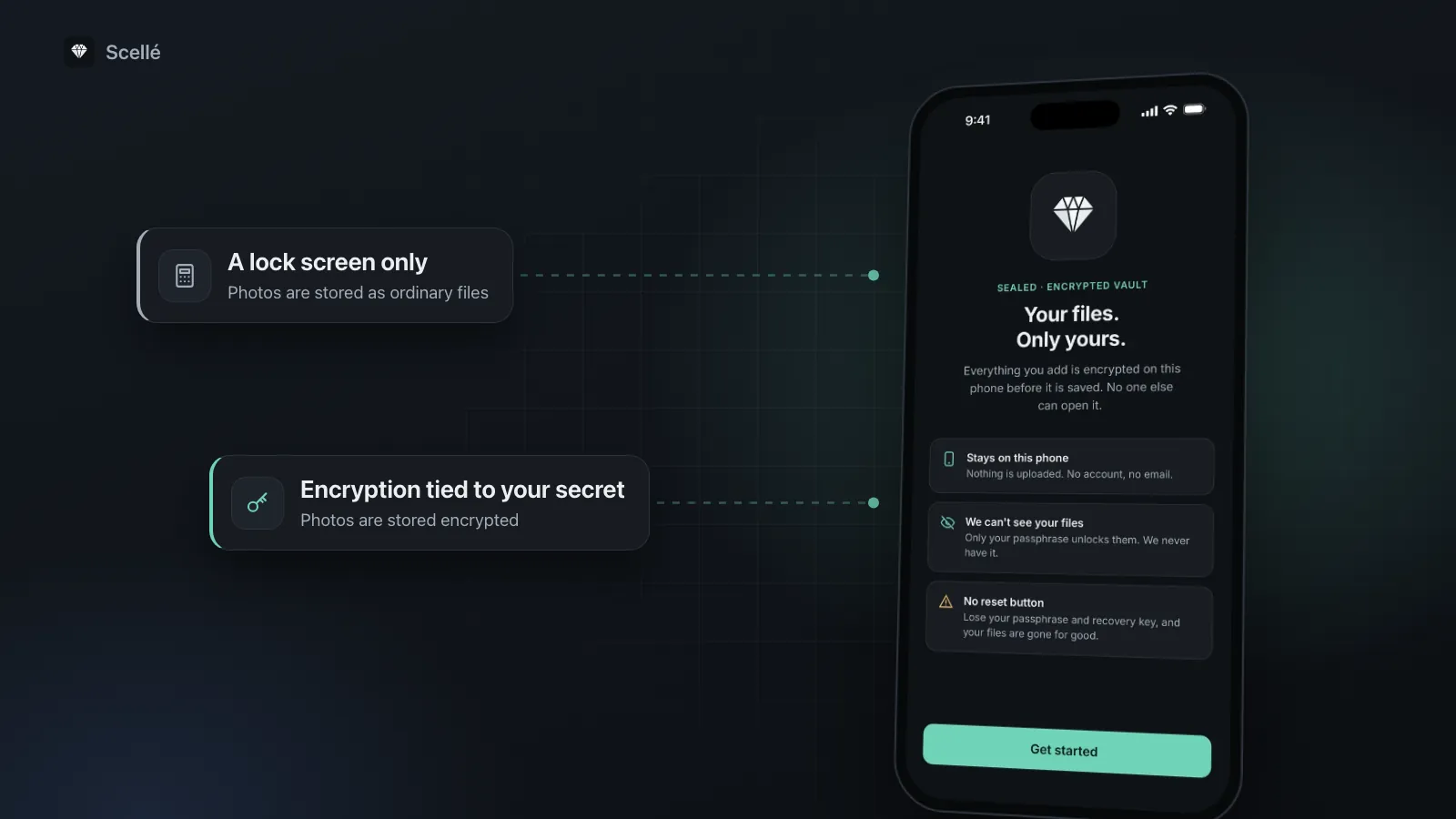
A lock screen only
- No: Photos are stored as ordinary files
- No: Anyone who copies the app's storage can read them
- The PIN only stops someone using the app
Encryption tied to your secret
- Yes: Photos are stored encrypted
- Yes: The key is derived from something only you know
- Yes: Copied files are unreadable without it
Who can still reach your photos
The difference shows up when someone gets around the app instead of through it.
| Situation | Lock screen only | Encrypted with your own secret |
|---|---|---|
| Someone opens the app and guesses | Blocked only as long as the PIN holds | Blocked, and each guess can be made slow |
| Someone gets a copy of the app's files | Can read every photo | Sees scrambled data |
| Your iCloud Backup, if the app's data is in it | Holds readable photos, protected by iCloud's own keys | Holds only encrypted data |
| The app's company | Can read anything it stores or syncs | Has nothing it can open |
| Someone who resets access by email | Gets in | Can't: no one else holds the key |
| Someone who watched you type the secret | Gets in | Gets in |
The backup row deserves a closer look. Apple says iCloud Backup includes app data for the apps on your phone. Under standard data protection, which is the default, Apple holds the keys to iCloud Backup so it can help you restore it. With Advanced Data Protection turned on, iCloud Backup becomes end-to-end encrypted instead. Either way, photos that a vault never encrypted are only as private as that backup.
Six checks to run on any vault app
You don't need to read code to judge a vault. These checks take about ten minutes.
- Read the developer's security page. Look for a named encryption algorithm, a named method for turning your PIN or passphrase into a key, and a plain statement of where the keys live. Phrases like "bank-level" or "unbreakable" with no detail tell you nothing.
- Read the App Store privacy label. On the app's App Store page, scroll to App Privacy. Note anything listed as used to track you, and how much is linked to you. The developer fills in this label itself, so treat it as the minimum the app collects.
- Notice what setup asks for. An email, phone number or sign-in means an account, and usually something kept on a server. A vault that only asks for a 4-digit PIN is relying on a very short secret.
- Tap "Forgot PIN" and read what it offers. If an email link or a support ticket can give you your photos back, then either the company can reach the key or the photos weren't encrypted with your secret at all. An honest vault offers a recovery key that only you hold, or says plainly that a forgotten secret can't be recovered.
- Find out where the files go. Look for sync, cloud backup or "access from any device". Any of these means copies leave your phone. Ask, too, whether the vault keeps its data out of your iCloud Backup.
- Check what happened to the originals. After importing, open Photos and look through your library, then tap Collections and open Recently Deleted. A vault can only protect the copy it holds.
If the developer won't say
If you can't find any of this, assume the weaker design. Developers who encrypt properly usually explain it in detail. Silence, or a single line saying "encrypted", is a reason to keep your most private files somewhere else.
Copies a vault can't protect
Even a well-built vault only protects the copy inside it. Private photos often survive here:
- Recently Deleted. Apple keeps deleted photos in the Recently Deleted collection for 30 days before removing them for good. You can delete them permanently sooner from that collection.
- Your other devices. With iCloud Photos on, deleting or hiding a photo applies on all your devices. A photo you never deleted stays on all of them.
- Chats and shared albums. A photo you sent or shared exists on someone else's phone and on that service, whatever you do with your own copy.
- Exports. When you export a photo out of any vault, the exported copy is an ordinary file again.
For the full process, see how to move photos into a vault without leaving copies behind.
When a simple lock is enough
Not everyone needs encryption with a separate secret. If your only worry is someone scrolling through your photos while you show them something, Apple's Hidden collection already does that job. Apple locks the Hidden and Recently Deleted collections with Face ID, Touch ID or your passcode by default, and on current iOS you can take the Hidden collection out of view entirely: go to Settings > Apps > Photos and turn off Show Hidden Album. Our guide on how private the Hidden album really is covers its limits.
You need more than a lock when someone knows or could learn your iPhone passcode, when you hand your phone to other people unlocked, or when you don't want the photos sitting in an iCloud Backup or synced through iCloud Photos. That is where a vault with its own secret earns its place, and where a PIN screen alone gives false comfort. The Hidden album and Scellé side by side shows the trade-offs point by point.
How Scellé answers the six checks
Scellé is our app, so here are its answers, checked against its code:
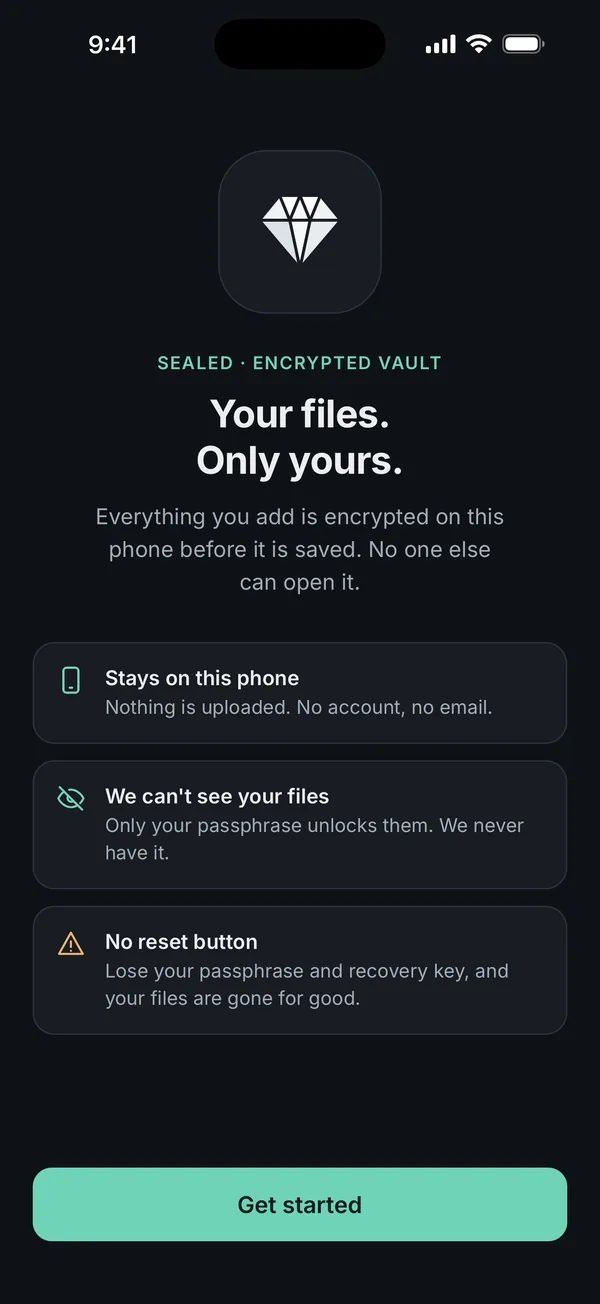
- Encryption: each file gets its own random key and is encrypted with XChaCha20-Poly1305. Your passphrase is turned into a key with Argon2id (3 passes, 64 MiB of memory) and combined with a secret kept in this iPhone's Keychain. The algorithms come from libsodium, a widely used library.
- Privacy label: there are no analytics or advertising tools in the app. The only outside service is RevenueCat, which handles purchases, and the label lists purchase history as the only data collected, not linked to you.
- Setup: no account and no email. Scellé asks for a passphrase of at least 12 characters, separate from your iPhone passcode.
- Forgot passphrase: an optional 24-word recovery key that only you hold. There is no reset button and no back door. See what happens if you forget a vault passphrase.
- Where files go: nowhere. They stay on the iPhone, and the vault folder is excluded from iCloud backups.
- Originals: after import, Scellé can ask iOS to delete the originals from Photos. iOS asks you to confirm, and they then sit in Recently Deleted for 30 days unless you delete them from there.
What Scellé doesn't do: it doesn't sync, so your vault lives on one iPhone, and moving it to a new phone takes an encrypted backup file you make yourself. It costs $1.49 a week or $49.99 once (US prices; your local price is shown in the app). The full design is on the security page.
Frequently asked questions
Is my iPhone already encrypting the photos inside a vault app?
Yes, in a sense. With a passcode set, iOS encrypts every app's files with Data Protection, and third-party apps get it automatically. But that layer is unlocked by your iPhone passcode, so anyone who knows the passcode gets the same access you do. A vault app is only worth it if it adds its own encryption with a separate secret.
Can the company behind a vault app see my photos?
It depends on where the files are and who holds the key. If photos are uploaded to the company's servers and the company can reset your access, it can in principle decrypt them. If files stay on your phone, encrypted with a key derived from your own secret, the company has nothing it can open. The security page and privacy policy should say which applies.
How can I tell if a vault app uploads my photos?
Look for words like sync, cloud backup, account or sign in on the App Store page and in the app's settings. An app that asks for an email at setup usually keeps something on a server. The privacy label also lists data collected, and Apple defines collected as sent off the device, though developers fill in the label themselves.
Can a vault app protect photos that are already in iCloud?
No. A vault protects only the copy it holds. If iCloud Photos is on, the original stays in your library and in iCloud until you delete it from Photos. Deleted photos then wait in Recently Deleted for 30 days before they are removed from all your devices, unless you empty that collection sooner.
Is a 4-digit PIN enough to protect a photo vault?
Only against someone poking at the app's lock screen, and only if the app slows down wrong guesses. A 4-digit PIN has 10,000 combinations, so anyone who can test guesses directly against a copy of the encrypted files gets through quickly. For real encryption, the secret behind it should be a long passphrase.
Are vault apps safer than the Hidden album on iPhone?
Not automatically. The Hidden album is locked with Face ID, Touch ID or your passcode, which is fine against a casual look. A vault app is safer only if it encrypts with its own secret and keeps files out of places you didn't choose. A vault with a PIN screen and nothing underneath can be weaker, not stronger.
Summary
- A PIN screen and encryption look the same from the outside. Judge a vault by whose key protects the files.
- Your iPhone already encrypts app files under your passcode. A vault is worth it only if it adds its own secret.
- Run the six checks: security page, privacy label, setup, Forgot PIN, where files go, and the originals.