Forgot Your Vault Passphrase? What Can Still Open the Vault
Nobody can reset it for you. What still works is whatever you set up beforehand.
Published November 10, 2026 · Updated November 12, 2026

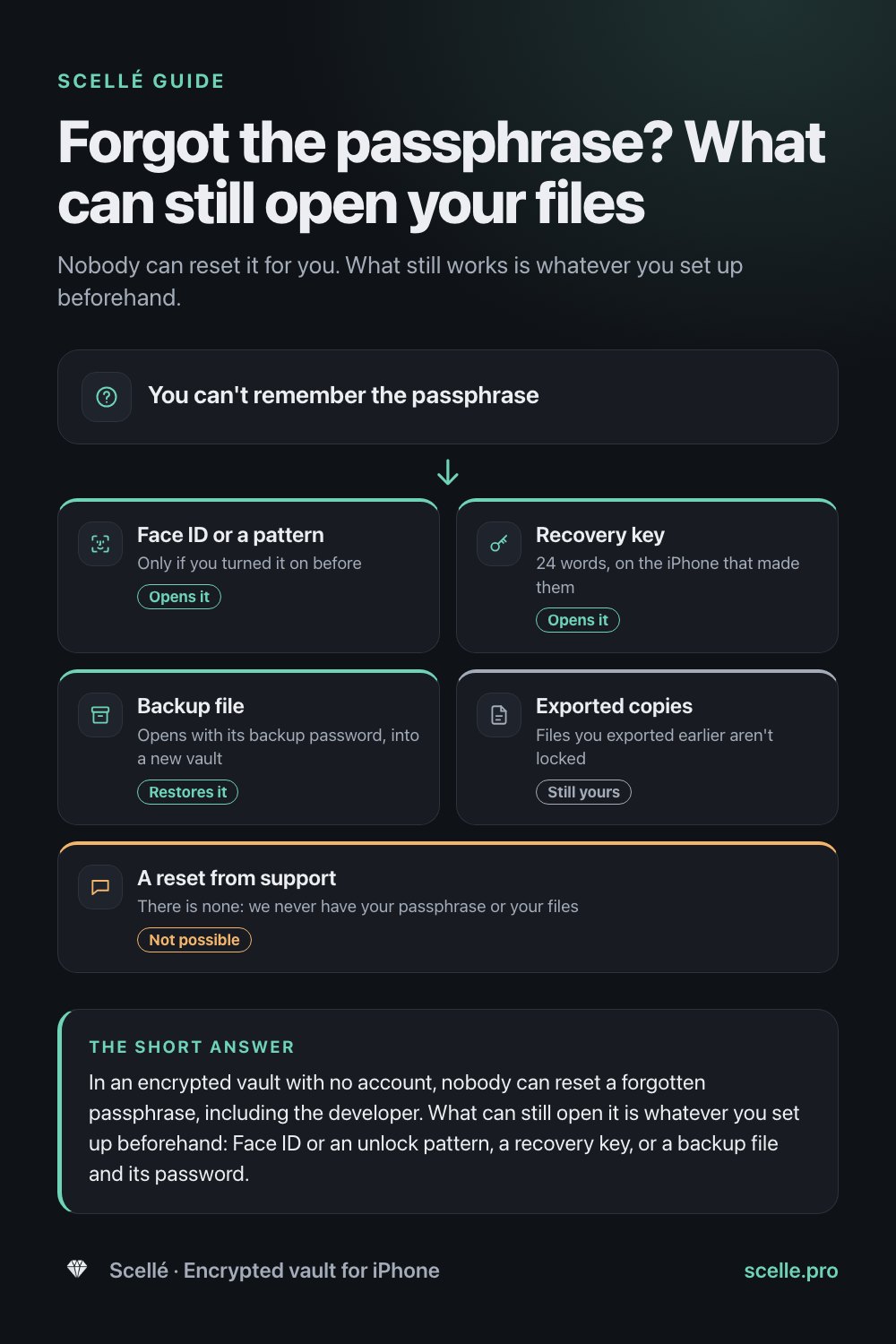
In an encrypted vault with no account, nobody can reset a forgotten passphrase, including the developer. What can still open it is whatever you set up beforehand: Face ID or an unlock pattern, a recovery key, or a backup file and its password. In Scellé, wrong guesses only add waiting time, so you can keep trying calmly.
Locked out, with no "forgot password" link
You open your vault app, type the passphrase you were sure of, and it doesn't work. You try the variations you usually use. Still nothing. There is no "Forgot password?" link, no email to reset it, and the developer cannot help.
That is frustrating, and it is also what you chose: a vault only you can open. But "nobody can reset it" is not the same as "nothing can open it". This page covers why there is no reset, every way in that may still work, the order to try them in, the mistakes to avoid, and how to set things up so this never becomes a real loss. The details are for Scellé; the logic applies to any vault that truly encrypts on the phone.
Why nobody can reset it for you
In Scellé, your files are encrypted with keys that are themselves locked by your passphrase. The passphrase goes through Argon2id, a memory-hard function built for password hashing that makes every guess slow and costly. The result is combined with a secret kept in this iPhone's Keychain, and only then does it unlock the vault. Scellé never sends the passphrase anywhere and never stores it. There is no account and no server, so there is nothing a support team could use.
A reset button would need a second key held by someone else. Apple describes this trade for iCloud: with standard data protection, Apple keeps encryption keys so it can help you recover data after a forgotten password. With Advanced Data Protection, Apple doesn't have those keys and asks you to set up a recovery contact or recovery key instead. A vault with no account always works like the second case.
More on how the passphrase becomes a key is in passphrase, PIN or Face ID and on our encryption page.
What can still open your vault
Each of these is a separate way in, and any one that works is enough. All of them have to be set up before you forget, which is why the list is worth reading even if you are not locked out today.
| Way in | Works if | Where it works | Watch out for |
|---|---|---|---|
| Face ID or Touch ID | You turned on Unlock with Face ID (or Touch ID) in Scellé's Settings | This iPhone, main vault only | It turns itself off if a face or fingerprint is added to the phone |
| Unlock pattern | You set a pattern in Settings | This iPhone | Pauses after five wrong attempts of any kind, until the vault is opened again |
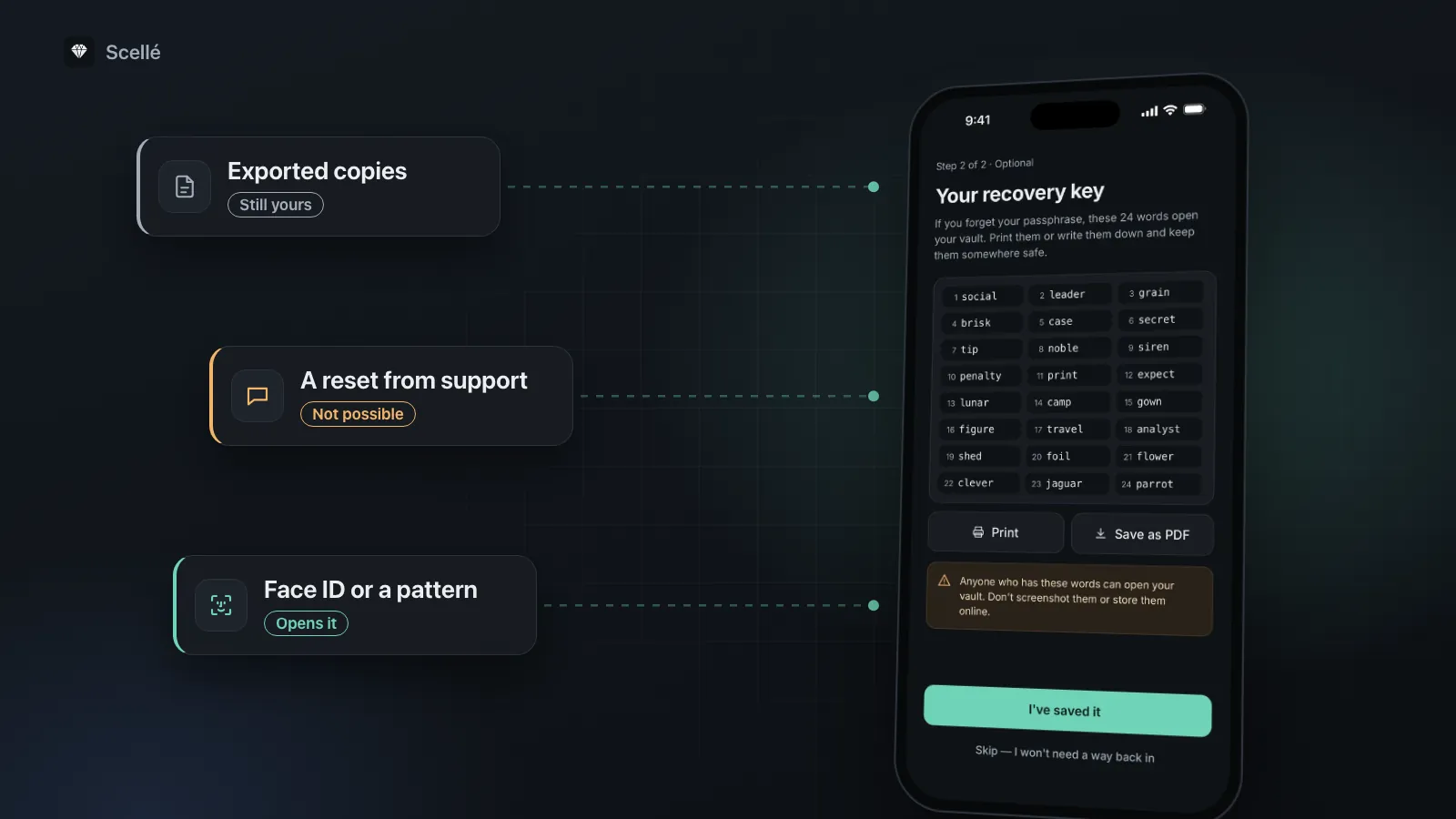
| Recovery key | You saved the 24 words when you made the vault, or later in Settings | Only the iPhone that made it | Wrong words count toward the same waiting time as wrong passphrases |
| Backup file | You made one in Settings, Backup, and remember its backup password | Any iPhone, restored into a new vault | It holds the vault as it was when you made the file, nothing added since |
| Exported copies | You exported files earlier through the share sheet | Wherever you saved them | They are ordinary, unencrypted files |
| A reset from support | Never | Nowhere | We never have your passphrase, your words or your files |
- Face ID or a patternOnly if you turned it on beforeOpens it
- Recovery key24 words, on the iPhone that made themOpens it
- Backup fileOpens with its backup password, into a new vaultRestores it
- Exported copiesFiles you exported earlier aren't lockedStill yours
- A reset from supportThere is none: we never have your passphrase or your filesNot possible
What to do right now, in order
Go from the gentlest option to the most drastic.
- Try Face ID or Touch ID first. If you turned it on, the lock screen offers it straight away, or tap Use Face ID. A successful scan also clears any waiting time.
- Try your pattern next. If you set one, the lock screen shows the grid, or tap Use pattern instead. Do this before more passphrase guesses, because the pattern pauses after five wrong attempts of any kind.
- Then slow down with the passphrase. Think about which words you favor and whether capitals or autocorrect could have changed it. Type each guess deliberately.
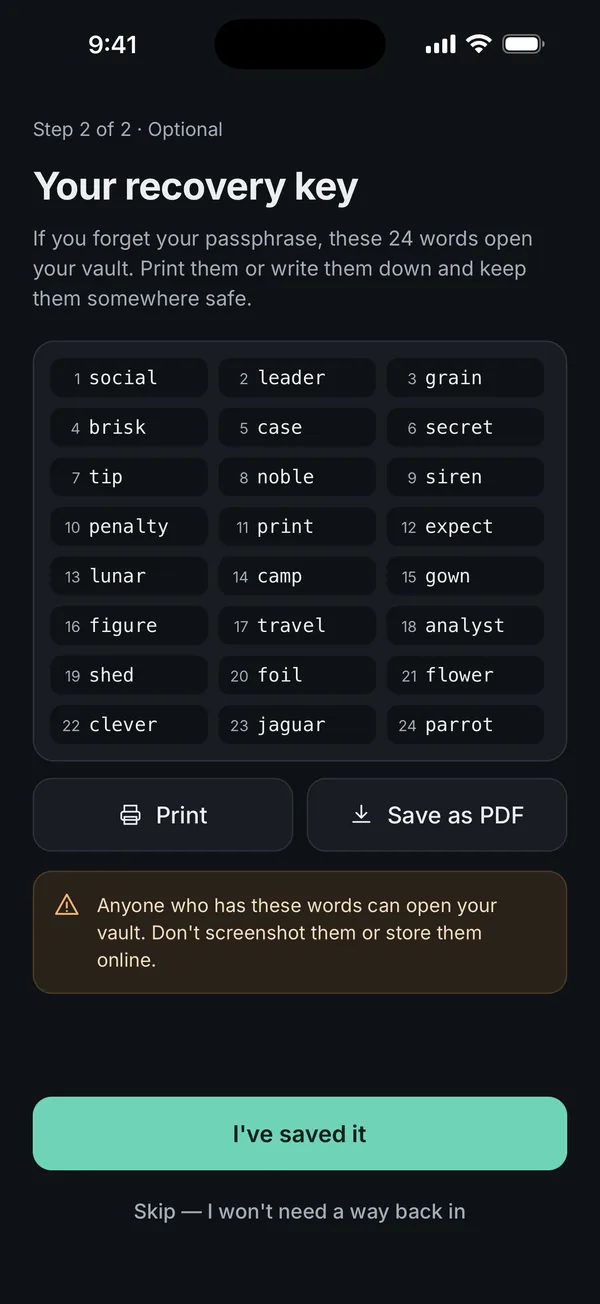
- Use the recovery key. Tap Use recovery key instead and type the 24 words, separated by spaces. Capitals, numbers and punctuation don't matter, but the order does.
- Once you are in, protect what matters. Export the files you can't lose to a place you control, and keep the recovery key safe, because it will keep opening the vault.
- Only if nothing above works, use a backup file. On another iPhone, install Scellé, choose or restore your plan, set up a vault and open Settings, Backup, Choose backup file. On the same iPhone you would first have to delete Scellé, which deletes the locked vault for good, so only do that once you are sure no way in remains.
If you got in with Face ID, a pattern or the recovery key
You can open, view and export everything. Changing the passphrase, making a new recovery key and making a backup all ask for the current passphrase, so they won't help yet. If the passphrase never comes back to you, the clean way to start over is to export your files, use Erase everything in Settings, set up a new vault with a passphrase you will remember, and add the files back.
If all you have is a backup file
The backup password is separate from the vault passphrase. If you remember it, the backup restores on any iPhone, adding its items to the open vault. Anything added after the backup was made is not in it. The steps are in how to move a vault to a new iPhone.
How the wait after wrong guesses works
In Scellé, the first five wrong attempts cost nothing. After that, each wrong passphrase or recovery key means a longer wait before the next try: 30 seconds, then 1 minute, 5 minutes, 15 minutes, and then an hour for every try after that.
- The count is kept in the Keychain, so closing the app doesn't reset it.
- Changing the date and time doesn't skip the wait, and restarting the phone can make a wait longer, never shorter.
- Wrong guesses never erase the vault. There is no "ten strikes and it's gone" setting.
- A successful Face ID or Touch ID unlock clears the wait.
The wait slows down someone trying guesses on your phone. The real protection is Argon2id plus a strong passphrase, as our locking and protection page explains.
Mistakes that close the last doors
These moves feel like resets but only remove options.
- Deleting the app. Apple's iPhone guide says deleting an app removes it and its data from your iPhone. For Scellé, that data is the vault itself, and your recovery key can't bring it back afterwards.
- Erasing or restoring the iPhone. Erasing deletes the vault. Restoring from an iCloud backup doesn't bring it back, because Scellé keeps the vault out of iCloud backups.
- Typing your second vault's passphrase in a hurry. If you set up a second vault as a duress vault, opening it deletes the main vault. Read how a second vault works before using one.
- Paying someone to "crack" it. The vault key depends on a secret that stays in your iPhone's Keychain, and Apple's security guide says items marked "this device only" are useless if restored to a different device. A copy of the vault's files can't be attacked on another machine.
Set up your way back in today
If nothing has gone wrong yet, ten minutes now protects the vault later.
- Choose a passphrase you can recall cold. Scellé needs at least 12 characters and shows a strength meter. Four or five unrelated words you can picture work well.
- Make the recovery key. Scellé offers it right after you create the vault. If you skipped it, go to Settings, Create recovery key, and confirm with your passphrase. Tap Print or Save as PDF, then store the paper away from the phone. Screenshots are blocked while the words are on screen.
- Don't keep the words on the same iPhone. Not in Photos, Notes or Mail. Anyone with the words and your unlocked phone could open the vault.
- Make a backup file now and then. Settings, Backup. Pick a long backup password and store it apart from the file.
- Consider Face ID or a pattern. Another way in, at a cost: anyone who can hold the phone to your face can open the vault, and a pattern is easier to watch.
When the honest answer is no
With no passphrase, no Face ID or pattern, no recovery key, no backup you can open and no exported copies, the files cannot be recovered, by us, by Apple or by a data recovery service. We would rather say that plainly.
It is also the test for any vault app: ask what happens if you forget the passphrase. If the answer is a reset link by email, the company holds a way to open your files or to wipe them. Our checklist on whether a vault really encrypts covers the rest, and the recovery key page explains how Scellé's 24 words work.
Frequently asked questions
Can Scellé support reset my passphrase if I prove who I am?
No. There is no account to verify and nothing to reset. Scellé never receives your passphrase, your recovery words or your keys, so support has no way to open the vault or set a new passphrase, whatever proof you send. The only ways in are the ones you set up on the phone: Face ID, a pattern, the recovery key or a backup file.
How many wrong passphrase attempts before Scellé deletes my files?
None. Scellé does not erase the vault after wrong guesses. You get five tries, then each wrong passphrase or recovery key adds a wait: 30 seconds, 1 minute, 5 minutes, 15 minutes, then an hour per try. The vault stays as it is, so you can take your time and come back to it later.
Will my recovery key work on a new iPhone?
No. The recovery key is combined with a secret kept in the Keychain of the iPhone that made it, so it opens the vault only on that phone. To move a vault to another iPhone, make an encrypted backup file in Settings, Backup, and restore it in Scellé on the new phone with the backup password.
I opened the vault with my recovery key. Can I set a new passphrase now?
Not directly. In the current version, Change passphrase asks for the current passphrase. The recovery key keeps working each time you need it, so keep it safe. If you would rather start over with a new passphrase, export your files, use Erase everything, set up a fresh vault and add the files back.
Can a forgotten backup password be recovered?
No. A Scellé backup file is encrypted with a key made from its backup password and nothing else, which is why it opens on any iPhone. It also means nobody can open it without that password, and there is no reset. Your vault passphrase and recovery key do not open a backup file.
Summary
- Nobody can reset an encrypted vault's passphrase. Try Face ID, your pattern, careful guesses and the recovery key, in that order.
- Wrong guesses in Scellé only add waiting time.
- Don't delete the app or erase the phone while there is still a way in to try.
- If you can get in at all, export what matters first.
- Before you need it: a memorable passphrase, a printed recovery key and a recent backup file.
Sources
- Apple Support: iCloud data security overview (standard data protection and Advanced Data Protection)
- Apple Platform Security: Keychain data protection ("This device only" items)
- iPhone User Guide: Remove or delete apps from iPhone
- RFC 9106: Argon2 memory-hard function for password hashing
- Scellé: The recovery key