Does Deleting a Vault App Delete My Photos? What Happens
Deleting an iPhone app deletes what it kept on the phone.
Published November 14, 2026

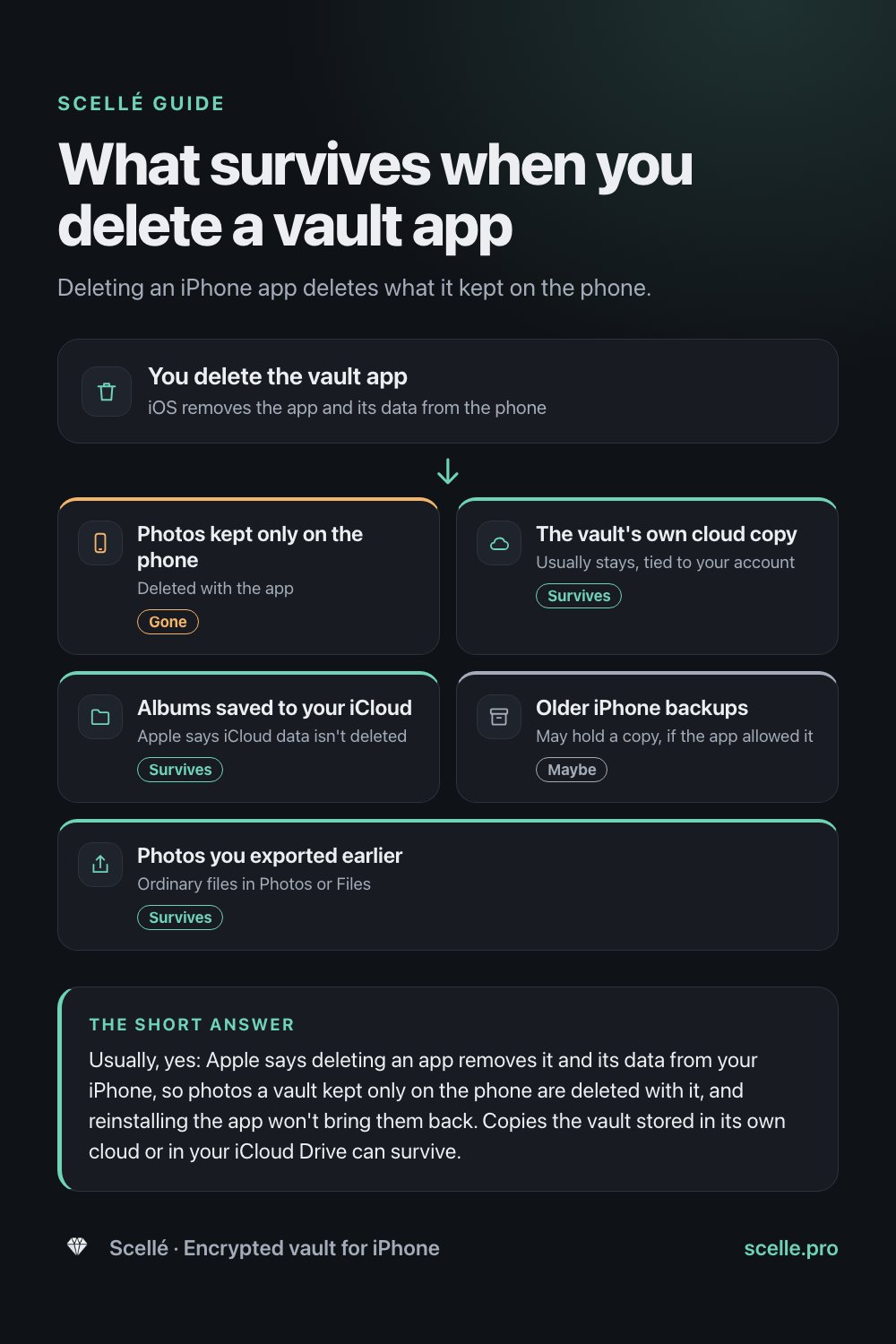
Usually, yes: Apple says deleting an app removes it and its data from your iPhone, so photos a vault kept only on the phone are deleted with it, and reinstalling the app won't bring them back. Copies the vault stored in its own cloud or in your iCloud Drive can survive. Before you delete any vault app, export your photos or make a backup, and check that they open.
Why this is worth checking first
People delete vault apps for ordinary reasons. The phone is running out of space, the app stopped opening after an update, they found a better one, or they simply forgot what was inside. The trouble is that a vault is built to keep its contents to itself, and on iPhone that usually means the contents live inside the app. Delete the app and you may delete the only copy.
This guide explains what iOS actually does when you delete an app, how the answer changes with the way a vault stores photos, and what to do before you tap Delete. If you've already deleted one, skip to the section on getting photos back.
What iOS does when you delete an app
Every iPhone app keeps its files in its own private folder on the phone, its container. Apple's iPhone User Guide is direct about what deleting does: it removes the app and its data from your iPhone. The same page adds that data the app stored in iCloud, such as photos or documents you saved through the app, is not deleted. Not every way of tidying up apps deletes anything, though.
| What you do | The app | Its data on the phone |
|---|---|---|
| Remove from Home Screen | Moves to App Library and still works | Untouched |
| Offload App (Settings, General, iPhone Storage) | Removed, ready to reinstall | Kept |
| Delete App | Removed | Deleted |
| Reinstall after deleting | Comes back if still on the App Store | Not restored from the phone; only from wherever the app kept another copy |
Apple's storage guide describes offloading as freeing the storage used by the app while keeping its documents and data, and deleting as removing the app and its related data.
No undo
Apple's guide describes no way to get back an app's data once it is deleted. A vault that kept photos only on the phone then has nothing left to restore.
How the answer changes with the vault's design
Whether your photos survive depends on whether the vault kept a copy anywhere other than its own folder.
Vaults that keep everything on the phone
Photos live only inside the app's container. Deleting the app deletes them. Reinstalling gives you an empty vault. This design keeps photos off any server, and the price is that you are responsible for the backup.
Vaults with their own cloud
Many vaults back photos up to the developer's servers, tied to an account. Deleting the app on the phone usually leaves that copy in place, and signing in after reinstalling brings it back. Some apps only do this on a paid plan, so check that the backup was actually on before you rely on it.
Vaults that save to your iCloud
Some vaults let you keep albums in your own iCloud. Apple says data an app stored in iCloud is not deleted with the app, so those albums should still be there, though usually only that app can open them.
Copies in your iPhone backups
Apple says iCloud Backup includes app data for the apps you've downloaded, unless the app stores it in iCloud Drive. So an older iPhone backup may hold a vault's files, depending on how the app is built. Apple lets developers mark folders to be left out of backups. Getting them back that way means restoring the whole phone, which comes up below.
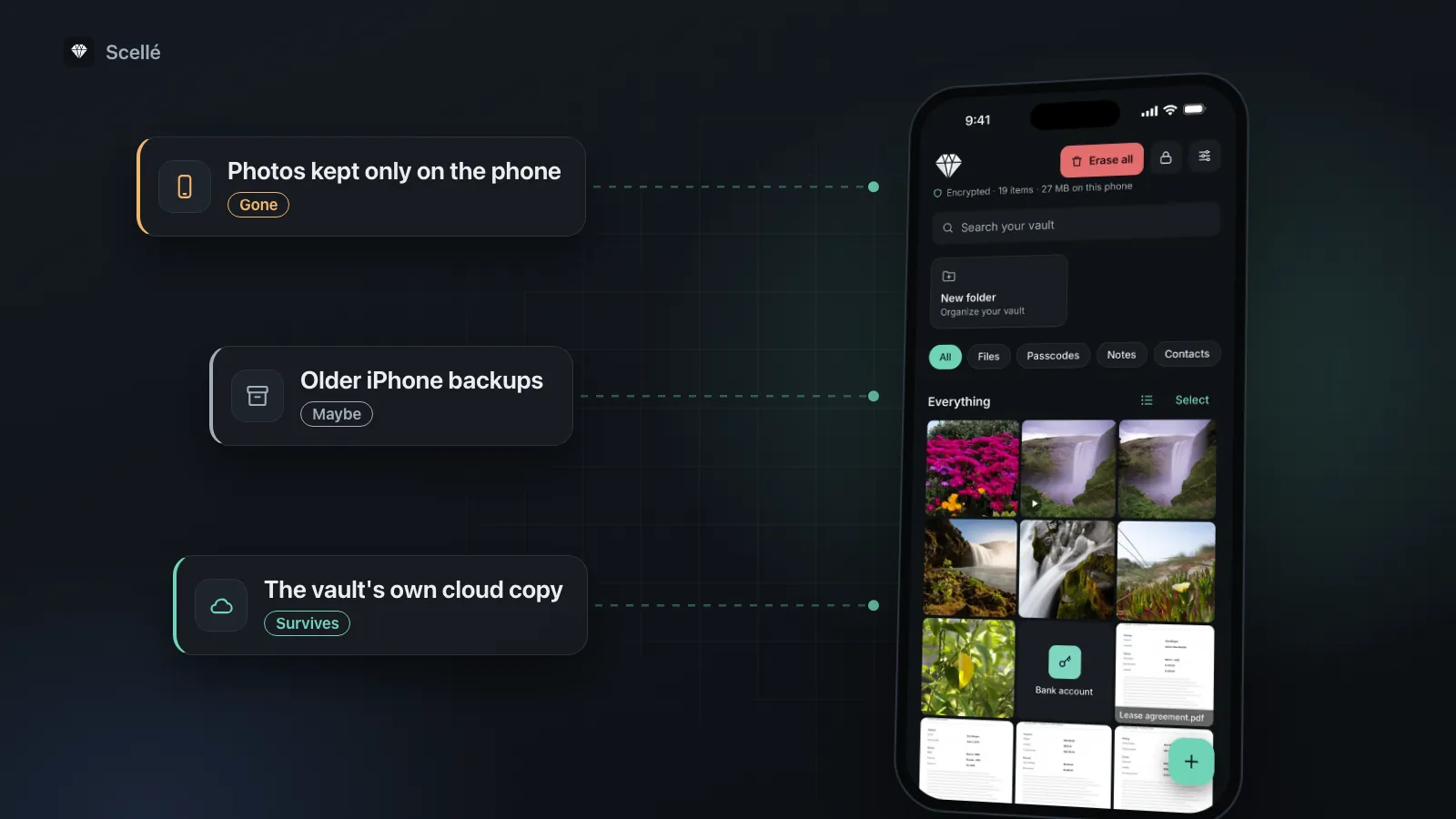
- Photos kept only on the phoneDeleted with the appGone
- The vault's own cloud copyUsually stays, tied to your accountSurvives
- Albums saved to your iCloudApple says iCloud data isn't deletedSurvives
- Older iPhone backupsMay hold a copy, if the app allowed itMaybe
- Photos you exported earlierOrdinary files in Photos or FilesSurvives
What to do before you delete a vault app
Whatever app you use, the same routine protects you. It takes a few minutes for a small vault and longer for a large one.
- If you only need space, offload instead: open Settings, tap General, tap iPhone Storage, tap the vault app and tap Offload App. Its data stays on the phone.
- Open the vault and export everything you want to keep, to Photos or the Files app. Exported copies are ordinary files that any app can open.
- If the vault offers an encrypted backup file, make one too, and save it somewhere other than the phone, such as iCloud Drive or a computer.
- Open a few of the exported photos outside the vault to check they work. Compare the count with what the vault showed.
- If you pay by subscription and are leaving for good, cancel it: open Settings, tap your name, tap Subscriptions, choose the app and tap Cancel Subscription.
- Delete the app: touch and hold its icon, tap Remove App, tap Delete App, then tap Delete.
- Afterwards, decide where the exported photos should live, and delete loose copies you don't need.
For help with the export itself, see how to export photos from a vault app. If you're replacing your iPhone rather than deleting the app, moving a vault to a new iPhone is the guide you want.
Mistakes that cost people their photos
- Treating reinstall as undo. Reinstalling brings back the app. It only brings back photos the app had stored somewhere else.
- Treating a recovery key as a backup. A recovery key or reset email gets you into a vault that still exists. It can't recreate files that were deleted with the app.
- Deleting the originals first. If you removed photos from your library when you moved them into the vault, the vault may hold the only copies.
- Waiting until the app is gone from the App Store. Apple only lets you reinstall apps that are still available. If a vault looks abandoned, export while it still opens.
- Keeping the only backup on the same phone. A copy on the phone doesn't help if the phone is lost, broken or erased. Put one in iCloud Drive or on a computer.
If you've already deleted it
Work through these in order, starting with the least disruptive.
- Reinstall and sign in. In the App Store, tap your picture, then Apps & Purchase History, then Your Apps, and download it again. If the vault had a cloud backup on your account, sign in and restore.
- Check your iCloud Drive and Files. Look for albums the app saved to iCloud, earlier exports, or a backup file.
- An older iPhone backup, as a last resort. Apple's instructions for restoring from an iCloud backup start with erasing the phone if it's already set up, so everything since that backup is replaced. It only helps if the backup included the vault's data, and many vaults are built to stay out of backups.
If none of these has a copy, the photos are gone. That is hard to hear, and it's the reason the export step above matters.
What happens when you delete Scellé
Scellé is a phone-only vault, so the honest answer is that deleting it deletes your vault. Here is exactly why, checked against the app's code.
Where the vault lives. Every file is encrypted on the iPhone and stored in a vault folder inside Scellé's own app container. There is no server, no account and no cloud copy.
Backups. Scellé marks that folder to be left out of iCloud and computer backups. Apple describes this flag as guidance to iOS rather than a guarantee, so Scellé also ties the vault's key to a secret kept in this iPhone's keychain for this device only. A copy of the files on another phone couldn't be opened. The encryption page has more detail.
Offloading. If you offload Scellé instead of deleting it, the vault stays on the phone and opens again when you reinstall.
The recovery key. Your 24-word recovery key opens the vault if you forget your passphrase. It is not a copy, so it can't help once the app and its data are deleted. See what happens if you forget a vault passphrase.
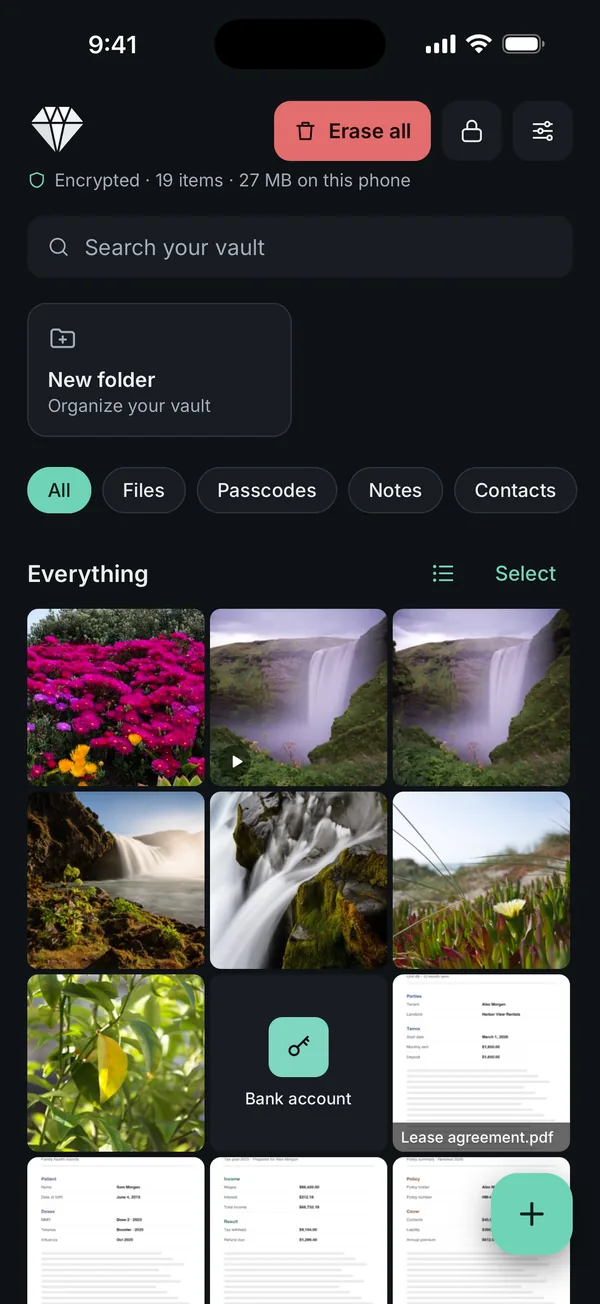
Your way out before deleting. Scellé gives you two. To export, tap Select, then Select all, then Export, and save the decrypted copies through the share sheet. To keep an encrypted copy, open Settings in Scellé (the button at the top right), tap Backup, choose a backup password of at least 12 characters, type it again, tap Create backup file, confirm with your passphrase and save the file to Files, iCloud Drive or a computer. The backup holds the vault you have open, including passcodes, which are never exported any other way. If you use a second vault, open it and make its own backup.
What it does not do: the backup file opens only in Scellé, on any iPhone, with its backup password, and if you forget that password nobody can open it. Scellé has no Recently Deleted inside the app, and no automatic backup. Restoring needs Scellé set up on an iPhone, which needs a plan at $1.49 a week or $49.99 once (US prices, local price shown in the app). If a plan ends, your files stay readable and exportable, so you can always get them out before you go.
Frequently asked questions
If I reinstall a vault app, will my photos come back?
Only if they were stored somewhere other than the phone. A vault with a cloud backup usually restores them when you sign in again. A vault that kept everything on the phone starts empty, because iOS removed its data when you deleted it. Reinstalling a phone-only vault brings back the app, not the photos.
Does offloading a vault app delete my photos?
No. Apple says offloading frees the storage the app itself uses but keeps its documents and data, so they are still there when you reinstall the app. That makes offloading the safer way to make room. Just make sure you can still download the app, because Apple only lets you reinstall apps that are still on the App Store.
Can I get my photos back after deleting a vault app?
Check, in order: the vault's own cloud, by reinstalling and signing in; your iCloud Drive and the Files app; and photos you exported earlier. Restoring an older iPhone backup is a last resort, because Apple has you erase the phone first, and it only helps if that backup included the vault's data.
Does deleting Scellé delete my vault?
Yes. Scellé keeps the vault only on your iPhone, with no server, and marks it to be left out of iCloud and computer backups. Deleting the app deletes the vault. The only way back is an encrypted backup file you made beforehand, restored in Scellé with its backup password. Your recovery key can't help, because it is a way in, not a copy.
Do I need to cancel my vault subscription separately?
To be sure you stop paying, cancel it yourself rather than relying on deleting the app. Open Settings, tap your name, tap Subscriptions, choose the app and tap Cancel Subscription. If there is no Cancel button, or you see an expiration message in red text, Apple says the subscription is already cancelled.
Will deleting a vault app put my photos back in my library?
No. Photos you moved into a vault are not returned to Photos when the app is deleted. If you removed the originals from your library, the copies inside the vault may be the only ones. Export them back to Photos or the Files app first if you want to keep them.
Summary
- Deleting an iPhone app deletes its data from the phone. Only copies stored elsewhere survive.
- Phone-only vaults lose everything on delete; cloud vaults usually keep a copy on the account.
- Offload instead of deleting if you only need space.
- Before deleting any vault, export your photos, check they open, and keep a backup off the phone.
- For Scellé, make an encrypted backup file or export first: once the app is deleted, the vault is gone.
Sources
- iPhone User Guide: Remove or delete apps from iPhone
- Apple Support: How to check the storage on your iPhone and iPad (offload or delete an app)
- Apple Support: What does iCloud back up?
- Apple Developer: Optimizing your app's data for iCloud Backup
- Apple Support: Restore your iPhone, iPad, or iPod touch from a backup
- Apple Support: Cancel a subscription from Apple