Is the iPhone Hidden Album Actually Private? What It Protects
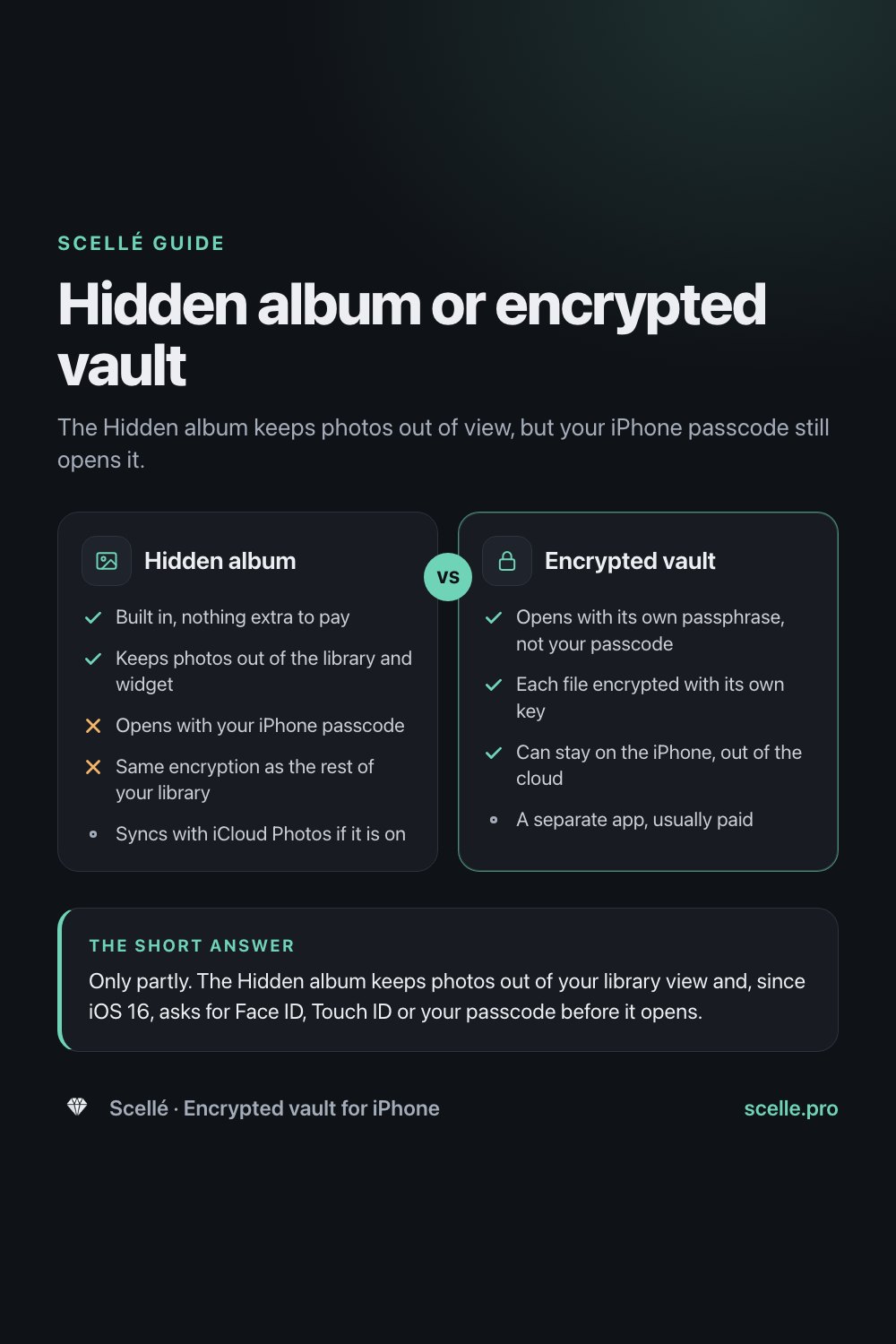
The Hidden album keeps photos out of view, but your iPhone passcode still opens it.
Published November 9, 2026 · Updated November 12, 2026

Only partly. The Hidden album keeps photos out of your library view and, since iOS 16, asks for Face ID, Touch ID or your passcode before it opens. But a hidden photo is still an ordinary photo in your library: anyone who knows your iPhone passcode can open the album, and with iCloud Photos on it syncs to your other devices like every other photo.
The real question: private from whom?
Most people ask this because of a specific person. A partner who picks up your phone, a child who borrows it for games, a friend scrolling through vacation shots, a repair shop that asks for your passcode. Whether the Hidden album is private enough depends almost entirely on who that person is and what they know.
This page explains what the Hidden album actually does to a photo, who can still get to it, how to set it up so it protects as much as it can, and when it makes sense to use something else.
What the Hidden album actually does
When you hide a photo, Apple moves it into the Hidden album so it no longer appears anywhere else in Photos: not in your library, not in other albums, and not in the Photos widget on your Home Screen. Apple is clear that the photo is not deleted. It stays in your library, and you can unhide it later.
Since iOS 16, the Hidden album is locked by default. To open it, you tap View Album and use Face ID or Touch ID. Apple's Personal Safety guide states it more completely: the Hidden album requires Face ID, Touch ID or a passcode to unlock. That passcode is the one that unlocks your iPhone. There is no separate password for the album.
You can also hide the album itself. In Settings, then Apps, then Photos, turning off Show Hidden Album removes it from the Utilities section. On iPhone the album is visible by default.
One more setting matters. In the same Photos settings there is a switch called Use Face ID. Apple says that if you turn it off, both the Hidden album and the Recently Deleted album become unlocked by default.
Who can still see a hidden photo
Here is how the Hidden album holds up against the people and services that might come across it.
| Who or what | Can they see it? | Why |
|---|---|---|
| Someone scrolling your unlocked phone | Not by scrolling | Hidden photos leave the library, other albums and the widget. The album itself asks for Face ID, Touch ID or the passcode. |
| Someone who knows your iPhone passcode | Yes | The passcode unlocks the album. There is no second password. |
| Anyone, if Use Face ID is off | Yes | Apple says turning that setting off leaves the Hidden and Recently Deleted albums unlocked. |
| Your other devices with iCloud Photos on | Yes, hidden there too | Apple says photos you hide on one device are hidden on your other devices. Whoever can unlock that iPad or Mac can reach them. |
| People you already sent the photo to | Yes | Hiding only affects your own library. Their copy is theirs. |
| Apple, with Standard Data Protection | Technically able | Photos in iCloud is encrypted, but Apple holds the keys. |
| Apple, with Advanced Data Protection | Not the photo | Photos becomes end-to-end encrypted, but whether an item is hidden stays under standard encryption. |
The pattern is simple. The Hidden album is good at keeping a photo out of view for someone who does not know your passcode. It does nothing about people who do, devices that share your Apple Account, or copies that already left your phone.
Hiding is not the same as encrypting
Hiding changes where a photo shows up. Encrypting makes the file unreadable without a key.
A hidden photo gets exactly the same protection as every other photo in your library. In iCloud, Apple's data security overview says that with the default Standard Data Protection, Photos is encrypted in transit and on the server with keys Apple holds. With Advanced Data Protection turned on, Photos and iCloud Backup become end-to-end encrypted, with the keys on your trusted devices.
There is one detail in Apple's table that surprises people. Among the information that stays under standard encryption even with Advanced Data Protection on, Apple lists whether a photo has been marked as a favorite, hidden or deleted. The image can be end-to-end encrypted while the fact that you hid it is not.
If iCloud Photos is off, hidden photos do not drop out of the cloud picture either. Apple says iCloud Backup may then include the photos and videos in your library. We trace every place a hidden photo can end up in do hidden photos sync to iCloud.
How to hide a photo and get the most from the lock
If the Hidden album is the right tool for you, set it up so it does as much as it can.
- Open Photos, touch and hold the photo or video, tap Hide, then confirm.
- Go to Settings, then Apps, then Photos, and make sure Use Face ID is on, so the Hidden and Recently Deleted albums stay locked.
- In the same screen, turn off Show Hidden Album if you would rather the album not appear under Utilities at all.
- Think about who knows your iPhone passcode. If someone you want to keep out has it, change the passcode, because it opens the album.
- If you use iCloud Photos, check which other iPhones, iPads and Macs are signed in to your Apple Account, and who else uses them.
On a Mac
Apple says the Hidden album is off by default on Mac. You show it with View, then Show Hidden Photo Album, and it unlocks with Touch ID or your login password. If someone else uses a Mac account signed in to your Apple Account, they share access to the same hidden photos.
To unhide a photo
Open Photos, tap Collections, scroll to Hidden under Utilities, tap View Album and unlock it. Touch and hold the photo, then tap Unhide.
Gaps people often miss
- Recently Deleted: deleting a hidden photo moves it to Recently Deleted for 30 days. That album has the same lock, and the same passcode opens it.
- Copies you shared: a photo you sent in Messages, posted to a shared album or AirDropped before hiding it stays wherever it went.
- Backups: with iCloud Photos off, Apple says iCloud Backup may include your library, hidden photos included.
When the Hidden album is enough, and when it is not
The Hidden album is a sensible choice when:
- You want a photo out of your grid so it does not appear while someone looks at your pictures.
- Nobody you are worried about knows your passcode.
- You are fine with the photo syncing to your other devices and to iCloud like the rest of your library.
It is the wrong tool when:
- The person you want to keep out knows your passcode, or might be handed it, as a repair shop often is.
- The files are documents such as IDs, where a leak causes real harm. Our guide to storing passport and ID scans covers those.
- You want the photo off iCloud and off your other devices entirely.
For those cases you need a second lock that your passcode does not open, and encryption that does not depend on Apple's library. Our point-by-point comparison lays out both sides in more detail.
Hidden album
- Yes: Built in, nothing extra to pay
- Yes: Keeps photos out of the library and widget
- No: Opens with your iPhone passcode
- No: Same encryption as the rest of your library
- Syncs with iCloud Photos if it is on
Encrypted vault
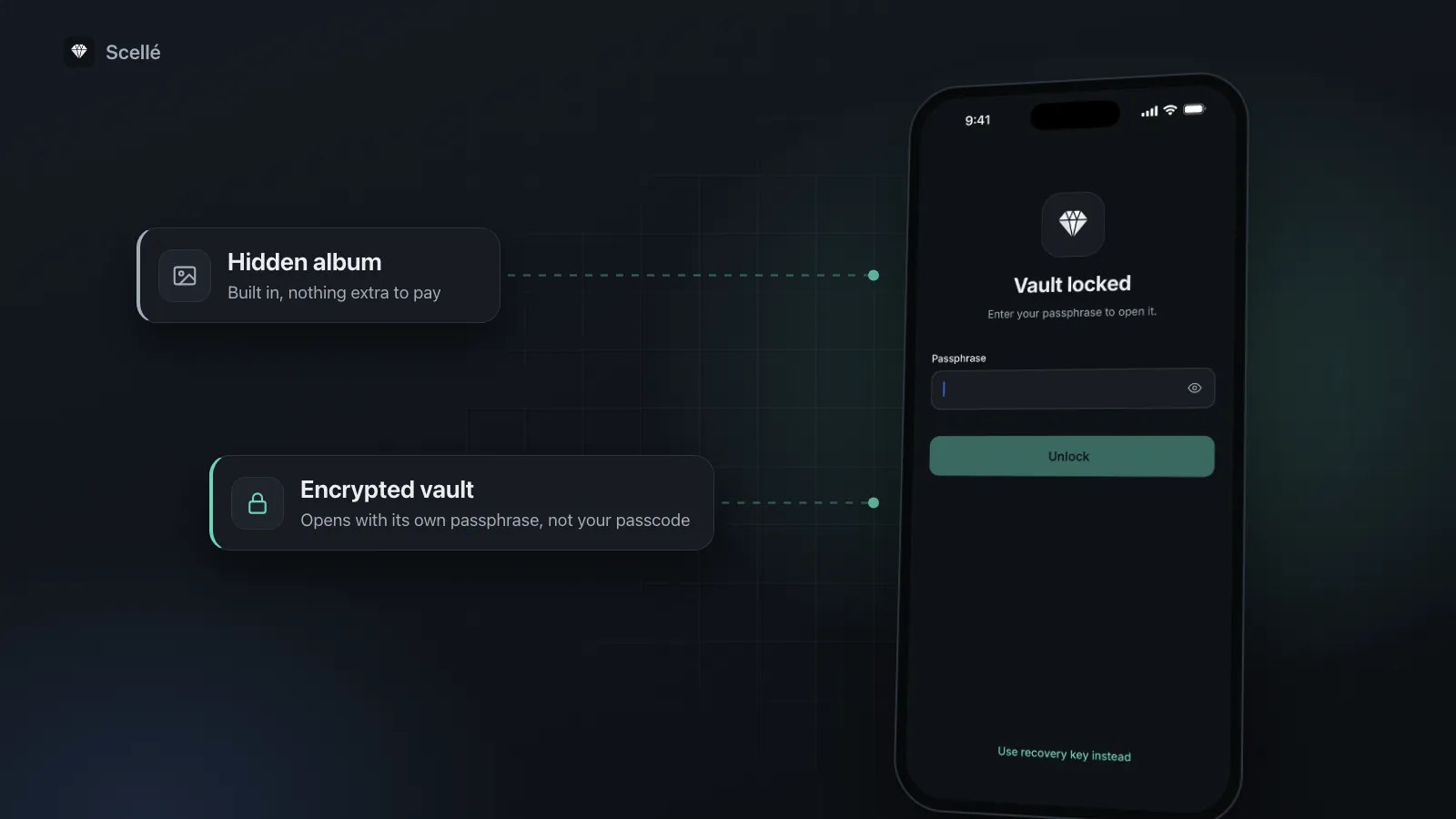
- Yes: Opens with its own passphrase, not your passcode
- Yes: Each file encrypted with its own key
- Yes: Can stay on the iPhone, out of the cloud
- A separate app, usually paid
Where Scellé fits
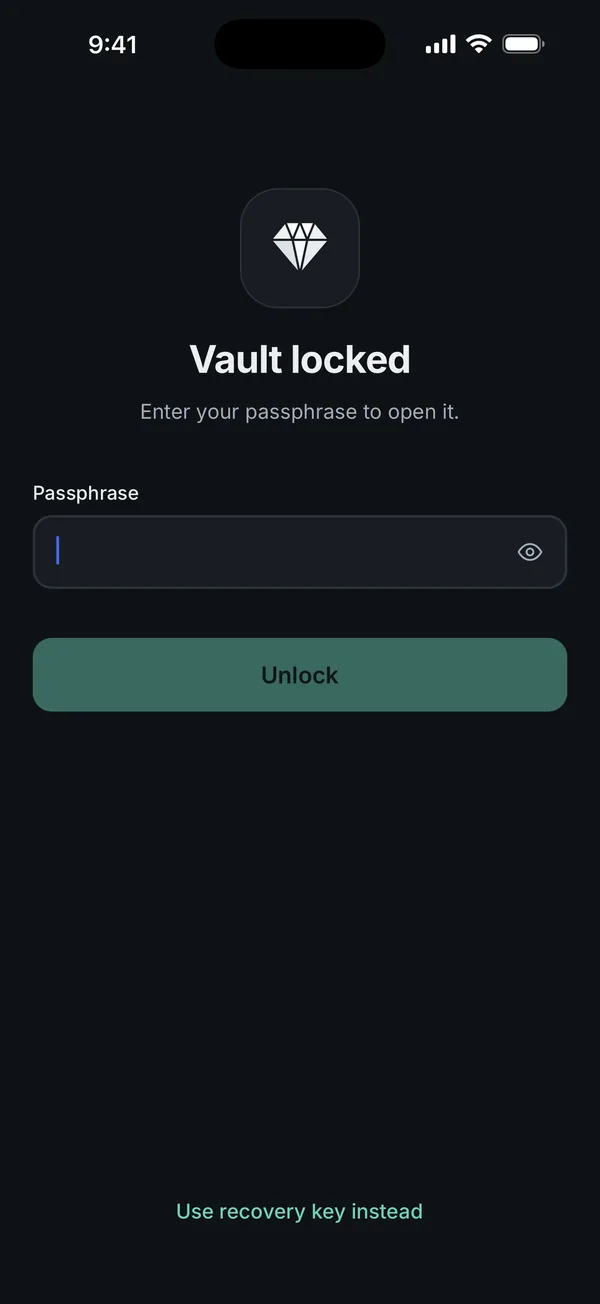
Scellé is an encrypted vault for iPhone, built for the cases where the Hidden album falls short. It opens with its own passphrase, so knowing your iPhone passcode does not get anyone in. You can turn on Face ID as a shortcut, but it unlocks a key that iOS releases only after a successful Face ID or Touch ID check, with no fallback to your iPhone passcode.
Each file is encrypted on the phone with its own random key before it is saved, and file names, folder names and dates are encrypted too. The vault folder is excluded from iCloud and computer backups, and there is no account and no server, so nothing is uploaded. It locks when you leave the app (immediately, or after 1 or 5 minutes if you choose), hides its contents in the app switcher, and makes you wait longer after repeated wrong passphrases. How the encryption works is explained on our encryption page.
The trade-offs are real. Scellé is iPhone only and does not sync to an iPad or Mac. It is paid: $1.49 a week or $49.99 once (US prices, local price shown in the app). And because nobody else holds a key, losing both the passphrase and the optional recovery key means the files cannot be recovered, as explained in what happens if you forget your vault passphrase. To move photos you have already hidden, follow how to move photos to a vault and remove every copy.
Frequently asked questions
Can someone open my Hidden album if they know my passcode?
Yes. Apple says the Hidden album requires Face ID, Touch ID or a passcode to unlock, and that passcode is your iPhone passcode. There is no separate password for the album. Anyone who knows your passcode, or watched you type it, can open the album, so the lock only helps against people who do not know that code.
Are hidden photos encrypted separately from my other photos?
No. Hiding a photo changes where it appears in Photos, not how it is stored. Apple describes hidden photos as remaining in your library. They get the same protection as the rest of your library: the iPhone's own data protection on the device, and iCloud's encryption if you use iCloud Photos. Nothing extra is added because you hid them.
Do hidden photos show up on my iPad and Mac?
They are on them, but hidden. Apple says that if you use iCloud Photos, the photos you hide on one device are hidden on your other devices too. On a Mac the Hidden album is off by default and unlocks with Touch ID or your login password, so anyone who can sign in to that Mac account can still reach it.
What happens if I turn off Use Face ID in Photos settings?
Apple says that if you turn off Use Face ID (in Settings, then Apps, then Photos), the Hidden album and the Recently Deleted album are no longer locked by default. Anyone holding your unlocked iPhone could then open both albums without any check. If you rely on the Hidden album at all, leave that setting on.
Can Apple see the photos in my Hidden album?
With iCloud Photos on and the default Standard Data Protection, Photos is encrypted on Apple's servers, but Apple holds the keys. With Advanced Data Protection, Photos is end-to-end encrypted. Apple lists one detail that stays under standard encryption either way: whether an item is marked as hidden. So the photo can be protected while the hidden label is not.
Is turning off Show Hidden Album enough to keep photos private?
It removes the album from the Utilities list, which helps against casual browsing. It does not lock, encrypt or remove anything. Anyone with your unlocked phone can turn it back on in Settings, then Apps, then Photos, and the photos are still in your library and still syncing if iCloud Photos is on.
Summary
- The Hidden album hides photos from view. It does not encrypt them separately or keep them off iCloud.
- Your iPhone passcode opens it, so it only protects against people who do not know that code.
- Keep Use Face ID on in Photos settings, or the album is not locked at all.
- For anything that would hurt if the wrong person saw it, use a vault with its own passphrase and remove the original from Photos.
Sources
- Apple Support: Hide photos on your iPhone, iPad, Mac, or Apple Vision Pro with the Hidden album
- Apple Personal Safety User Guide: Hide photos and videos on Apple devices
- Apple Support: Delete photos on your iPhone or iPad
- Apple Support: iCloud data security overview
- Apple Support: What does iCloud back up?