On-Device Encryption Explained: What Happens to Your Files
Your files are encrypted on the phone, with keys that never leave it.
Published November 13, 2026

On-device encryption means a file is encrypted on your phone before it is saved, with keys that are made on the phone and never leave it. Nothing is uploaded, so there is no server copy for anyone to open. In Scellé, each file gets its own random key, your passphrase protects those keys, and we never have the files, the passphrase or the keys.
What on-device encryption means
"Encrypted" appears on almost every privacy app, and it can mean very different things. The useful question is always the same: where is the data, and who holds the key? On-device encryption gives the simplest answer. The file is encrypted on your phone before it is saved, the keys are made on the phone, and neither the file nor the keys are ever sent anywhere.
This guide compares it with the other common models, walks through what happens to a file you add to an on-device vault, using Scellé as the worked example, and is honest about what it cannot protect.
| Model | Where the data lives | Who holds the keys | Example |
|---|---|---|---|
| Encrypted in transit and at rest | The provider's servers | The provider | iCloud Photos under Apple's standard data protection |
| End-to-end encrypted | The provider's servers, scrambled | Your own devices | iCloud Photos with Advanced Data Protection on |
| On-device only | Your phone, nowhere else | You, on that phone | An encrypted vault with no server |
Apple's own iCloud page explains the first two. With standard data protection, the default, your iCloud data is encrypted, but Apple keeps the keys so it can restore your data for you. With Advanced Data Protection, the keys for most categories, including Photos and iCloud Backup, stay on your trusted devices.
Your iPhone already encrypts files. What does an app add?
Every iPhone with a passcode encrypts its storage. Apple's Data Protection gives each new file its own 256-bit key and encrypts it in hardware as it is written to storage. Apple says third-party apps receive this protection automatically.
So why add another layer? Because Data Protection is tied to your iPhone passcode, and its job is to protect a locked phone. Once you unlock the phone, apps see their files normally, and so does an iCloud Backup, which Apple says includes app data. An app-level vault encrypts its files again, with a key derived from a separate secret. Those files stay encrypted while the phone is unlocked, in the hands of someone who knows your passcode, and in any copy of the app's storage.
What happens to a file you add
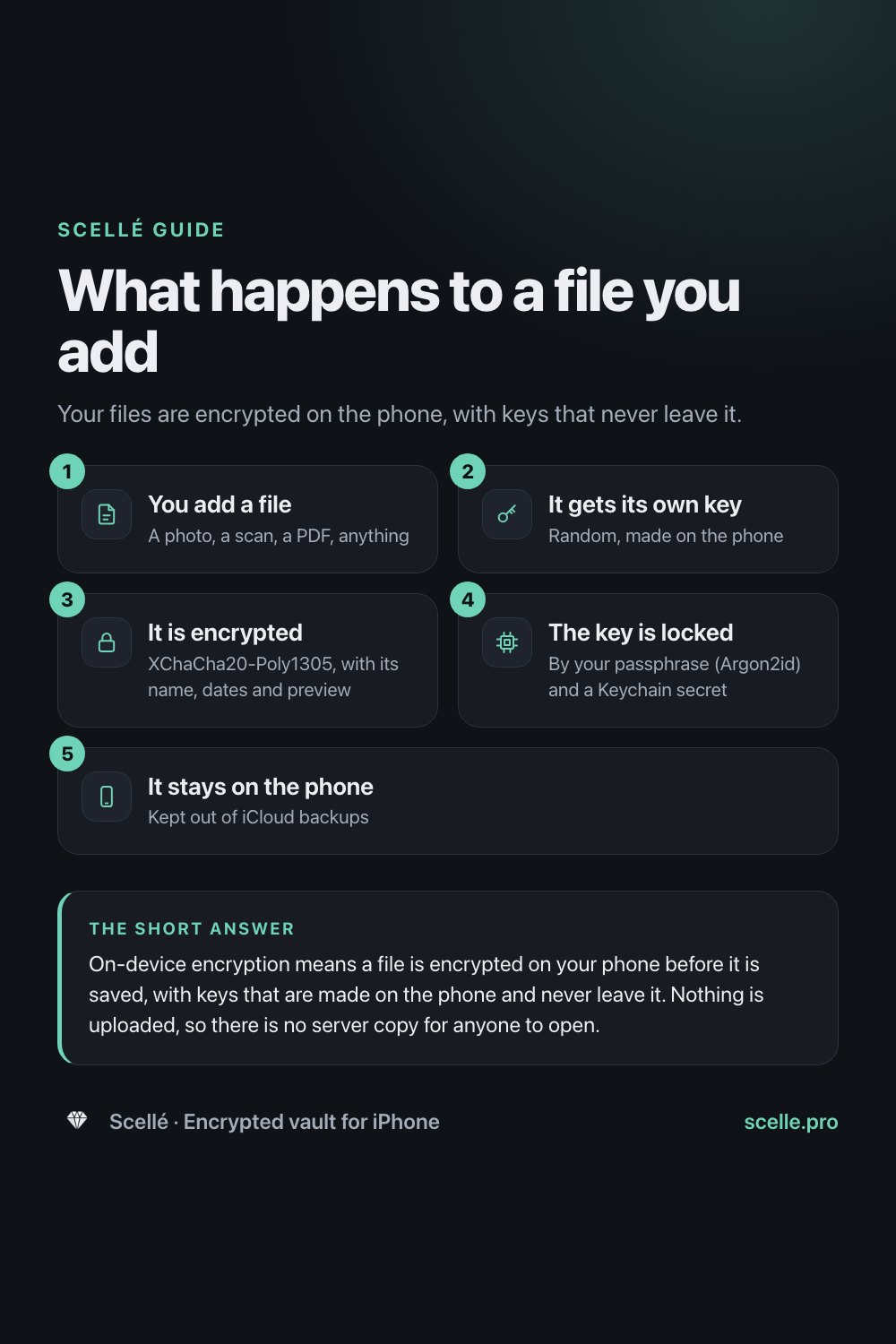
Here is the path a photo or document takes when you add it to Scellé, checked against the app's code:
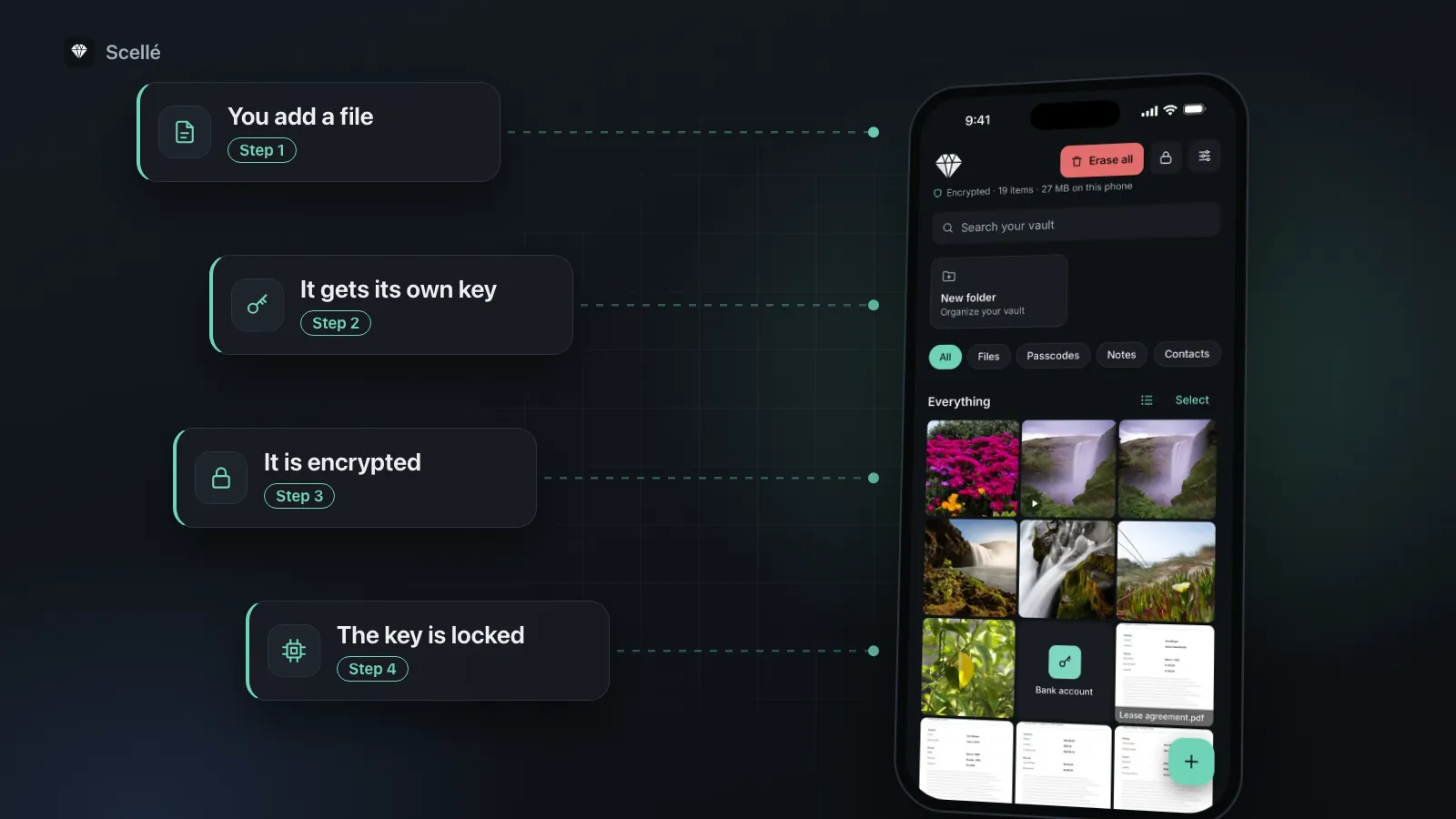
- You pick a file. A photo from your library, a scan, a video you record in the app or a document from Files. iOS hands Scellé a temporary copy, which Scellé encrypts and then deletes, whether the import worked or not.
- It gets its own key. Scellé makes a random 256-bit key for that file alone, plus a random ID that becomes its name on disk, so the stored name says nothing about the content.
- The content is encrypted. XChaCha20-Poly1305 encrypts the file in 64 KiB pieces. Each piece is tied to that file and its position, so pieces can't be swapped, reordered or cut off without Scellé noticing.
- Its details are encrypted too. The name, type, size, folder and date added are encrypted with the same file key, and so is the small preview shown in the grid. The list of folder names is encrypted with the vault key.
- The file key is locked away. It is stored only in encrypted form, locked by the vault key. The vault key in turn is locked by a key built from your passphrase and a secret in this iPhone's Keychain.
- It stays on the phone. Everything is written into a vault folder that Scellé flags so iOS leaves it out of iCloud backups. There is no server to send it to.
- 1You add a fileA photo, a scan, a PDF, anything
- 2It gets its own keyRandom, made on the phone
- 3It is encryptedXChaCha20-Poly1305, with its name, dates and preview
- 4The key is lockedBy your passphrase (Argon2id) and a Keychain secret
- 5It stays on the phoneKept out of iCloud backups
The keys, layer by layer
Your passphrase and Argon2id
Scellé never stores your passphrase. When you unlock, it runs the passphrase through Argon2id with 3 passes over 64 MiB of memory and a random salt. That takes up to about a second on a recent iPhone, which you barely notice once, and which makes millions of guesses slow and expensive. Our guide to passphrases, PINs and Face ID shows why the length of the passphrase still matters.
A secret that stays on this iPhone
The Argon2id result is combined with 32 random bytes that Scellé keeps in the iPhone's Keychain, in a class Apple calls "when unlocked, this device only". Apple's security guide says items in "this device only" classes are protected with the device's own hardware key when copied during a backup, which makes them useless if restored to a different device. So a copy of Scellé's files can't be attacked on a computer: whoever has it would also need that Keychain secret. It is also why the recovery key works only on the iPhone that made it.
One vault key, several ways in
The vault key itself is random and is never stored unencrypted. Scellé keeps a separate locked copy of it for each way in: your passphrase, the optional 24-word recovery key, Face ID if you turn it on, and an unlock pattern if you set one. Each copy is also tied to the Keychain secret. Changing your passphrase replaces one locked copy, so none of your files need to be encrypted again.
Erasing
When you choose Erase all, Scellé deletes the Keychain secret first. From that moment, no copy of the vault key can be opened, even if the phone switches off before the files finish deleting.
What a copy of the vault reveals
Suppose someone copied Scellé's storage off your phone. Here is what they could and couldn't learn.
| Item | Readable from a copy? |
|---|---|
| Photos, videos and documents | No, encrypted |
| File names, types, dates and folders | No, encrypted |
| Folder names | No, encrypted |
| Grid previews | No, encrypted |
| How many items there are | Yes |
| Roughly how big each item is | Yes, an encrypted file is about the size of the original |
| That a second vault exists, if you made one | Yes, but nothing about what is in it |
| That Scellé is installed | Yes, it's on your home screen like any app |
When a file has to leave the vault
Encryption on the phone only covers files while they stay in the vault. There are three moments when a readable copy can exist:
- Viewing. Some of iOS's viewers need a real file, so Scellé writes a temporary decrypted copy to its cache and deletes it when the viewer closes, the app locks or the app goes to the background.
- Exporting or sharing. A file you export becomes an ordinary file again, wherever you send it.
- Backing up. Scellé can put the whole vault into one encrypted backup file that you save to Files, iCloud Drive, AirDrop or a computer. Nothing is decrypted to make it. Because it has to open on a new iPhone, it isn't tied to the Keychain secret: it is protected by a backup password of at least 12 characters, also run through Argon2id. The file shows how many items it holds and their sizes, nothing more. See moving a vault to a new iPhone.
What on-device encryption can't do
- Protect an open vault. If someone takes the phone while the vault is unlocked, they see what you see. That's why auto-lock matters.
- Protect a passphrase someone watched you type. Encryption can't tell you apart from someone who knows your secret.
- Protect a compromised phone. If malware or a jailbreak controls the phone, encryption can't help, because files are decrypted on that phone when you open them.
- Bring back a forgotten passphrase. With no recovery key, there is no way in. That is the cost of having no back door.
- Survive losing the phone. With no server copy, a lost phone takes the vault with it unless you made a backup file.
- Clean up copies elsewhere. The originals in Photos, Recently Deleted, chats and other devices are outside the vault. See moving photos without leaving copies behind.
Where Scellé fits
Everything above describes Scellé's design. Around it: no account, no server and no analytics. The only outside service is RevenueCat, which handles purchases, and its data isn't linked to you. Your iPhone passcode doesn't open the vault, because it has its own passphrase. The algorithms come from libsodium, a widely used published library, not homemade cryptography.
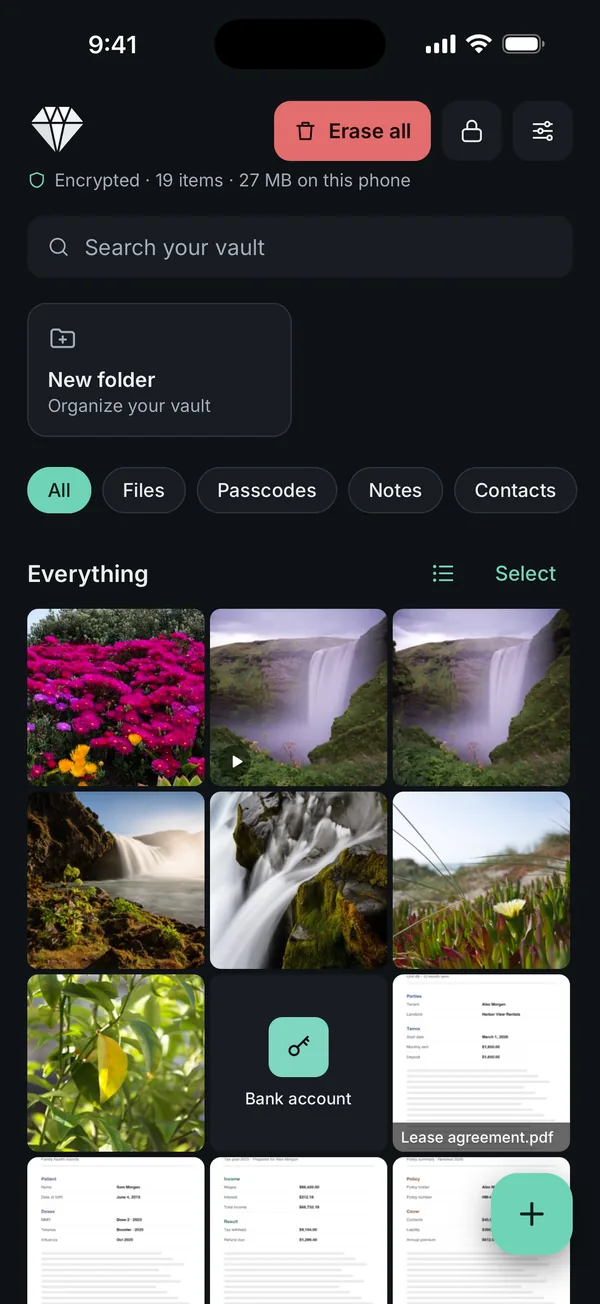
The trade-offs are real: the vault lives on one iPhone with no sync, and it costs $1.49 a week or $49.99 once (US prices; your local price is shown in the app). The complete technical picture is on the security model page.
Frequently asked questions
Is on-device encryption the same as end-to-end encryption?
Not quite. End-to-end encryption protects data that travels: it is encrypted on your device, stored on a server as scrambled data, and decrypted only on your other devices. On-device encryption protects data that never travels at all. There is no server copy, so nothing to intercept or breach, but also nothing to sync to another device.
If my iPhone is already encrypted, why use an encrypted vault?
Because the iPhone's own encryption answers to your iPhone passcode. Once the phone is unlocked, apps and backups see ordinary files. A vault adds a second layer with a separate secret, so its files stay encrypted while the phone is unlocked, in the hands of someone who knows your passcode, and in any copy of the app's storage.
What does XChaCha20-Poly1305 actually do?
It is an authenticated cipher. It scrambles the data so it can't be read without the key, and it adds a check that fails if even one bit of the encrypted data is changed. The X version uses long random nonces, the one-time values each encryption needs, which makes it safe to encrypt many separate pieces with random values.
What is Argon2id, in plain words?
A password-hashing method built to be slow and memory-hungry on purpose. It turns your passphrase into an encryption key, and every attempt to do that takes real time and a block of memory. You notice it once when you unlock. Someone trying millions of guesses pays that cost millions of times.
Does on-device encryption make the app slow?
Barely. In Scellé, unlocking takes up to about a second, which is the deliberate cost of Argon2id. Adding and opening files is quick, and large videos are encrypted piece by piece as they come in, so they never need to sit in memory whole.
What happens to on-device encrypted files if I lose my phone?
They are as gone as the phone, because there is no server copy. That is the trade-off for nothing being uploaded. The fix is a backup you control: in Scellé, an encrypted backup file protected by a backup password, saved wherever you choose and restorable on another iPhone.
Summary
- On-device encryption means the file and its keys never leave your phone.
- Your iPhone already encrypts its storage, but that layer opens with your passcode. A vault adds a second, separate one.
- In Scellé, each file has its own key, your passphrase and a Keychain secret protect the keys, and the vault stays out of backups.
- Keep the vault locked, keep a recovery key and a backup file, and remember that exported copies are ordinary files.