What Is Zero-Knowledge Encryption? How It Works and How to Check
Only your device can unlock your data, because only you hold the secret.
Published November 14, 2026

Zero-knowledge encryption means the company storing your data never has the key to read it. The key is made on your device from a passphrase only you know, your data is encrypted before it is saved or uploaded, and the company keeps only scrambled data. The catch: if you forget the passphrase and have no recovery key, nobody can reset it for you.
What zero-knowledge encryption means
Zero-knowledge encryption is a promise about who can read your data. The company that stores it has zero knowledge of the content, because it never has the key. Only you can unlock it, on your own device, with a secret only you know.
Think of renting a storage unit where you bring your own padlock and the only key stays on your keyring. The company can see that the unit exists, how big it is and when you visit. It can't see inside, and if you lose your key, it can't open the unit for you either.
Two things are worth knowing before you trust the label. First, "zero-knowledge" is a marketing term, not a standard. No body certifies it, so each company decides what it means. Second, it has nothing to do with a zero-knowledge proof, which NIST defines as a way to prove a statement is true without revealing anything else.
How it works: the key is made on your device
Every zero-knowledge design comes down to one idea: the key that decrypts your data is created and used only on your device. Here is the usual sequence.
- You choose a passphrase. It is never sent to the company. If the service has a sign-in, a well-designed one proves who you are without sending the passphrase itself.
- Your device turns it into a key. This step is called key derivation. NIST's SP 800-132 describes deriving keys from passwords or passphrases to protect stored data. Good apps use a deliberately slow method, such as Argon2, which RFC 9106 describes as memory-hard: every guess costs time and memory.
- Your data gets its own random keys. Most designs encrypt each file with a fresh random key, then lock those keys with the key from your passphrase. Changing your passphrase then only means re-locking the keys, not re-encrypting every file.
- Encryption happens before anything is saved or sent. What reaches the company's servers, if anything does, is already scrambled.
- Decryption happens only on your device. When you open a file, your device rebuilds the key from your passphrase and unlocks it there.
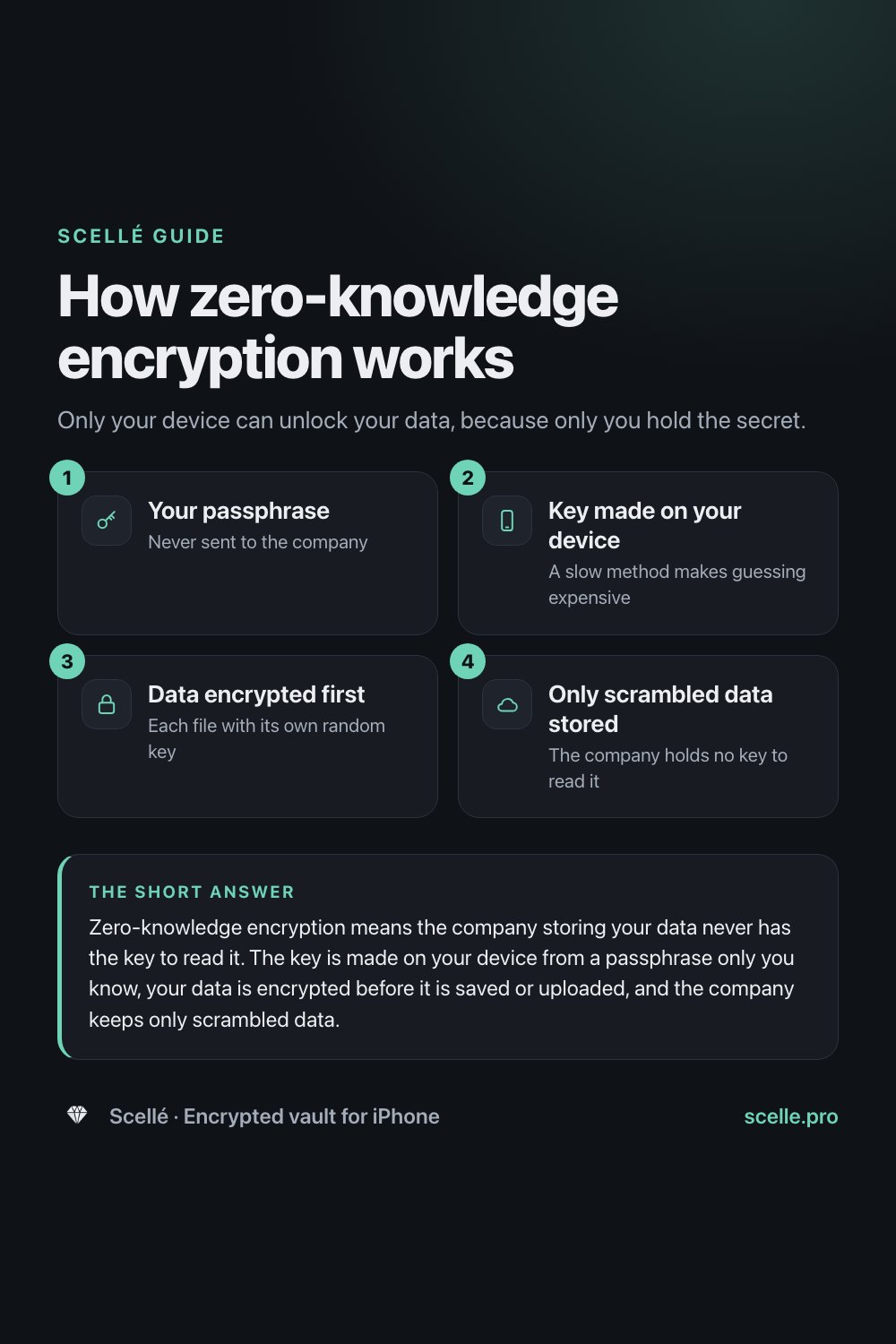
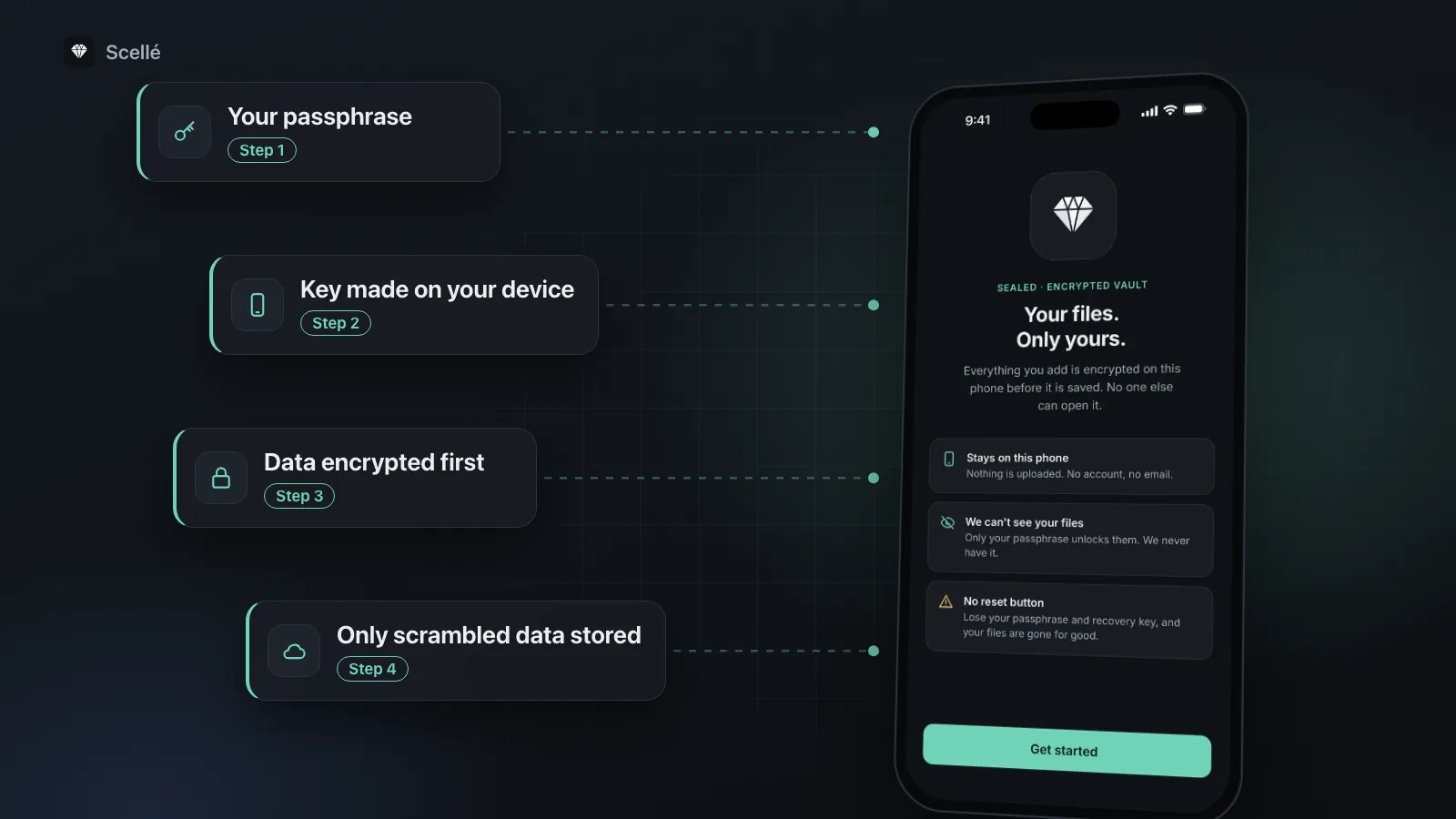
- 1Your passphraseNever sent to the company
- 2Key made on your deviceA slow method makes guessing expensive
- 3Data encrypted firstEach file with its own random key
- 4Only scrambled data storedThe company holds no key to read it
Zero-knowledge vs encrypted at rest vs end-to-end
Almost every service says "encrypted". The useful question is always who holds the key. This table sets the common terms side by side.
| Term | What it promises | Who can decrypt | Example |
|---|---|---|---|
| Encrypted in transit | Data is scrambled while it travels over the internet | The provider, once it arrives | Almost any website using HTTPS |
| Encrypted at rest | Data is scrambled on the provider's disks | The provider, which holds the keys | iCloud Photos under standard data protection |
| End-to-end encrypted | Data is decrypted only on the devices at each end | Your trusted devices | iCloud Photos with Advanced Data Protection |
| Zero-knowledge | The provider never has your passphrase or keys | Only you | A password manager or vault that cannot reset your data |
Apple's iCloud page is a clear real-world example of the difference. Under standard data protection, your iCloud data is encrypted in transit and at rest, and the keys are kept in Apple data centers so Apple can decrypt your data for you, for example when you restore a backup or forget your password. With Advanced Data Protection, your trusted devices keep sole access to the keys for most categories. Same data, same servers: what changes is who holds the key.
A third model skips the server altogether. If your files are encrypted and kept only on your phone, there is no provider copy to know anything about. Our guide to on-device encryption walks through that model step by step.
Why it matters
A breach at the provider
Apple says its end-to-end encrypted data remains secure even in the case of a data breach in the cloud. That is the main point of zero-knowledge: a stolen copy of the servers holds only scrambled data, with no key stored next to it.
Access by people at the company
When a provider holds your keys, its systems can decrypt your data, and you rely on its policies to decide when they do. With zero-knowledge, there is nothing to decrypt with. Apple puts it plainly for end-to-end encrypted data: no one else can access it, not even Apple.
The cost: nobody can reset it
The same design that keeps the company out keeps it from helping you. Apple says that with Advanced Data Protection, if you lose access to your account, it will not have the keys to recover your data, and you will need your device passcode, a recovery contact or a recovery key. If you use one, set up its recovery option on day one. Here is what happens when a vault passphrase is forgotten.
Before you rely on it
With zero-knowledge encryption, a forgotten passphrase and a lost recovery key mean the data is gone for good. Write your recovery key on paper and keep it away from the device.
How to tell if an app really is zero-knowledge
You can't see encryption, but you can test the promises around it. For vault apps specifically, our six checks for photo vaults go further.
- Find the sentence about keys. On the company's security page, look for a plain statement of who holds the encryption keys. "Zero-knowledge" with no explanation of where the key is made tells you nothing.
- Look for a named key derivation method. Argon2, scrypt or PBKDF2, run on your device, is a good sign. A vague "bank-level encryption" is not.
- Read the forgot-password page. If an email link restores all your old data, the company can decrypt it. A zero-knowledge service offers a recovery key or contact that only you control, or says plainly that data can't be recovered.
- Check the website version. If you can sign in from any browser with only a password and see everything, ask how the key gets there. Apple, for example, turns off iCloud.com access by default when Advanced Data Protection is on, because its web servers no longer have the keys.
- Read the exceptions. Look for what stays readable: shared links, previews, file names, sizes and dates. Apple publishes such a list for iCloud. A company that lists no exceptions probably hasn't looked.
- Look for an independent review. A published security design or an outside audit is worth more than a badge on the homepage.
What zero-knowledge does not protect
- Metadata. Even with Advanced Data Protection on, Apple keeps some details under standard encryption, such as when a photo was created and whether it is marked as a favorite or hidden, so it can sort and de-duplicate your storage.
- Things you share. Apple says iCloud content shared with "anyone with the link", iWork collaboration and Shared Albums in Photos do not support Advanced Data Protection.
- A weak passphrase. If the key comes from your passphrase, a short or reused one can be guessed against a stolen copy. See passphrases, PINs and Face ID for how long it should be.
- Your unlocked device. Decryption happens on your device, so anyone using it while it is unlocked, or malware running on it, sees what you see.
- Copies you make. A file you export, email or screenshot becomes an ordinary file again.
How Scellé fits
Scellé is our encrypted vault for iPhone. It goes one step past zero-knowledge storage: there is no server copy at all, so there is nothing for us to know. Here is how it handles each part, checked against the app's code.
Key derivation. Your passphrase, at least 12 characters, is never stored. When you unlock, Scellé runs it through Argon2id with 3 passes over 64 MiB of memory and a random salt, then combines the result with a random secret kept in this iPhone's Keychain in a "this device only" class. A copy of the vault files can't be attacked on another device without that secret.
Per-file keys. Each file gets its own random 256-bit key and is encrypted with XChaCha20-Poly1305. Its name, type, size, folder and date added are encrypted with the same key. The file keys are locked by a vault key, which is locked by your passphrase.
No server, no account. Nothing is uploaded, and the vault folder is kept out of iCloud and computer backups. The only outside service is RevenueCat, which handles purchases.
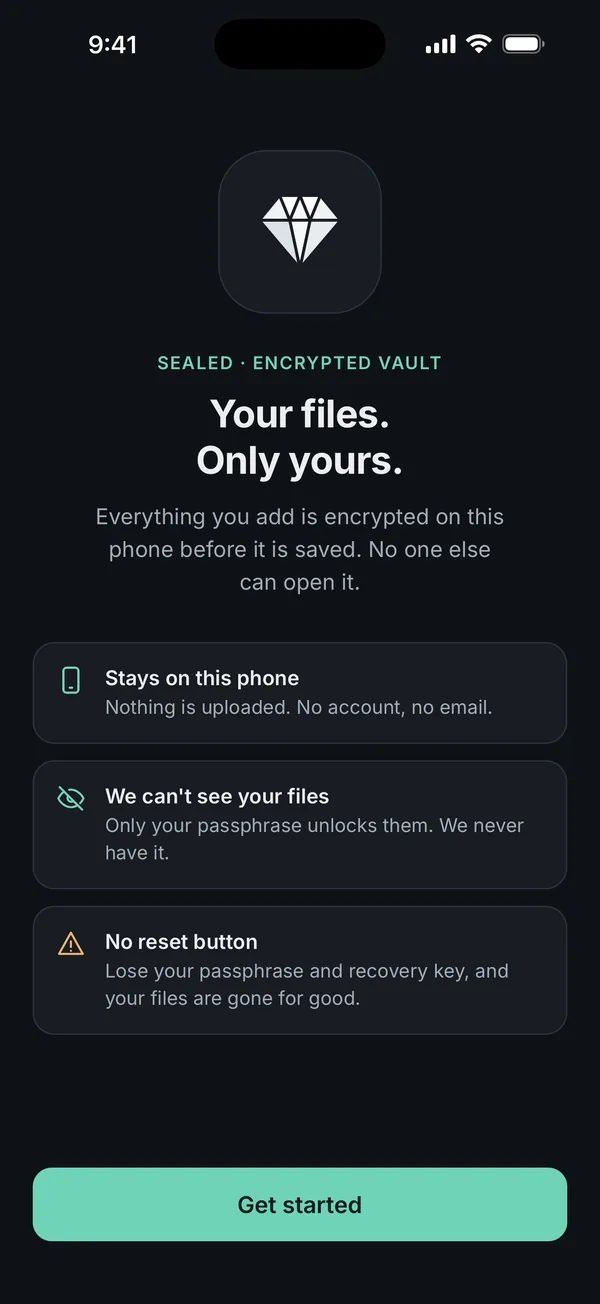
Recovery. An optional 24-word recovery key is the only way back in besides your passphrase. We can't reset it, because we never have the keys.
What it does not do: there is no sync, so the vault lives on one iPhone, and anyone with a copy of the storage can see how many items there are and roughly how big they are. Scellé costs $1.49 a week or $49.99 once (US prices, local price shown in the app). The full design is on the encryption page.
Frequently asked questions
Is zero-knowledge encryption the same as end-to-end encryption?
They overlap but answer different questions. End-to-end encryption describes data that travels: it is encrypted on one device and decrypted only on the devices at the other end, never on the server. Zero-knowledge describes what the provider knows: not your passphrase, not your keys, not your content. A well-built end-to-end encrypted service is usually zero-knowledge for the data it covers.
Can a zero-knowledge service reset my password?
It can often reset the password you use to sign in, but it cannot give you back data that was encrypted with a key only you held. If a reset by email restores all your old files, the provider had a way to decrypt them. Zero-knowledge services offer recovery keys or recovery contacts instead, which only you control.
Is iCloud zero-knowledge?
Apple does not use the term. With the default setting, standard data protection, Apple keeps the keys for most categories, including Photos and iCloud Backup, so it can help you recover them. 15 categories, such as passwords and Health data, are end-to-end encrypted. Turning on Advanced Data Protection raises that to 25, but Apple still keeps some metadata under standard encryption.
Does zero-knowledge mean the company knows nothing about me?
No. It covers the content you store, not everything around it. A cloud provider usually still knows your account details, your payment details, how much you store and when you use the service. Apple's own list shows the kind of metadata that can stay readable to a provider, such as file sizes, dates and whether a photo is a favorite.
Is zero-knowledge encryption the same as a zero-knowledge proof?
No, despite the shared name. A zero-knowledge proof is a cryptographic technique that lets one party prove a statement is true without revealing anything else. NIST defines it that way. Zero-knowledge encryption is an industry label for storage where the provider never has your keys. One does not imply the other.
Is zero-knowledge encryption unbreakable?
No encryption is. Zero-knowledge removes one weak point, the provider, but a short or reused passphrase can still be guessed, and anyone who controls your unlocked device sees what you see. Its strength depends on a long passphrase, a slow key derivation method and a device you keep locked and up to date.
Summary
- Zero-knowledge encryption means the provider never has your passphrase or keys, so it can't read your data.
- The key is made from your passphrase on your device, ideally with a slow method such as Argon2.
- It is a label, not a standard: check who holds the keys, what the forgot-password page offers and what stays readable.
- Nobody can reset it for you, so keep a recovery key somewhere safe.
Sources
- Apple Support: iCloud data security overview
- Apple Platform Security: Advanced Data Protection for iCloud
- NIST SP 800-132: Recommendation for Password-Based Key Derivation
- RFC 9106: Argon2 Memory-Hard Function for Password Hashing
- NIST Glossary: Zero-knowledge proof
- Scellé: How Scellé encrypts your files