Is a Pattern Lock Safer Than a PIN? What the Numbers Show
Usually not: patterns are fewer, more predictable and easier to watch.
Published November 14, 2026

Usually not. A 3x3 unlock pattern has 389,112 possible shapes, more than a 4-digit PIN's 10,000 but fewer than a 6-digit PIN's 1,000,000, and people pick a small set of them far more often. Patterns are also much easier to copy by watching or from smudges on the screen. Treat a pattern as a quick unlock, backed by a passphrase.
What a pattern lock is
A pattern lock asks you to drag your finger through a grid of dots in a set order. It is quick, it is easy to remember, and many people find it friendlier than a string of numbers. That is exactly why it is worth asking whether it holds up.
The classic version, from Android phones, uses a 3 by 3 grid with three rules: a pattern must connect at least 4 dots, each dot can be used once, and a line can't skip over a dot you haven't used yet. If you draw across one, it is picked up automatically. These rules shape everything below.
This guide looks at the pattern itself: how many there are, how people actually choose them, how they leak, and how to draw a better one. How a passphrase, PIN and Face ID compare as the key to an encrypted vault is covered in passphrase, PIN or Face ID.
How many patterns are possible on a 3x3 grid
The answer is 389,112. That figure appears in a 2010 USENIX paper on smudge attacks, which notes it was worked out by brute force, and we counted it again ourselves to check. The method is simple enough to follow:
- Start at each of the 9 dots.
- Add one unused dot at a time. A move is allowed only if every dot it passes over has already been used.
- Count every path of 4 dots or more. Order matters, so a shape drawn backwards is a different pattern.
Run by computer, that gives 1,624 patterns of 4 dots, 7,152 of 5, 26,016 of 6, 72,912 of 7, and 140,704 each of 8 and 9 dots. Here is how the total compares with PINs:
| Lock | Possible combinations |
|---|---|
| 4-digit PIN | 10,000 |
| 3x3 pattern, 4 dots only | 1,624 |
| 3x3 pattern, any length | 389,112 |
| 6-digit PIN | 1,000,000 |
| 4x4 pattern, 6 to 16 dots | About 4.35 trillion |
So on paper, a full-length 3x3 pattern beats a 4-digit PIN and loses to a 6-digit one. A short 4-dot pattern is weaker than any 4-digit PIN. A bigger grid changes the picture, which is why some apps use one.
On paper vs in real life
Those numbers assume every pattern is equally likely. People don't choose that way. A 2013 study at the ACM CCS conference collected patterns people really chose and found the choices heavily biased: starting in the upper left corner and drawing three-dot straight lines were very typical. The authors estimated that, for guessing 20% of patterns, the scheme gave less security than a randomly assigned 3-digit PIN.
In practice, that means many patterns fall among the first few hundred guesses an informed person would try: letters, corners, zigzags and simple shapes. People choose predictable PINs too, but the grid nudges everyone toward the same handful of strokes.
Smudges and shoulder surfing
Smudges on the screen
A pattern is one continuous swipe repeated in the same place every day, and it leaves an oily trail. In the 2010 smudge study, researchers photographed phone screens under different lights and angles. In one experiment the pattern was partly identifiable in 92% of setups and fully in 68%. A quick wipe and a trip in a pocket did not remove the trail, though they blurred the direction, leaving two possible patterns: forward and backward.
Someone watching
A 2017 study with 1,173 participants measured how often people could repeat an unlock they had watched on video. After one viewing, 6-dot patterns were copied 64.2% of the time, against 10.8% for 6-digit PINs. After more than one viewing, it rose to 79.9% for patterns and 26.5% for PINs. When the line wasn't drawn on screen, success against patterns after one viewing fell to 35.3%. A glowing line is easy to remember at a glance.
Worth knowing
A pattern's biggest weakness isn't the number of shapes. It is that the shape is visible, in the air while you draw it and on the glass afterwards.
How to draw a stronger pattern
If you like patterns, you can make yours much harder to guess or copy. These habits apply to any grid.
- Use more dots. On a 3x3 grid, 7 or more dots puts you in the larger groups of the count above. On a bigger grid, more dots add even more.
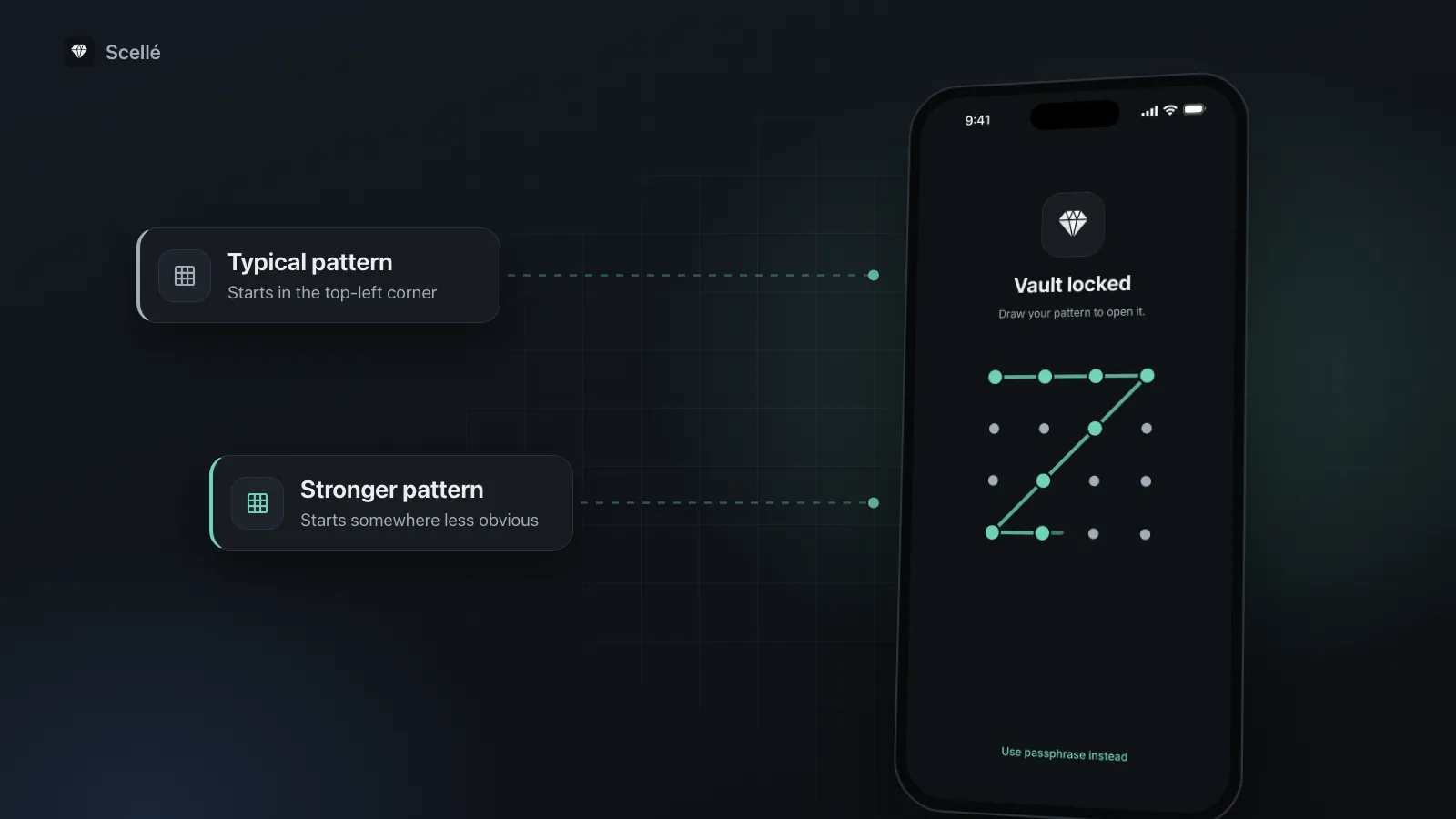
- Don't start in the top-left corner. It is the most common starting point, so start somewhere less obvious.
- Avoid letters and shapes. No initials, no L, Z, C or M, no squares, no zigzags. If it has a name, it is on a guess list.
- Break up straight lines. Change direction often, and include moves to dots that aren't next to each other, plus a line that crosses one you already drew.
- Shield the screen as you draw. Tilt the phone or cover it with your other hand in public.
- Clean the screen properly. In the smudge study a quick wipe was not enough. Using the phone normally after unlocking also made the pattern harder to read.
- Keep a real key behind it. Use a pattern only where a long passphrase or code still protects the data, and where wrong attempts are limited.
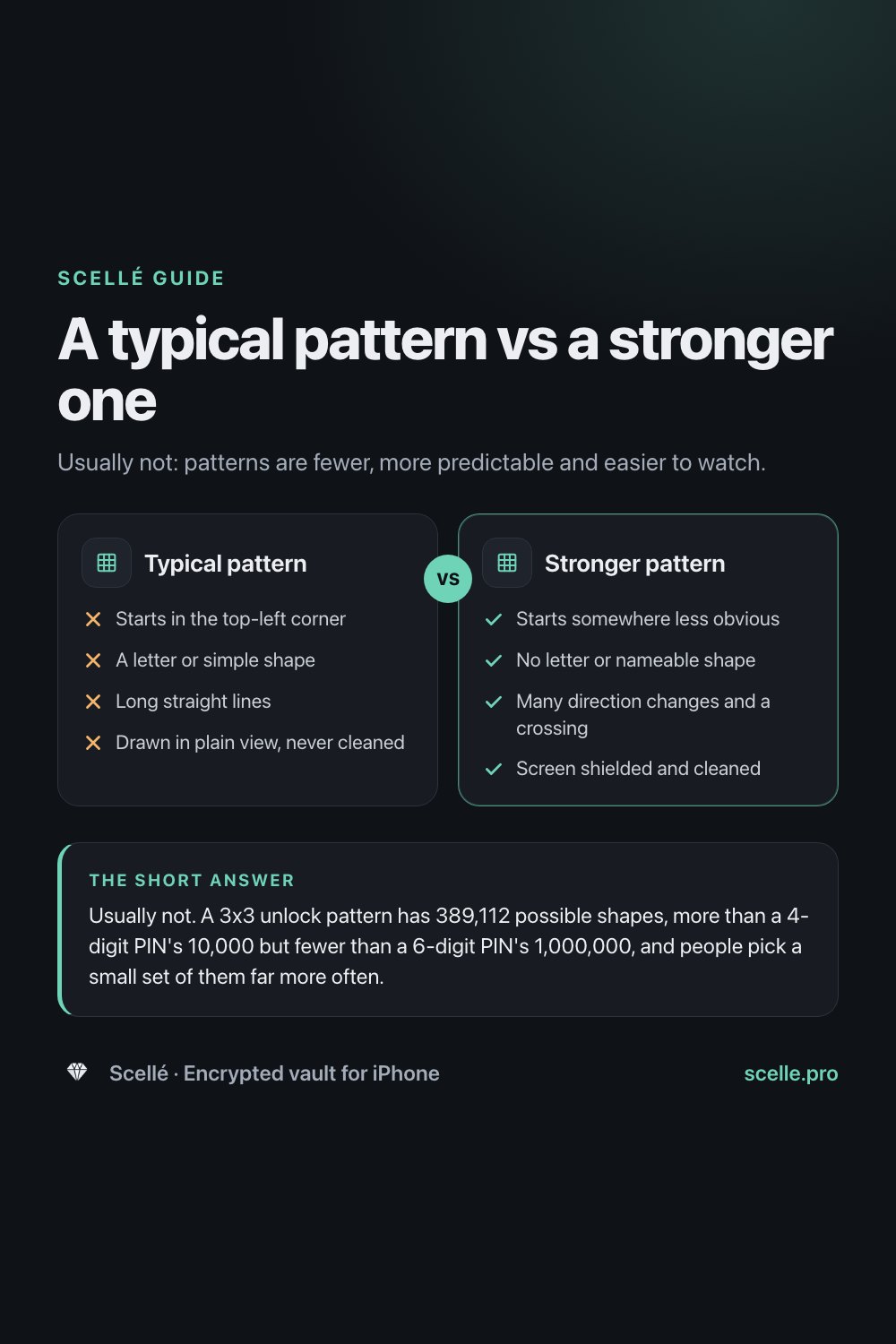
Typical pattern
- No: Starts in the top-left corner
- No: A letter or simple shape
- No: Long straight lines
- No: Drawn in plain view, never cleaned
Stronger pattern
- Yes: Starts somewhere less obvious
- Yes: No letter or nameable shape
- Yes: Many direction changes and a crossing
- Yes: Screen shielded and cleaned
When a pattern is fine, and when it isn't
A pattern is reasonable as a quick unlock on a device that stops accepting it after a few wrong tries, with a stronger secret behind it. Someone holding your phone then gets only a handful of guesses before the real key is needed, and the many possible shapes are enough for that.
It is a poor choice as the only thing protecting encrypted data. Anyone who can test guesses against a copy of the data, with no attempt limit, can simply try all 389,112 3x3 patterns. That is the job of a long passphrase run through a slow key derivation method, as the passphrase guide explains. Skip patterns altogether if the person you are protecting files from sees you unlock your phone every day.
How Scellé's unlock pattern works
Scellé is our encrypted vault for iPhone, and its unlock pattern is built around the points above. Here is what it does, checked against the app's code.
- A 4 by 4 grid, at least 6 dots. Sixteen dots give far more possible patterns than nine. As on Android, a line drawn across an unused dot picks it up, and the order you draw in is part of the pattern.
- The passphrase stays the key. Turning the pattern on needs your passphrase, and the passphrase always works: "Use passphrase instead" is on the lock screen.
- 5 tries, then the passphrase. After 5 wrong attempts, the pattern stops working until the vault is opened again with the passphrase or recovery key. Wrong passphrases count toward the same limit, and from the sixth wrong try Scellé adds a growing wait, from 30 seconds up to an hour. The count is kept in the Keychain, so reinstalling the app doesn't reset it.
- It can't be tested on a computer. The pattern goes through Argon2id, like the passphrase, and is combined with a secret held only in this iPhone's Keychain, so a copy of the vault files is useless for trying patterns elsewhere.
- A second vault can have its own. If you set up a second vault, it can open with its own pattern. When you set patterns from the main vault, Scellé won't let the two match.
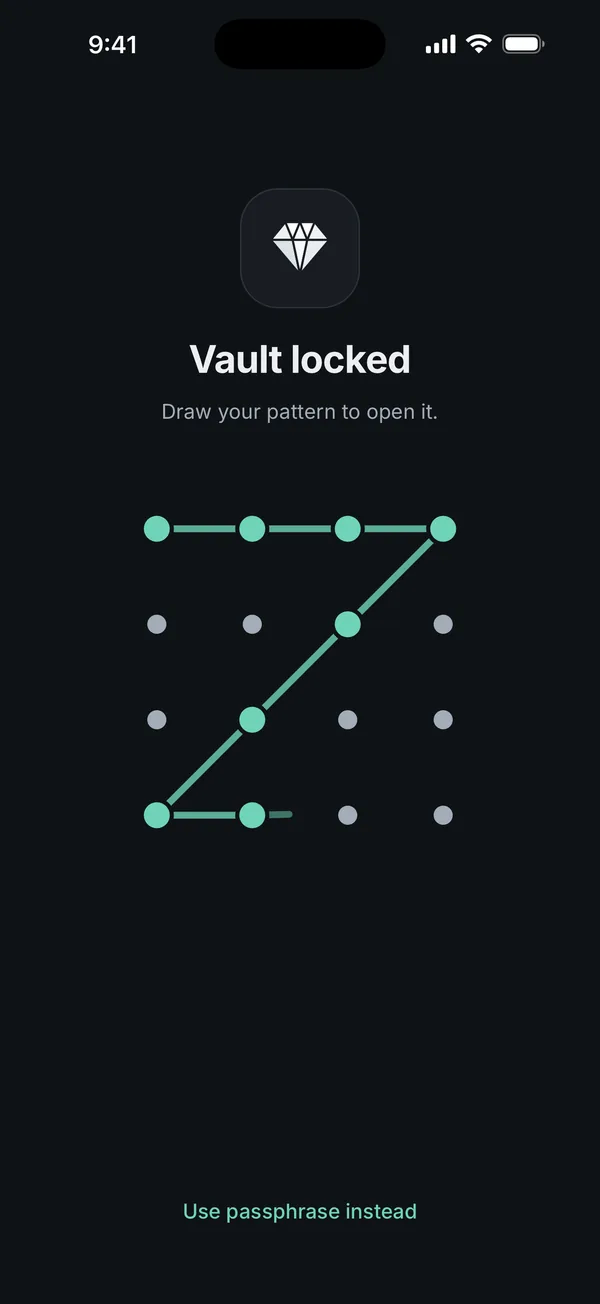
What it does not do: Scellé draws the line as you go and has no option to hide it, so shield the screen in public. And a pattern is never as strong as your passphrase. More on the lock screen is on locking and protection, and if you are locked out, see what to do if you forget your passphrase. Scellé costs $1.49 a week or $49.99 once (US prices, local price shown in the app).
Frequently asked questions
How many patterns are possible on a 4x4 grid?
Far more than on a 3x3 grid. Counting the same way, with the rule that a line can't skip over an unused dot, a 4x4 grid allows about 4.35 trillion patterns of 6 to 16 dots. Patterns of exactly 6 dots, the shortest Scellé accepts, number 1,331,944, a little more than a 6-digit PIN. Longer patterns add far more.
Does the direction I draw a pattern in matter?
Yes. A pattern is an ordered path, so the same shape drawn from the other end is a different pattern, and the counts in this guide treat it that way. It helps less than it seems: the 2010 smudge study found the stroke order could often be read from the smudges, and even when wiping blurred it, only two directions were left to try.
Can someone really work out my pattern from smudges?
Researchers showed it can be done. In a 2010 study, photographs of phone screens revealed the pattern partly in 92% and fully in 68% of the lighting and camera setups in one experiment, and a quick wipe plus a trip in a pocket did not remove it. A pattern drawn before other taps and swipes was harder to read than one drawn on top of them.
Should I use the same pattern I use on another phone?
No. A pattern you draw every day on your phone is the one most likely to have been watched or left as smudges. If your vault's pattern is the same, anyone who learned one learns both. Use a different pattern for each lock, and keep a separate passphrase behind any pattern you rely on.
What happens after too many wrong patterns in Scellé?
After 5 wrong attempts, the pattern stops working and Scellé asks for your passphrase or recovery key until the vault is opened again. Wrong passphrases count toward the same limit. From the sixth wrong try, Scellé also makes you wait, starting at 30 seconds and growing to an hour. The count is kept in the Keychain, so reinstalling doesn't reset it.
Summary
- A 3x3 pattern has 389,112 possibilities: more than a 4-digit PIN, fewer than a 6-digit one.
- Real patterns are predictable, and a study found they are far easier to copy by watching than PINs.
- If you use one, make it long, shapeless and hard to see, and keep a passphrase behind it.
- In Scellé, the pattern is a quick unlock on a 4 by 4 grid, and the passphrase takes over after 5 wrong tries.
Sources
- Aviv et al., Smudge Attacks on Smartphone Touch Screens (USENIX WOOT 2010)
- Aviv et al., Towards Baselines for Shoulder Surfing on Mobile Authentication (ACSAC 2017)
- Uellenbeck et al., Quantifying the Security of Graphical Passwords: The Case of Android Unlock Patterns (ACM CCS 2013)
- Scellé: Locking and protection