How to Protect Private Photos Before an iPhone Repair
Back up first, keep your passcode to yourself, and know what a technician can open.
Published November 14, 2026

Back up your iPhone, follow Apple's service checklist, and don't hand over your passcode: Apple says neither it nor its authorized service providers will ask for it. Anyone who has the passcode can open Photos, including the Hidden album. If a shop insists on it, back up and erase the phone first, or move private photos into a vault with its own passphrase and keep a backup of that vault off the phone.
Why a repair is a privacy question
A cracked screen or a tired battery is a hardware problem, but handing the phone over raises a personal one. Your camera roll may hold photos of your kids, your ID or your partner, and a stranger is about to hold the phone. Most people ask two things: can the technician look at my photos, and will my photos still be there when I get the phone back?
Both have clear answers. What someone can see depends on whether they can unlock the phone. Whether your photos survive depends on a backup that actually finished.
What a technician can see, with and without your passcode
Apple says setting a passcode also turns on data protection, which encrypts the iPhone's data with 256-bit AES. A locked iPhone is a locked box. Once it is unlocked, the person holding it sees what you would see.
| What is on the phone | Phone locked, passcode not shared | Passcode shared |
|---|---|---|
| Photo library and albums | Not viewable | Opens |
| Hidden and Recently Deleted | Not viewable | Opens: Apple says these unlock with Face ID, Touch ID or the passcode |
| Apps you locked with Require Face ID | Not viewable | Opens: Apple says locked apps accept the passcode too |
| Messages, Mail, Files | Not viewable | Opens, including photo attachments |
| A vault app with its own passphrase | Not viewable | Asks for the vault's own passphrase |
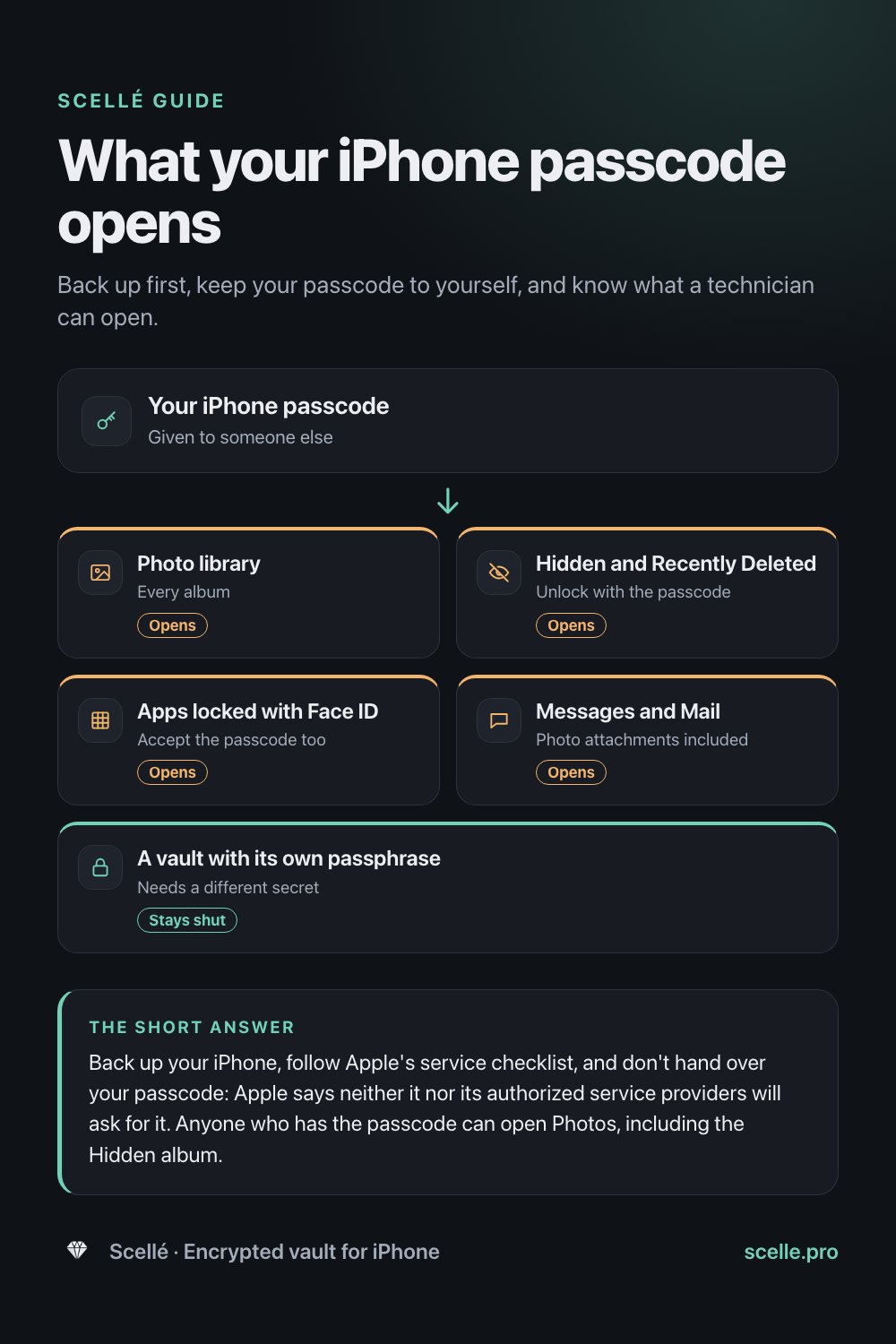
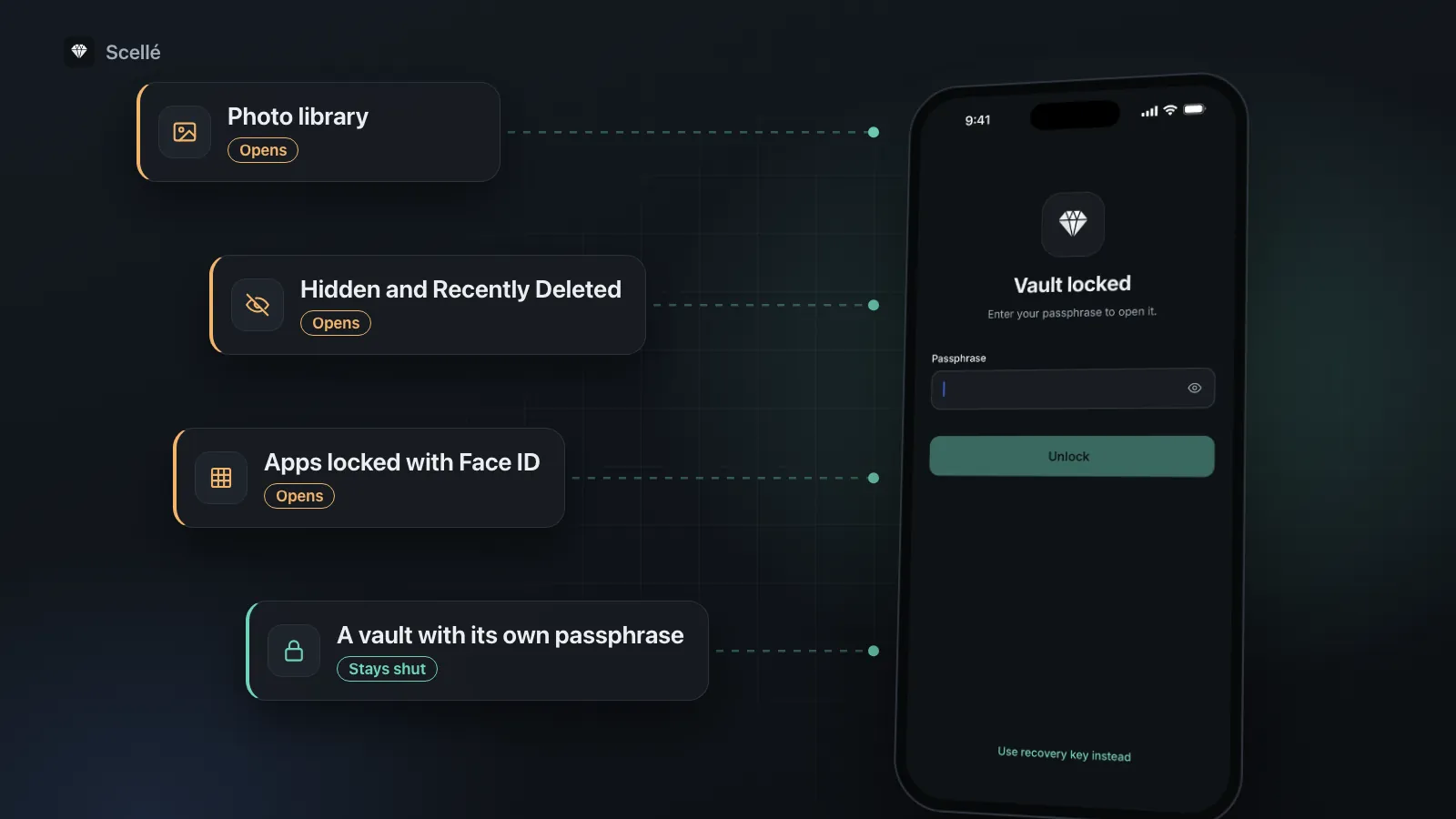
The iPhone passcode is the master key for everything Apple builds in. The Hidden album and locked apps stop someone glancing at your screen, but neither asks for anything the passcode can't supply. More on that in is the Hidden album private.
- Photo libraryEvery albumOpens
- Hidden and Recently DeletedUnlock with the passcodeOpens
- Apps locked with Face IDAccept the passcode tooOpens
- Messages and MailPhoto attachments includedOpens
- A vault with its own passphraseNeeds a different secretStays shut
Apple's checklist before service
Apple publishes a short preparation list. It is worth following for any repair: the backup protects your photos, and the Find My step decides whether the repair can go ahead.
- Back up your iPhone, to iCloud or to a computer, and check that the backup finished.
- Make sure iCloud has finished syncing: open Settings, tap your name, then tap iCloud. Apple says the status icon next to Saved to iCloud should be green.
- If you use Apple Cash, turn it off in Settings, then Wallet & Apple Pay, and remove your cards and passes from the Wallet app.
- Check Parts and Service History. If a part shows Finish Repair, Apple says you need to finish that repair before you bring the phone in.
- On iOS 27 or later, open the Find My app, select your iPhone, tap More, tap Repair or Trade In, then tap Enable. On iOS 26 or earlier, go to Settings, tap your name, tap Find My, and turn off Find My iPhone.
For privacy, the key line is this: Apple says it and its authorized providers will never ask for your passcode, and if a technician needs the phone unlocked for software support, you should stay present the whole time.
Before you hand it over
Apple warns that your iPhone might be erased during service. If you set it up as new and later decide to restore an older iCloud backup, Apple says to do it as soon as possible, because new backups made in the meantime overwrite the older ones.
Your options, from lightest to strongest
Keep the passcode to yourself
At Apple or an Apple Authorized Service Provider, this is usually all you need, because Apple says they won't ask for it. If a check needs the phone unlocked, type the passcode yourself and stay at the counter.
Use a temporary passcode
Some independent shops ask for the passcode so they can test the phone after the repair. If you agree, change it first to a code you have never used anywhere else, then change it back when you collect the phone. This protects your real passcode, not your data: the temporary code opens exactly what the real one does. If Stolen Device Protection is on and you are away from a familiar place, Apple says changing the passcode needs Face ID, an hour's wait, then Face ID again, so do it at home.
Back up and erase
This is the strongest option when you must share the passcode or don't trust the shop. Make a backup and confirm it finished, then go to Settings, General, Transfer or Reset iPhone, Erase All Content and Settings. The technician gets an empty phone. When it comes back, restore from your backup. Check the backup before you erase.
Move the private photos into a vault
If you want to keep using the phone normally and only a handful of photos are the worry, you can move just those into a vault app that has its own passphrase. Then even a person who has your passcode meets a second lock. Do it a few days before the repair so you can check everything opens, and read the next two sections first, because a vault changes how backups work.
What a vault does and doesn't protect while the phone is unlocked
A vault with its own passphrase is built for the situation a repair creates: someone else holding your unlocked iPhone. It has limits worth knowing.
- It protects files that are inside it and locked. The passcode doesn't open it, so a technician who unlocks the phone sees the vault's lock screen, not your photos.
- It doesn't protect a vault you left open. If the vault is unlocked when you hand the phone over, it is as open as everything else. Close it, and set it to lock as soon as you leave the app.
- It doesn't reach copies elsewhere. A photo you moved into the vault may still be in Recently Deleted, a Messages thread, a shared album or an older backup. Clear Recently Deleted before the repair. Our guide to moving photos to a vault walks through every copy.
- Face ID unlock depends on the app. Some vault apps let the iPhone passcode stand in when Face ID fails. If yours does, the passcode opens it after all. Check before you rely on it. Our guide to passphrase, PIN and Face ID explains the difference.
Mistakes that lose photos during a repair
- A backup that never finished. Check the date and time of the last successful backup before you leave home.
- Assuming every app is in the backup. Vault apps that keep files only on the phone often leave themselves out of iCloud and computer backups on purpose. If the phone is erased or swapped for a replacement, that vault is gone unless you saved the app's own backup file somewhere else.
- Forgetting Find My. On iOS 26 or earlier, Apple might not be able to service the phone if Find My is still on. If you turned it off, turn it back on when you get the phone back.
Where Scellé fits
Scellé is an encrypted vault for iPhone. Here is how it behaves when the phone leaves your hands, checked against the app's code.
A separate passphrase. The iPhone passcode doesn't open Scellé. It has its own passphrase of at least 12 characters. The first five wrong attempts are free; after that, each one adds a longer wait.
Face ID with no passcode fallback. If you turn on Face ID unlock, Scellé stores its key in a Keychain item that iOS releases only after a Face ID or Touch ID match. Typing the iPhone passcode at that prompt does not open the vault.
Locks when you leave. Auto-lock is set to Immediately by default, with options of 1 or 5 minutes. The vault is hidden in the app switcher, and screenshots and screen recordings of it come out black. Both are on by default.
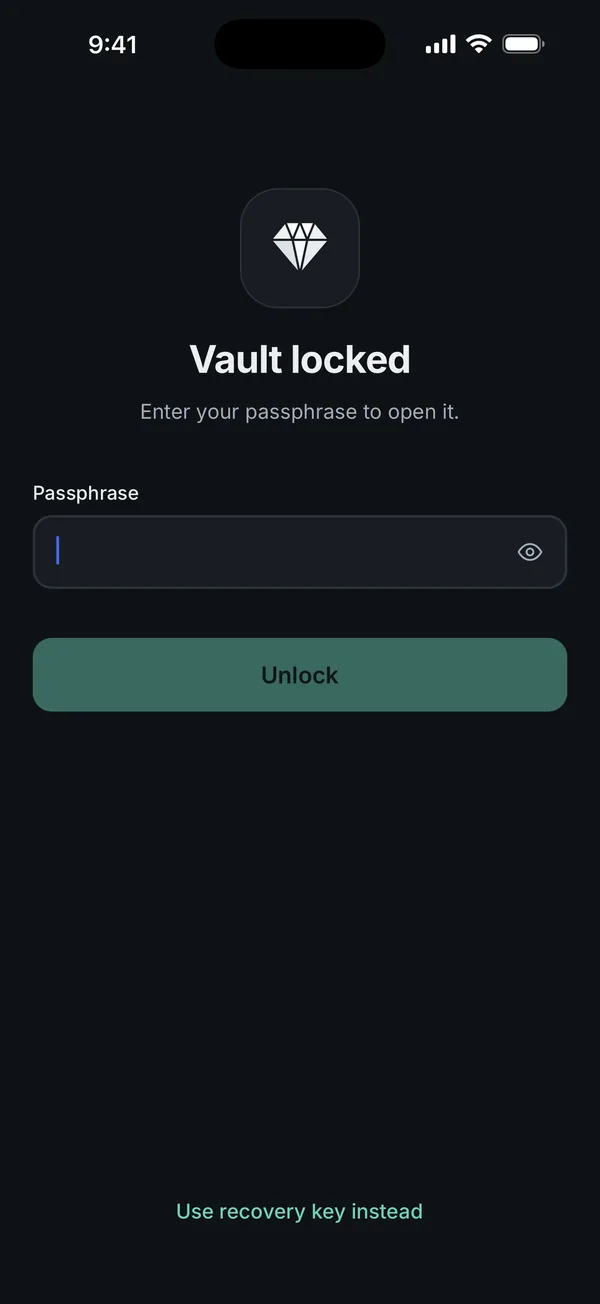
Backups are your job. Scellé keeps the vault out of iCloud and computer backups, and its key depends on a secret stored in this iPhone's Keychain. If the repair ends with an erased phone or a replacement device, an iCloud restore will not bring the vault back, and the 24-word recovery key works only on the iPhone that made it. Before the repair, make an encrypted backup file in Settings, Backup, protected by a backup password, and save it to Files, iCloud Drive or a computer. Our guide to moving the vault to a new iPhone shows the restore.
What it does not do: it can't protect photos you left in the photo library, and it can't protect the vault while you have it open. Scellé costs $1.49 a week or $49.99 once (US prices, local price shown in the app) and works on iPhone only. More on the lock settings is on the lock protection page.
Frequently asked questions
Does Apple need my passcode to repair my iPhone?
Apple says neither Apple nor Apple Authorized Service Providers will ask for your device passcode or Apple Account password, and that you should never give them to anyone. For some software support you might be asked to type the passcode yourself, and Apple's advice is to stay with the device while the technician has access to it.
Can a repair technician see my hidden photos?
Not without unlocking the phone. Once the phone is unlocked, Apple says the Hidden and Recently Deleted collections open with Face ID, Touch ID or your passcode. So anyone who knows your passcode can open the Hidden album too. Hiding a photo keeps it out of casual view; it does not add a second lock.
Will my photos be deleted during a repair?
They might be. Apple says your device might have been erased when you get it back, and that you then restore it from an iCloud or computer backup or set it up as new. That is why the first step on Apple's checklist is a backup, and why you should check the backup finished before you hand the phone over.
Should I erase my iPhone before sending it for repair?
Apple's current checklist doesn't ask you to, but it is the strongest option if you have to share your passcode or don't trust the shop. Make a backup and check it first, including a separate backup of any vault app that stays out of iCloud backups, then use Erase All Content and Settings. Afterwards, restore from the backup.
Do I still need to turn off Find My before a repair?
It depends on your iOS version. Apple says that on iOS 26 or earlier you turn off Find My, and Apple might not be able to service the phone if it is on. On iOS 27 or later, Apple's checklist has you turn on Ready for Repair or Trade In in the Find My app instead of turning Find My off.
Is a third-party repair shop different from Apple?
The privacy question is the same: what can someone open with what you give them. If a shop asks for your passcode, everything an unlocked iPhone shows is in reach, including Photos and the Hidden album. Ask whether the repair really needs it. If it does, consider erasing the phone first, or use a temporary passcode and change it back afterwards.
Summary
- Back up first and check it finished. Apple says the phone might come back erased.
- Don't share your passcode. Apple says it won't ask, and the passcode opens the Hidden album too.
- If a shop insists, erase the phone first, or use a temporary passcode and change it back afterwards.
- A vault with its own passphrase keeps private photos shut while someone else holds the phone, as long as it's locked and you have its backup file somewhere safe.
Sources
- Apple Support: Prepare your iPhone or iPad for a service appointment
- Apple Support: What to do before you sell, give away, or trade in your iPhone or iPad
- iPhone User Guide: Delete or hide photos and videos
- iPhone User Guide: Lock or hide an app
- iPhone User Guide: Set a passcode
- Apple Support: About Stolen Device Protection for iPhone