How to Make a Strong Passphrase You Can Actually Remember
Let chance pick the words, then give your memory two weeks to keep them.
Published November 16, 2026

A strong passphrase that you can remember is five or six ordinary words chosen at random, by dice or a generator, not by you. Randomness makes it hard to guess and the words make it easy to picture. Write it on paper once, type it every day for two weeks, and it will stay with you.
What makes a passphrase strong
A passphrase is a password made of several words instead of a jumble of characters. "Copper lantern basket orbit fifteen meadow" is a passphrase. "Tr0ub!e7" is a password. The first is longer, easier to type and easier to picture, and, if the words were picked at random, far harder to guess. Like a combination lock, its strength comes from how many dials there are and whether they were set at random.
Memorability matters most for things with no reset button: an encrypted vault, a backup file, a password manager or your iPhone passcode. Forget those and there is no email link to get back in, so this guide covers remembering as well as strength.
Why random beats clever
People are bad at being random. We pick words that go together, names that matter to us, song lines, or a word plus a year plus an exclamation mark. Guessing tools are built around those habits: they try dictionaries, leaked passwords, quotes and swaps like @ for a long before anything truly random.
That is why the advice from people who study this has shifted. NIST's current password guidance (SP 800-63B, revision 4) tells services to require at least 15 characters when a password is the only thing protecting an account, to stop forcing mixtures of capitals, numbers and symbols, and to check new passwords against lists of common and leaked ones. Length and unpredictability matter. Decoration does not.
| How it was made | Example of the type | How it holds up |
|---|---|---|
| A word with changes | Sunshine2024! | Weak. Common word, year and symbol at the end are among the first things guessed. |
| A favorite quote or lyric | A famous line, all lowercase | Weak to fair. Long, but quote lists are tried early. |
| Words you chose yourself | beach sunset ocean waves | Fair. The words belong together, so there are far fewer likely combinations. |
| Words picked at random | copper lantern basket orbit fifteen meadow | Strong. Every word could have been any word on the list. |
How many words you need
With random words, you can work out exactly how strong a passphrase is. If the list has 2,048 words, each word you add multiplies the possibilities by 2,048. The table assumes 1,000 guesses per second against a copy of your data, an illustration only: slow password hashing lowers it, many computers raise it.
| Random words | Possible passphrases | Time to try them all at 1,000 guesses a second |
|---|---|---|
| 4 from a 2,048-word list | About 17.6 trillion | About 560 years |
| 5 from a 2,048-word list | About 36 quadrillion | About 1.1 million years |
| 6 from a 2,048-word list | About 74 quintillion | About 2.3 billion years |
| 6 from EFF's 7,776-word list | About 221 sextillion | Trillions of years |
For an online account that locks you out after a few wrong tries, four random words is plenty. For anything that can be copied and guessed at offline, such as an encrypted vault or a backup file, aim for five or six. The Electronic Frontier Foundation, which publishes a word list designed for this, recommends at least six words from its long list. Compare that with an iPhone-style 6-digit PIN, which has one million possibilities in total.
How to make one with dice
Dice are the simplest way to be sure nobody, including you, chose the words. This is the method EFF describes for its long word list, which has 7,776 words, one for every combination of five dice.
- Get the list. Open EFF's long wordlist (linked from eff.org/dice) and save or print it. Each line is a five-digit number and a word.
- Roll five dice. Read them left to right, for example 4, 3, 4, 6, 3, and write down 43463.
- Look up the word. Find 43463 on the list and write the word next to the number.
- Repeat for each word. Do it six times for six words. Keep every word you get, even ones you dislike.
- Keep the order. Use the words in the order they came, separated by spaces if the app accepts them.
- Destroy the scratch paper. Once you have copied the passphrase to the one paper copy you will keep, shred the rolls and notes.
No dice? A generator that picks the words on your own device works too. Avoid websites that make passphrases for you.
How to remember it in two weeks
These habits help random words settle in.
Turn the words into a picture
Make a silly scene that links the words in order: a copper lantern in a basket, orbiting a meadow with fifteen cows. The stranger the picture, the better it sticks.
Type it, don't just read it
Type the passphrase every day for the first two weeks, in the app it protects. Your fingers learn the rhythm. If the app offers Face ID, leave it off for those two weeks.
Keep one paper copy while you learn
Write it once on paper and keep it at home, away from the phone. EFF makes the same point: writing it down is reasonable while you learn it, as long as it isn't kept with the thing it protects.
Check yourself later
After a month, then every few months, type it from memory once. A passphrase you only ever skip with Face ID can fade quietly.
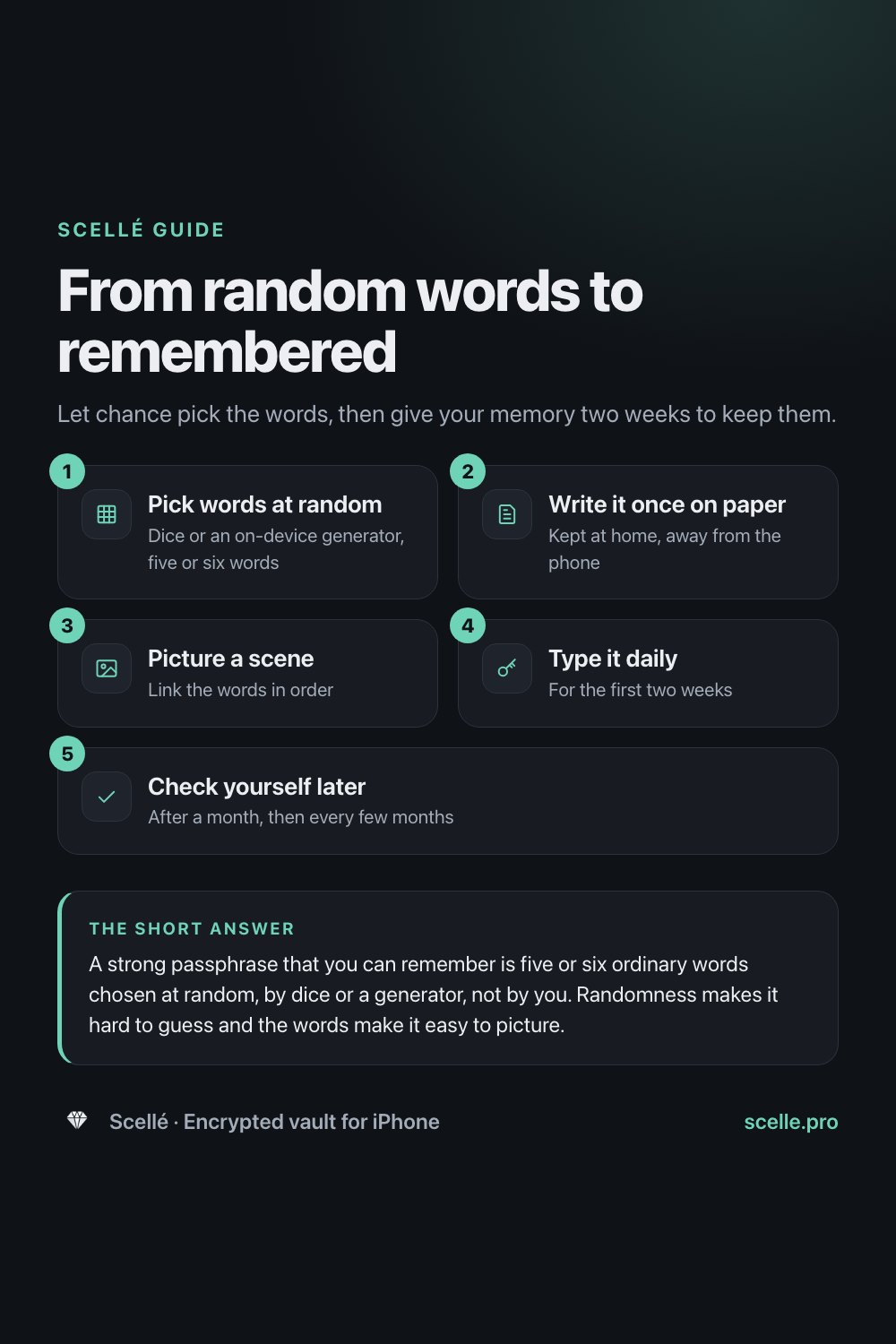
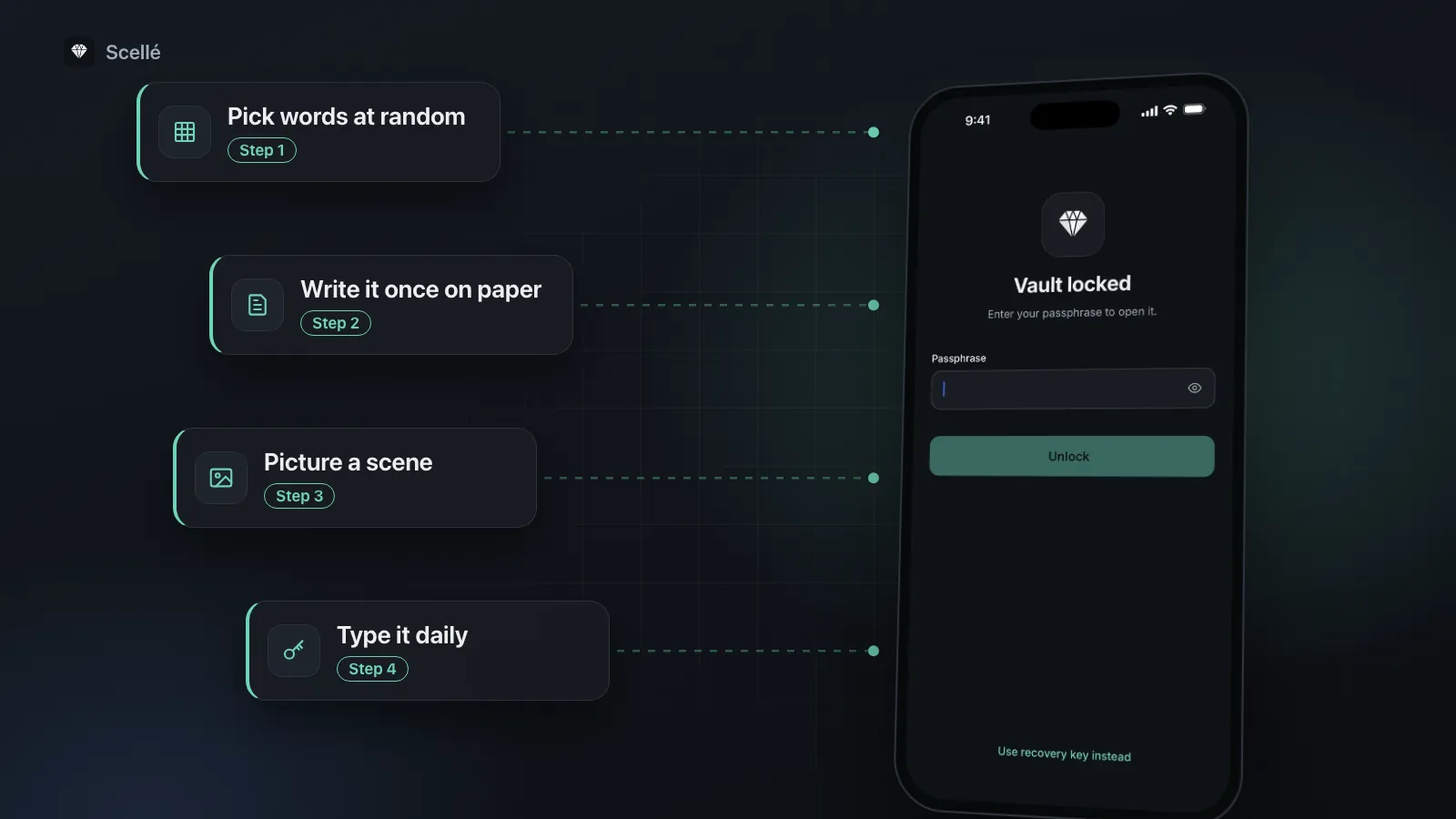
- 1Pick words at randomDice or an on-device generator, five or six words
- 2Write it once on paperKept at home, away from the phone
- 3Picture a sceneLink the words in order
- 4Type it dailyFor the first two weeks
- 5Check yourself laterAfter a month, then every few months
Mistakes that weaken a good passphrase
- Rerolling until you like it. Throwing out words you dislike moves the result toward words people prefer, which is more predictable.
- Reusing it. A passphrase used online can leak in a breach. The one for your vault, backup file or password manager should be used nowhere else, including your iPhone passcode.
- Adding a hint. A hint like "pet and street" narrows the guessing enormously. NIST tells services not to allow hints that others can read, for that reason.
- Keeping it on the same phone. A passphrase in Notes, a screenshot in Photos or an email to yourself is only as safe as the phone or account it protects. If you want a digital copy, a password manager protected by a different strong passphrase is the place for it. See iPhone Passwords app vs a vault app.
Where it matters most: things with no reset
A website limits guesses at its login page and can reset your access by email. An encrypted vault or backup file can do neither: someone with a copy can guess at their own pace, and if you forget the passphrase, a well-built vault has no reset. Our guide to what happens if you forget a vault passphrase covers what can still open one.
That is why vault apps that take this seriously run every guess through a deliberately slow password-hashing method, as described in on-device encryption explained. Your iPhone does something similar: Apple's security guide says each passcode attempt is tuned to take about 80 milliseconds and has to run on the device itself.
The same idea works for your iPhone passcode. iOS supports passcodes of any length with letters, not only 4 or 6 digits. To use one, go to Settings > Face ID & Passcode (Touch ID & Passcode on models with Touch ID) > Change Passcode > Passcode Options, and choose Custom Alphanumeric Code. A few random words make a strong passcode that is still quick to type.
How Scellé handles your passphrase
Scellé is our encrypted vault for iPhone. Here is how it applies the advice above, checked against its code:
- Length and strength. The passphrase must be at least 12 characters, and a strength meter rates it as you type. Scellé won't continue until it rates the passphrase at least "Okay", and it counts a passphrase of plain words by the number of words rather than the number of letters, so a long but simple phrase isn't overrated.
- Make one for me. One tap picks six random words from a 2,048-word list, generated on the phone. Scellé shows the words, asks you to write them down, and asks you to type them back in before it continues.
- Each guess is slow. The passphrase goes through Argon2id with 3 passes over 64 MiB of memory, and is combined with a secret in this iPhone's Keychain, so a copied set of vault files can't simply be attacked on a computer.
- Wrong guesses cost time. After 5 wrong attempts in the app, it makes you wait, starting at 30 seconds and growing to an hour per try.
- Recovery key. An optional 24-word recovery key, to print and keep with your paper copy. There is no reset from us, because we never have your passphrase.
- Changing it. Settings > Change passphrase asks for the current one first, and the new one has to pass the same strength check.
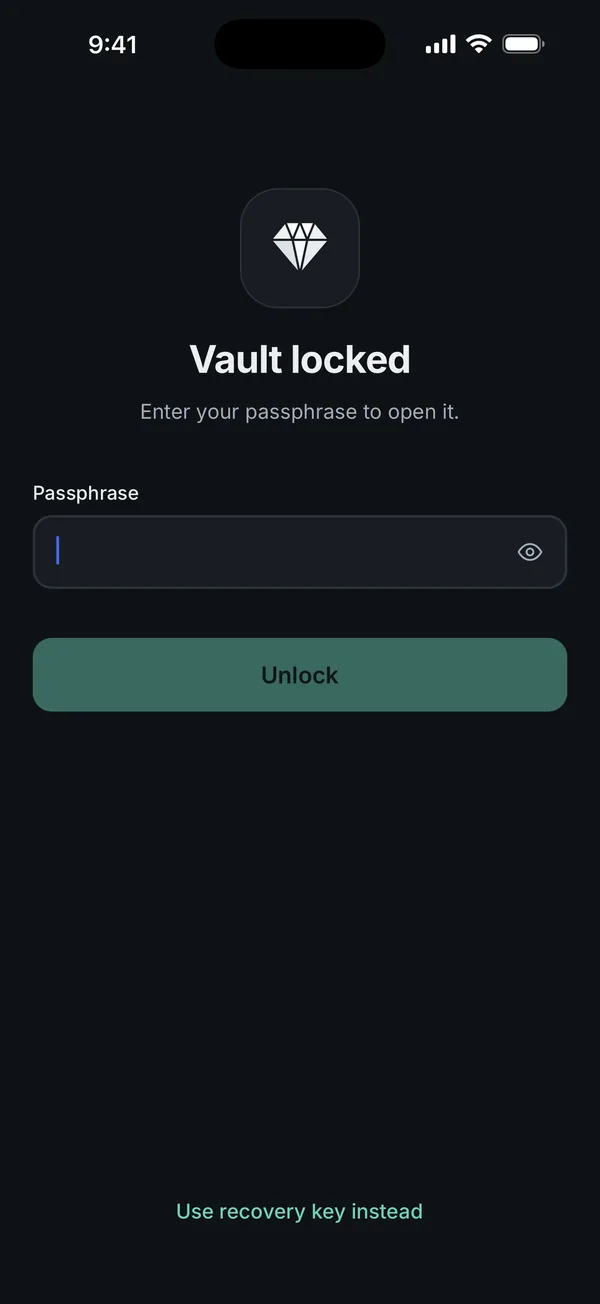
The app makes each guess expensive; the number of possible guesses is up to you. More detail is on the locking and protection and recovery key pages. Scellé costs $1.49 per week or $49.99 once (US prices; local price shown in the app).
Frequently asked questions
Are three or four random words enough for a passphrase?
For an online account that blocks repeated guesses, four random words is a reasonable floor. For anything someone could copy and guess against at their own pace, such as an encrypted vault or a backup file, use five or six. Each extra word from a 2,048-word list multiplies the number of possibilities by 2,048, which no symbol or capital letter comes close to.
Does adding a number or symbol make a passphrase stronger?
A little, and less than you would think, because people add them in predictable places, like a 1 or ! at the end. Guessing tools try those first. Adding one more random word does far more. Only add a symbol if a service insists on one, and then put it somewhere you will remember, such as between two words.
Is it safe to write my passphrase down?
On paper, kept somewhere safe and away from the phone, yes. Forgetting a passphrase that has no reset is a bigger risk for most people than someone finding a note in a drawer at home. Don't keep it in Notes, Photos, email or a screenshot, because those sit on the same phone or account it protects.
How often should I change my passphrase?
Only when you have a reason to think someone saw it, guessed it, or found the paper copy. NIST's current guidance tells services not to force regular password changes, because people respond by making small, predictable edits. A strong passphrase you know well is safer than a new one every few months that you keep half remembering.
Should I let an app generate my passphrase?
A generator is a good choice if it picks words at random on your own device and shows you the result to write down. That gives you the same randomness as dice with less effort. Avoid online generators that create the passphrase on a website, since you can't see where the words came from or whether they were stored.
Summary
- Strength comes from randomness and length, not from symbols or clever spelling.
- Use five or six random words for anything with no reset, picked by dice or an on-device generator, and keep every word you get.
- Picture the words as a scene, type them every day for two weeks, and keep one paper copy away from the phone.
- Never reuse it, never add a hint, and only change it when you think it was seen.