Should You Store a Crypto Seed Phrase on Your iPhone?
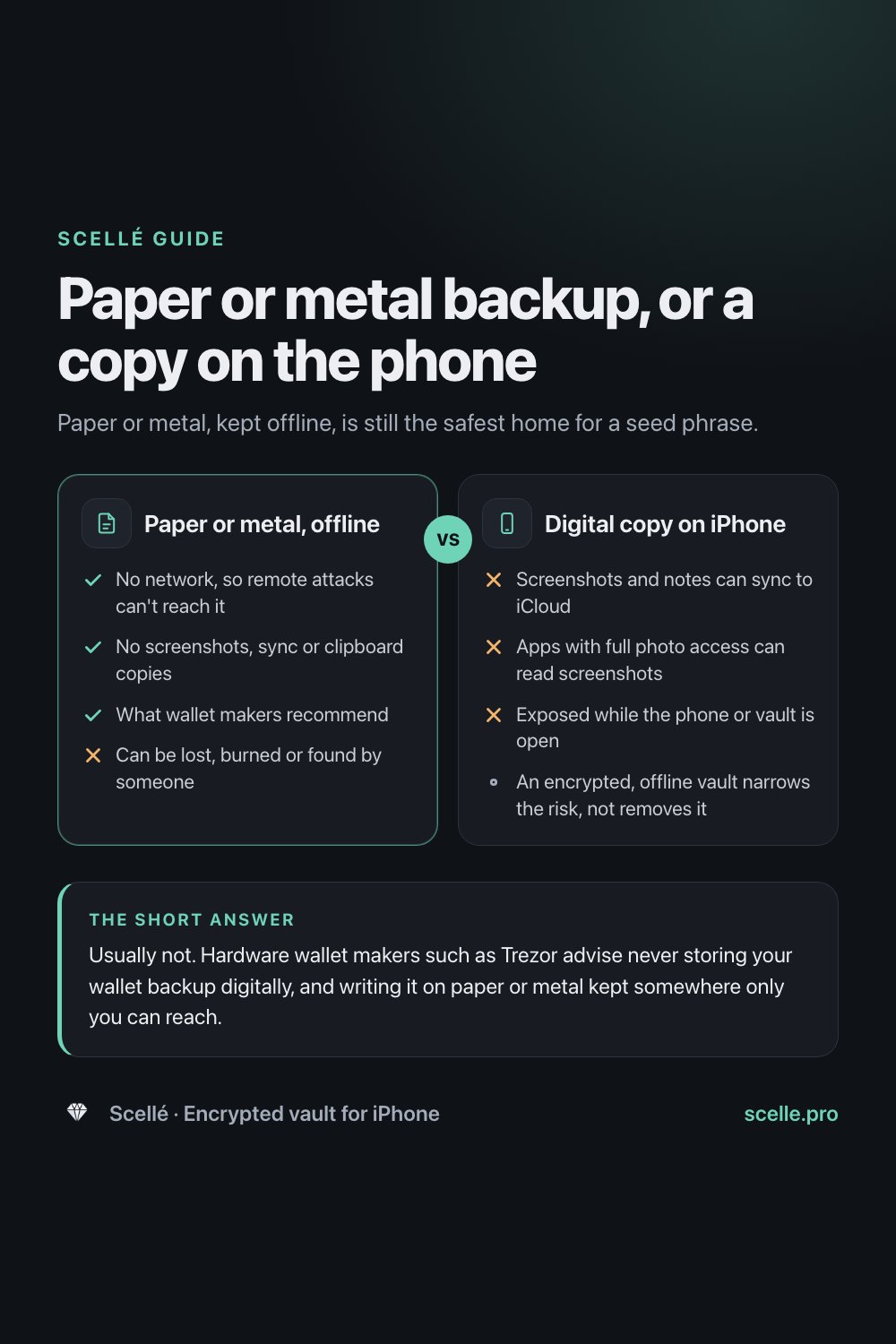
Paper or metal, kept offline, is still the safest home for a seed phrase.
Published November 14, 2026

Usually not. Hardware wallet makers such as Trezor advise never storing your wallet backup digitally, and writing it on paper or metal kept somewhere only you can reach. A screenshot lands in your photo library and can sync to iCloud, and notes and cloud files sit on servers, so if you keep a digital copy at all, keep it out of those places. This is general information, not financial advice.
What a seed phrase is, and why it is different
A seed phrase, which Trezor now calls a wallet backup and others call a recovery phrase, is a list of words, usually 12 to 24, that can rebuild a crypto wallet on any compatible device. Anyone who has the words can restore the wallet and move whatever is in it. There is no password reset, no bank to call and usually no way to reverse a transfer.
A leaked password can usually be changed. A leaked seed phrase means the wallet itself has to be replaced. Trezor's own guide calls the wallet backup a single point of failure that must be kept well protected at all times.
This guide covers what wallet makers recommend, where a digital copy on an iPhone ends up, and what an encrypted vault does and does not protect against. It is general information, not financial advice, and Scellé is not a crypto wallet.
What hardware wallet makers recommend
The advice from hardware wallet makers is consistent. Trezor's guide to keeping a wallet backup safe says:
- Never store it digitally. Compared with physical media, it says, digital media can be easily accessed, and digital copies can be made without the owner noticing until it is too late.
- Write it down carefully. Copy the words exactly, spelled correctly and in the right order, and do it alone.
- Mind the devices around you. It warns that there might be a camera or a microphone on your computer or phone, and says not to read the words out loud.
- Make it durable. Words engraved in steel or titanium survive what paper does not.
- Keep it where only you can reach it. A discreet home safe or another location you control, chosen with your own risks in mind.
The same guide notes that remote attacks, malware and phishing over the internet, are the biggest threat most people face. A phrase that only exists on paper in a drawer cannot be reached that way.
Where a digital copy on iPhone actually goes
These are the usual places people put a seed phrase on an iPhone, and what Apple's documentation says happens there.
| Where the copy is | What happens to it | The risk |
|---|---|---|
| Screenshot | Saved automatically to your photo library | Syncs with iCloud Photos, readable by apps with full photo access, words selectable with Live Text |
| Notes app | Stored in iCloud if you use iCloud for Notes | Standard data protection by default, so Apple holds the keys |
| Email or message to yourself | Stays in the mailbox or conversation, on every device signed in | Copies that are easy to forget and hard to track down |
| Clipboard | Shared with nearby Apple devices through Universal Clipboard | Lands on your Mac or iPad until something else is copied |
| File in iCloud Drive or another cloud | Synced to every device signed in | Standard data protection by default for iCloud Drive |
| Paper or metal, offline | Stays where you put it | Fire, water, loss or someone finding it |
Screenshots are the worst of these
Apple says screenshots are automatically saved to your photo library, and they collect in the Screenshots album under Media Types. From there they sync to iCloud if iCloud Photos is on. Apple's Photos privacy page says an app you give full access can see your photos and videos, including hidden ones even if the Hidden album is locked. And Live Text recognizes text in your photos, so the words in a screenshot can be selected and copied like any other text. A screenshot turns your seed phrase into searchable, synced data.
Cloud copies depend on who holds the keys
Apple's iCloud data security overview says that under standard data protection, the default, Apple holds the keys for most iCloud data, including Notes, Photos and iCloud Drive. Advanced Data Protection makes those end-to-end encrypted. Either way, the phrase now lives on every device signed in to your account, so anyone who gets into one of them can find it.
Paper or metal, offline
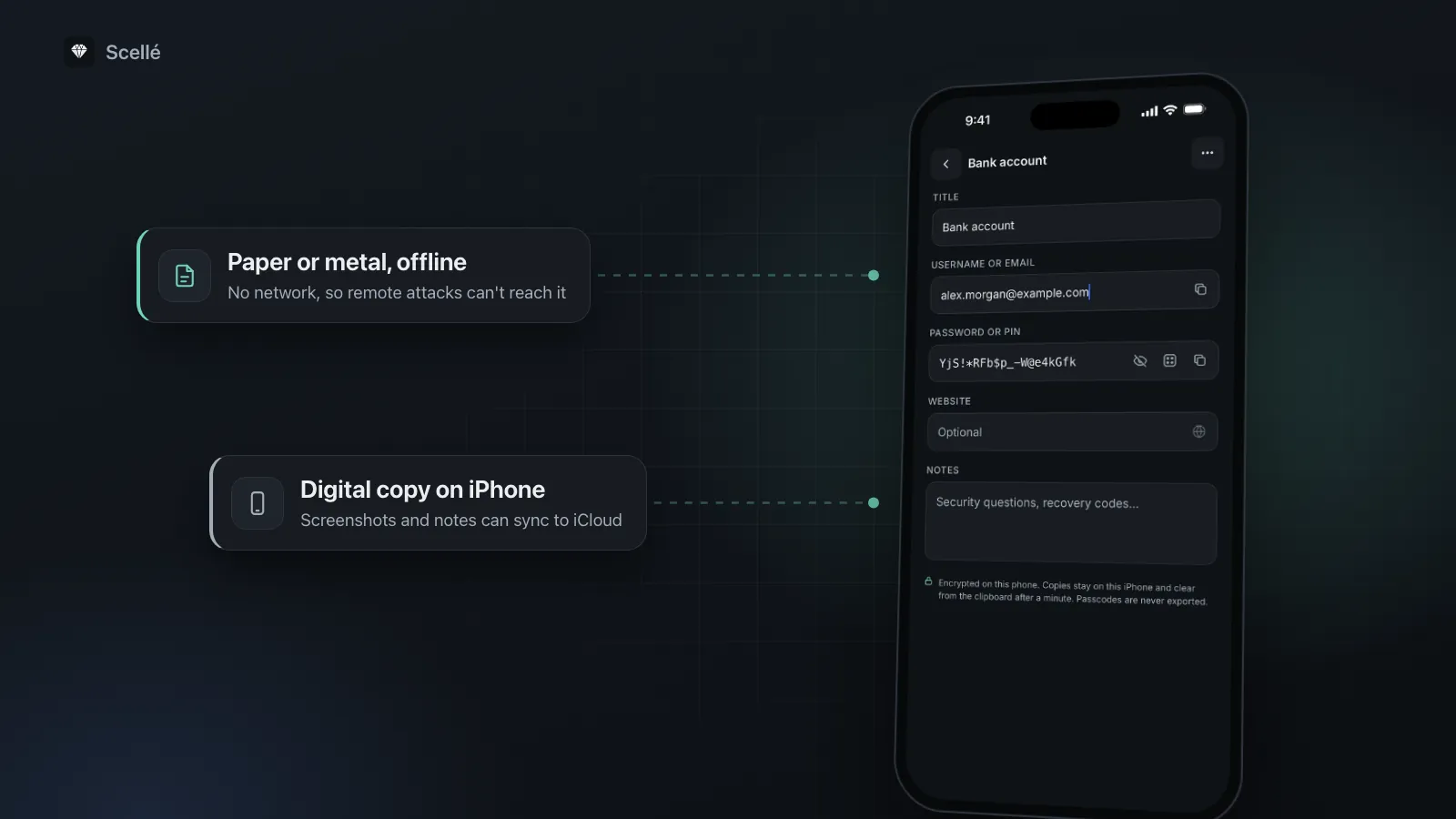
- Yes: No network, so remote attacks can't reach it
- Yes: No screenshots, sync or clipboard copies
- Yes: What wallet makers recommend
- No: Can be lost, burned or found by someone
Digital copy on iPhone
- No: Screenshots and notes can sync to iCloud
- No: Apps with full photo access can read screenshots
- No: Exposed while the phone or vault is open
- An encrypted, offline vault narrows the risk, not removes it
How to store a seed phrase offline
These steps follow that advice, then clear the digital copies that pile up during setup.
- Write the words by hand on paper or the backup card that came with your wallet, in order, checking each spelling. Do it alone, away from cameras, and don't read the words aloud.
- If you want it to survive fire or water, transfer the words to a metal backup.
- Store it somewhere only you can reach, such as a discreet safe. Some people keep a second copy in a separate place, so one accident can't destroy both; weigh that against having two copies to protect.
- Look for digital copies on your iPhone: in Photos, tap Collections, then Screenshots under Media Types. Then search Notes, Files, Mail and Messages for one of your words.
- Delete what you find, then clear Recently Deleted in Photos and in Messages, which otherwise keep items for up to 30 days.
- Check your Mac and iPad too, if they share your Apple Account, since synced copies live there as well.
Before you delete
Make sure your written copy is complete and correct before you remove the last digital one. Restoring a wallet with a missing or misspelled word may not work, and nobody can recover the phrase for you.
If you keep a digital copy anyway
Some people decide a digital copy is worth the risk, as a fallback if the paper is lost. If you do, make it a second copy, never the only one, and keep it out of Photos, iCloud notes, email and the clipboard. An app that encrypts on the phone and stays offline narrows the risk, but only so far.
What an encrypted, offline vault protects against
- Cloud and sync copies. Nothing is uploaded, so the words are not on a server or your other devices.
- Apps with photo access. The phrase is not in your photo library, so no Photos permission reaches it.
- Someone who picks up your unlocked phone. The vault needs its own passphrase, separate from the iPhone passcode.
- A lost or stolen phone. The stored files are encrypted, so they are unreadable without the passphrase.
What it does not protect against
- A compromised phone while the vault is open. When you unlock the vault and show the words, they are on screen and in memory. Malicious software running on the phone at that moment, or someone watching, is outside what any vault can stop.
- Phishing. If a website or a message tricks you into typing the words, the vault can't help. Treat any request for your words as a red flag.
- Losing your way in. If you forget the vault passphrase and have no recovery key, the phrase is gone with it. The same if the phone is lost and the vault was the only copy.
How Scellé fits, and where it does not
Scellé is not a crypto wallet. It does not hold coins, connect to wallets or exchanges, or recover funds, and nothing on this page is financial advice. What it can do is keep a second, digital copy of a phrase encrypted and offline on one iPhone. Checked against the app's code:
Encrypted on the phone. Each item is encrypted with its own key before it is saved. The vault's key comes from your passphrase, hardened with Argon2id, and from a secret in this iPhone's Keychain. There is no account, no server and no cloud copy, and the vault is kept out of iCloud backups. More on the encryption page.
A passcode entry, not a photo. You can type the words into a Passcode entry, so they never exist as an image. Passcodes are never exported as files. The copy button puts text on this iPhone's clipboard only, without Universal Clipboard, and clears it after a minute.
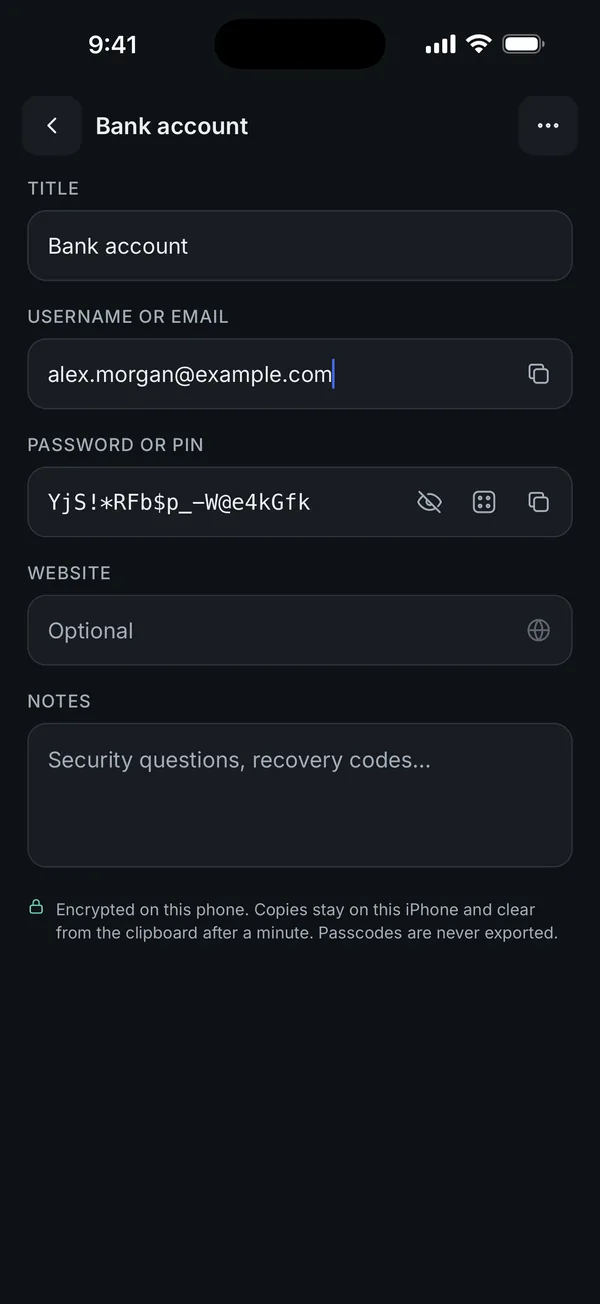
Locks and screenshots. The vault can lock as soon as you leave the app, is hidden in the app switcher, and makes you wait longer after each wrong passphrase. Screenshots and screen recordings of Scellé come out black, which is on by default. See lock protection.
What it does not do: it can't protect the words while they are open on screen, or stop a phishing site. There is no reset if you forget the passphrase, so print the optional 24-word recovery key and read what happens if you forget a vault passphrase. An encrypted backup file includes your passcodes and is protected only by the backup password you choose, so a backup saved to a cloud drive is a copy on that cloud. Scellé costs $1.49 a week or $49.99 once (US prices, local price shown in the app).
Frequently asked questions
Is it safe to screenshot my seed phrase?
It is one of the riskiest places to keep it. Apple says screenshots are saved automatically to your photo library, so they sync wherever iCloud Photos is on, and any app with full access to your library can read them. Live Text also makes the words in a photo selectable and copyable. Write the words down instead, then delete the screenshot and clear Recently Deleted.
Is a locked note in the Notes app good enough?
A locked note adds a password inside the Notes app, but it is still a digital copy, and wallet makers advise against those. Also remember that ordinary notes in iCloud use standard data protection by default, which means Apple holds the keys unless you turn on Advanced Data Protection. If you use Notes at all, keep the paper copy as your real backup.
What if someone saw my seed phrase or a copy was in iCloud?
Assume anyone who saw the words could restore your wallet, because that is what the phrase is for. You can't take back a copy that left your control. Your wallet provider's own documentation explains how to move to a new wallet with a new phrase if you decide the old one is exposed. This is general information, not financial advice.
Is Scellé a crypto wallet?
No. Scellé is an encrypted vault for files, notes and passwords on iPhone. It does not hold coins, connect to wallets or exchanges, or recover funds, and it cannot tell you how to store your crypto. It can keep a digital copy of a phrase encrypted and offline on one phone, but the safest backup is still paper or metal kept offline.
Can I paste my seed phrase into a wallet app safely?
Be careful with the clipboard. Apple's Universal Clipboard puts copied text on your other nearby Apple devices signed in to the same account, where it stays briefly or until something else is copied. Typing the words by hand into the wallet app you trust avoids that. Never paste or type them into a website, form or message you reached from a link.
Summary
- The safest place for a seed phrase is paper or metal, offline, somewhere only you can reach. That is what hardware wallet makers recommend.
- Never screenshot it: screenshots go to Photos, sync to iCloud, and the words become selectable text.
- Keep it out of Notes, email, cloud files and the clipboard.
- If you keep a digital copy, make it a second copy in an encrypted, offline vault, and remember it can't protect you from phishing or a compromised phone while it is open.
- This is general information, not financial advice.
Sources
- Trezor: Keeping your wallet backup safe
- iPhone User Guide: Take a screenshot
- iPhone User Guide: Interact with content in a photo or video (Live Text)
- Apple Support: iCloud data security overview
- Apple Support: Use Universal Clipboard to copy and paste between your Apple devices
- Apple Legal: Photos & Privacy