Signs Someone Went Through Your Photos on iPhone
Your iPhone keeps no log of who looked, but a few real clues exist.
Published November 14, 2026

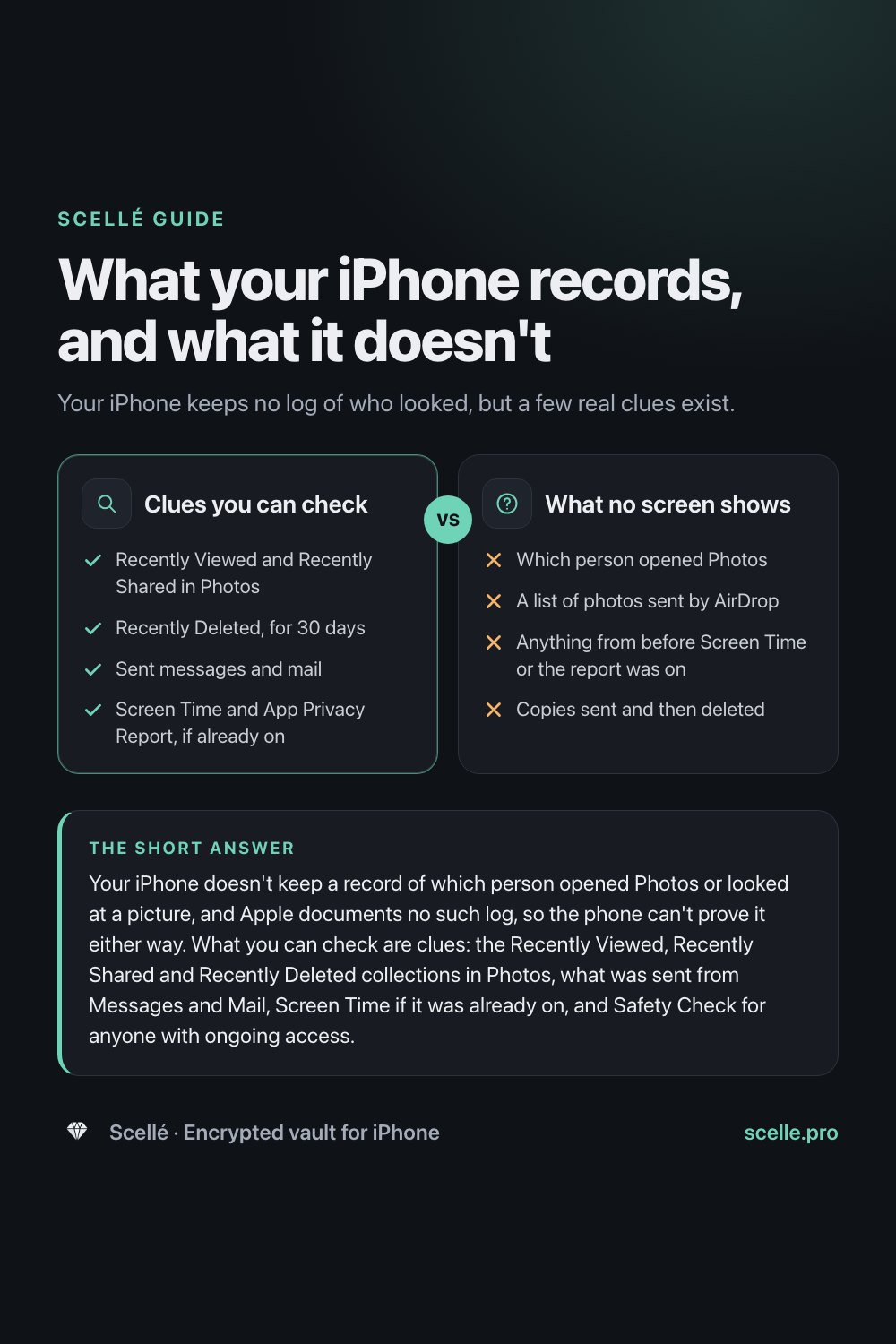
Your iPhone doesn't keep a record of which person opened Photos or looked at a picture, and Apple documents no such log, so the phone can't prove it either way. What you can check are clues: the Recently Viewed, Recently Shared and Recently Deleted collections in Photos, what was sent from Messages and Mail, Screen Time if it was already on, and Safety Check for anyone with ongoing access. The reliable answer is prevention: a passcode only you know, and a separate lock for the photos that matter most.
The honest answer first
You left your phone on the table, or someone borrowed it, and now you have a feeling they looked at your pictures. It is an unsettling feeling, and it is natural to want proof one way or the other.
Here is the plain truth: an iPhone doesn't keep a log of who opened Photos. Once the phone is unlocked, iOS treats whoever is holding it as you. Apple documents no record of which person looked at which picture, and no notification when someone does. Anything that claims to show you that from the phone alone is guessing.
That doesn't leave you with nothing. Photos and a few other parts of iOS keep ordinary records that can point to what happened. This guide covers what those clues are, what they can and can't tell you, what to do if you are worried, and how to make sure it can't happen next time.
Clues that are real, and what each can't tell you
Each of these records what happened on the phone, not who did it. Treat them as hints, and remember that the most common explanation is often you, a shared device, or a feature doing its job.
| Where to look | What it can show | What it can't tell you |
|---|---|---|
| Photos: Recently Viewed | Photos that were opened recently | Who opened them |
| Photos: Recently Shared | Photos that were shared recently | Who shared them, or to whom |
| Photos: Recently Deleted | Photos deleted in the last 30 days | Who deleted them |
| Messages and Mail | Photos sent from your conversations and Sent folder | Anything that was sent and then deleted |
| Screen Time, if it was on | Which apps were used, and for how long, day by day | Who was holding the phone |
| App Privacy Report, if it was on | When apps accessed your photo library in the past 7 days | Someone simply scrolling in Photos |
| A passcode prompt instead of Face ID | One possible reason is five failed Face ID attempts | Which of several ordinary reasons applies |
The Photos collections
Apple's iPhone User Guide lists Recently Viewed and Recently Shared under Utilities in the Photos app, next to Recently Saved. If Recently Viewed is full of private photos you haven't opened in months, that is worth noticing. If Recently Shared shows something you never sent, that matters more, because a shared photo has left your phone. Recently Saved is the other direction: Apple says it collects photos saved from apps like Messages, Safari and Mail, plus photos received by AirDrop.
Recently Deleted keeps deleted photos for 30 days. If a picture is missing from your library, look there before you assume anything.
Sent messages and mail
A photo sent from your phone usually leaves a copy in the conversation or in Mail's Sent folder. Scroll recent threads, including ones with people you don't usually message. Apple's AirDrop guide describes no list of items you have sent, so don't count on finding one there.
Screen Time and App Privacy Report
Both only help if they were switched on before. Screen Time reports which apps were used and for how long, and you can swipe back through earlier days. App Privacy Report shows when apps accessed data like Photos over the past week, which can reveal a third-party app reading your library at a time you weren't using it. Apple says that report is stored only on your device, and turning it off clears it.
How to check, step by step
- Open Photos, tap Collections, scroll to Utilities, and open Recently Viewed, then Recently Shared.
- In the same list, tap Recently Deleted, then View Album, and unlock it to see what was deleted in the last 30 days.
- Look through recent Messages conversations and Mail's Sent folder for photos you don't remember sending.
- Go to Settings, Screen Time and look at the daily reports, if Screen Time was already on.
- Go to Settings, Privacy & Security, App Privacy Report, if it was already on, and check which apps accessed Photos and when.
- Go to Settings, Privacy & Security, Safety Check, tap Manage Sharing & Access, and review the people, apps and devices that can reach your information.
Clues you can check
- Yes: Recently Viewed and Recently Shared in Photos
- Yes: Recently Deleted, for 30 days
- Yes: Sent messages and mail
- Yes: Screen Time and App Privacy Report, if already on
What no screen shows
- No: Which person opened Photos
- No: A list of photos sent by AirDrop
- No: Anything from before Screen Time or the report was on
- No: Copies sent and then deleted
Safety Check: who still has access
Looking backwards only goes so far. Safety Check, in Settings, Privacy & Security, looks at the present: who can still reach your information. Apple's Personal Safety guide says it lets you review the people you share with, including shared content like Photos, the apps with access to your data, the devices connected to your Apple Account, and synced computers. On iOS 18 or later it also lists Macs set up for iPhone Mirroring, which can show your phone's screen on a computer.
Safety Check can also take you through changing your passcode, your Apple Account password, and your Face ID or Touch ID setup. Apple notes it can't review everything, such as non-Apple accounts and social media sharing. If you are worried about how someone will react to these changes, read Apple's safety planning advice first. Safety Check has a Quick Exit button that closes Settings immediately and keeps the changes you have already made.
If you think someone did go through your photos
- Change your passcode. Settings, Face ID & Passcode, Change Passcode. Choose one the other person can't guess or watch you type; Passcode Options offers a custom alphanumeric code.
- Check your Face ID setup. If someone else's appearance was ever added, Safety Check's review of Face ID or Touch ID is the place to reset it.
- Review shared albums and libraries. A shared album or iCloud Shared Photo Library is the quiet way photos keep reaching someone.
- Look at your other devices. With iCloud Photos on, an iPad or Mac signed in to the same Apple Account shows the same library. Apple notes Safety Check can't review devices signed in to a different Apple Account.
Prevention: stopping it next time
Since the phone can't tell you afterwards, the useful work happens before. In order of effort:
- A passcode only you know. Every built-in lock, including the Hidden album, opens with it.
- Keep the Hidden and Recently Deleted locks on. Apple turns them on by default. Check in Settings, Apps, Photos that Use Face ID is still on.
- A short Auto-Lock. Settings, Display & Brightness, Auto-Lock, so a phone you put down locks itself.
- A second lock for the photos that matter most. A vault app with its own passphrase stays shut even for someone who knows your passcode. Our guide to passphrase, PIN and Face ID explains why a separate secret makes the difference, and is the Hidden album private covers what hiding does and doesn't do.
Where Scellé fits
Scellé is an encrypted vault for iPhone, and it is a prevention tool, not a detection tool. It doesn't keep an access log and doesn't notify you of attempts. Here is what it does, checked against the app's code.
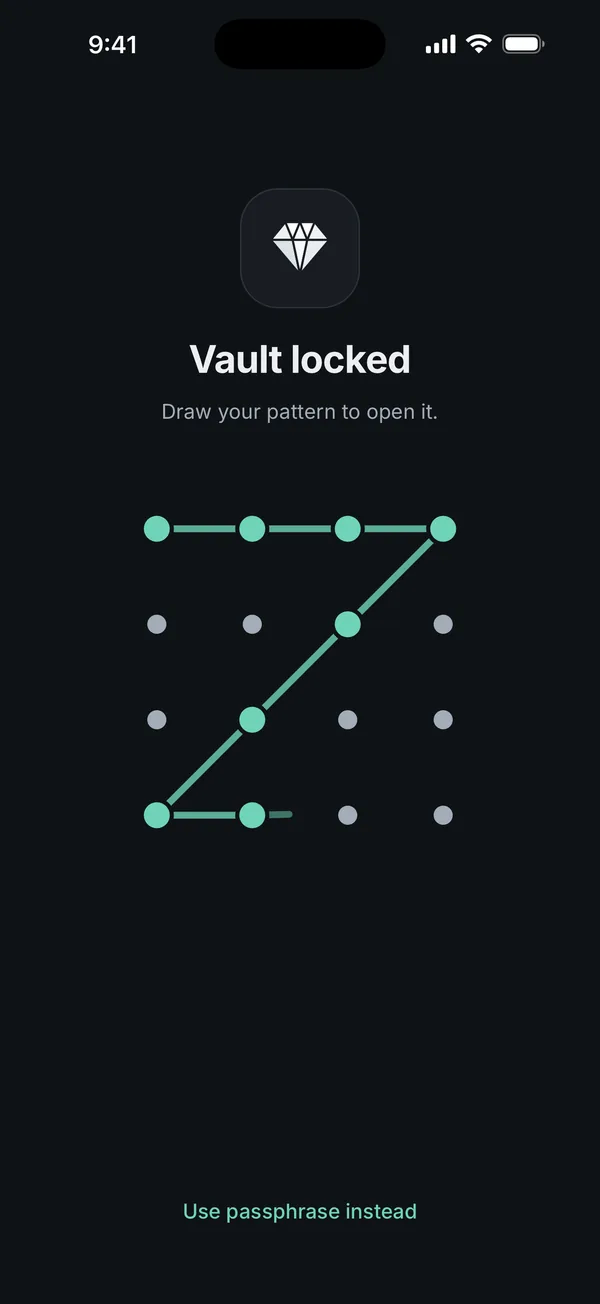
A lock your passcode doesn't open. Scellé has its own passphrase. If you turn on Face ID for it, iOS releases the vault's key only after a Face ID or Touch ID match, so typing the iPhone passcode at the prompt doesn't open it.
Locks itself. By default the vault locks as soon as you leave the app, is hidden in the app switcher, and comes out black in screenshots and screen recordings.
Guessing can leave a trace. Wrong guesses are counted until the next successful unlock. After five, every further wrong guess adds a wait, and a pending wait shows on the lock screen. If you use an unlock pattern, five wrong attempts of any kind switch the pattern off until the passphrase is entered. Unlocking with Face ID clears the count without telling you, so this is a hint, not a record.
What it does not do: it can't protect photos that are still in your library, and once you've moved them in, copies may remain in Recently Deleted or old messages. Our guide to moving photos to a vault covers clearing them. Scellé costs $1.49 a week or $49.99 once (US prices, local price shown in the app) and works on iPhone only. More on the lock settings is on the lock protection page.
Frequently asked questions
Does iPhone show who viewed my photos?
No. iOS treats anyone who unlocks the phone as you, and Apple documents no log of which person opened Photos or which pictures they looked at. The Recently Viewed collection shows which photos were opened, not by whom. Clues can point to something, but the phone itself can't prove who was looking.
Where is the Recently Viewed album on iPhone?
Open Photos, tap Collections and scroll down to Utilities. Apple lists Recently Viewed there, next to Recently Shared and Recently Saved. Some collections, like Hidden and Recently Deleted, are locked and open with Face ID, Touch ID or your passcode. You can tap Edit in Utilities to reorder the list.
Can someone see my Hidden album if they know my passcode?
Yes. Apple says the Hidden and Recently Deleted collections unlock with Face ID, Touch ID or your passcode. So a person who knows your passcode can open them. The lock stops someone you hand an already unlocked phone to, as long as they don't also know the code.
Why did my iPhone ask for my passcode instead of Face ID?
Apple lists several reasons: the phone was restarted, it hasn't been unlocked for more than 48 hours, it received a remote lock command, or there were five unsuccessful Face ID attempts. Other timing rules apply too. So it can mean someone tried to unlock it, but it often has an ordinary cause.
Can App Privacy Report show someone looking at my photos?
Not directly. It shows when apps accessed privacy-sensitive data, including Photos, over the past 7 days, and only if you turned it on beforehand. It can reveal an app reading your library at an odd time, such as one used to upload pictures. It is not a record of a person scrolling through the Photos app.
What should I do first if I think someone went through my phone?
Change your passcode to one the other person can't guess, then open Safety Check in Settings, Privacy & Security. It walks you through who you share with, devices on your Apple Account, and your Face ID setup. If your safety is a concern, Apple's Personal Safety guide covers planning before you change anything.
Summary
- Your iPhone keeps no record of who looked at your photos, so it can't prove anything either way.
- Real clues: Recently Viewed, Recently Shared and Recently Deleted in Photos, sent messages, and Screen Time or App Privacy Report if they were already on.
- Safety Check shows who still has access, and walks you through changing your passcode and Face ID.
- Prevention is what works: a passcode only you know, and a separate lock for the photos that matter most.
Sources
- iPhone User Guide: Find recently saved photos and videos
- iPhone User Guide: Delete or hide photos and videos
- Apple Personal Safety User Guide: Safety Check for an iPhone with iOS 16 or later
- Apple Support: About App Privacy Report
- iPhone User Guide: Set up Screen Time for yourself
- iPhone User Guide: Set a passcode